

New Participant
December 30, 2016
Answered

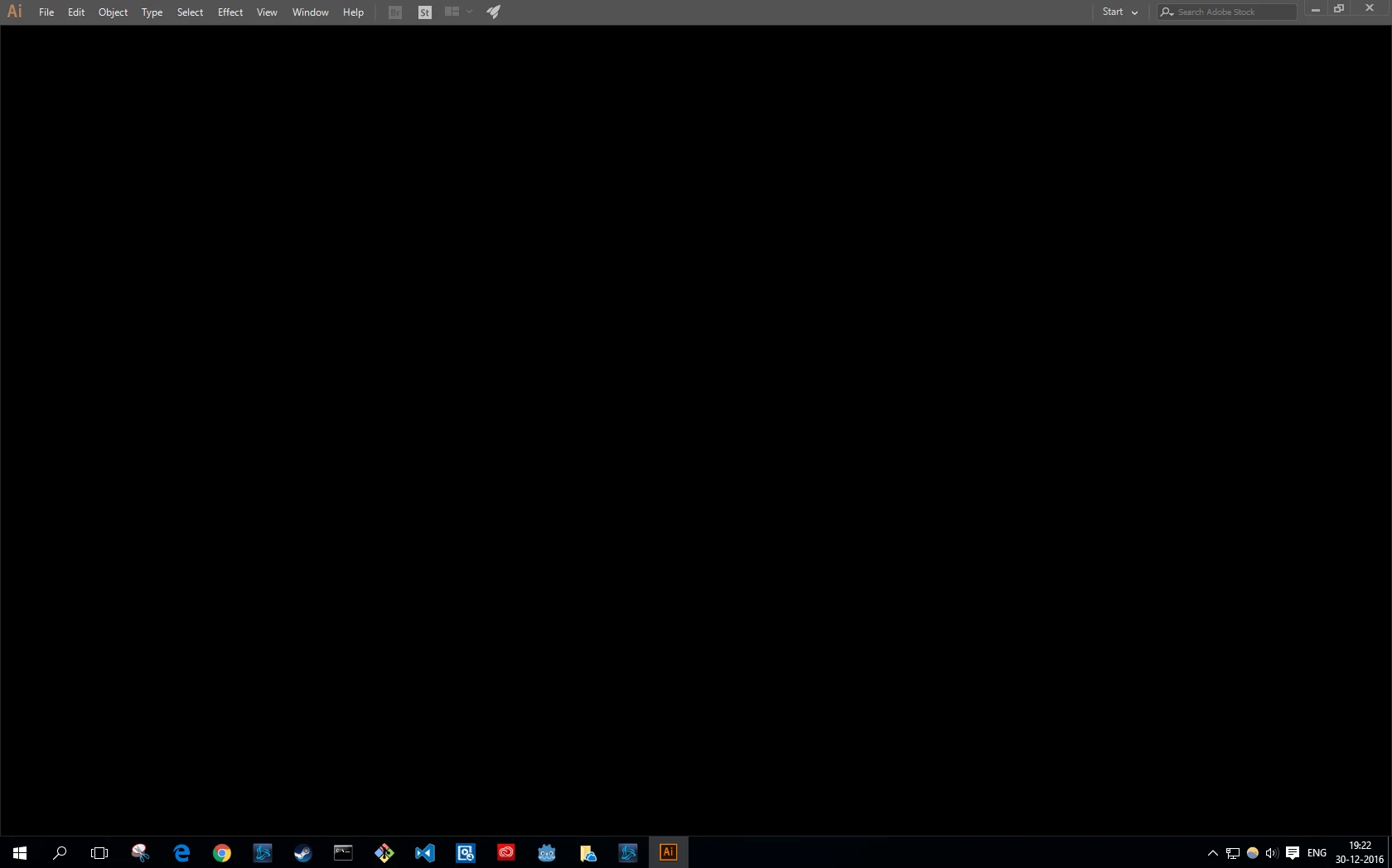
Starting Adobe Illustrator gives me blackscreen :(
  • December 30, 2016
  • 2 replies
  • 2096 views

i've tried to reboot, uninstall and install... nothing works.

While it normally always worked, now it suddenly doesn't?

This topic has been closed for replies.
Correct answer Garrosh

The problem solved randomly by it self...

Maybe my Windows is once again corrupted.

2 replies

GarroshAuthorCorrect answer
New Participant
January 3, 2017

The problem solved randomly by it self...

Maybe my Windows is once again corrupted.

Monika Gause
Community Expert
December 30, 2016

Which version?

Which system?

Did you already restart the computer or rebuild the Preferences file?

What happened after it last worked?

GarroshAuthor
New Participant
December 30, 2016

I use Windows 10 64bit.

And my Adobe Illustrator version is: 21.0.0 (64 bit) Adobe Illustrator cc.

At first, I couldn't edit Illustrator object colours, I uninstalled restarted and rebooted and suddenly Adobe Illustrator starts with a blackscreen.

And it basically kept it even after I uninstall the software.

Kevin Stohlmeyer
Community Expert
December 30, 2016

Go to the top of your options bar and change your workspace from "Start" to "Essentials" or something else, it usually resets it.