


Participant
April 22, 2022
Question

Stroke appearing around text box when creating outlines

  • April 22, 2022
  • 2 replies
  • 1813 views

Hi all, 


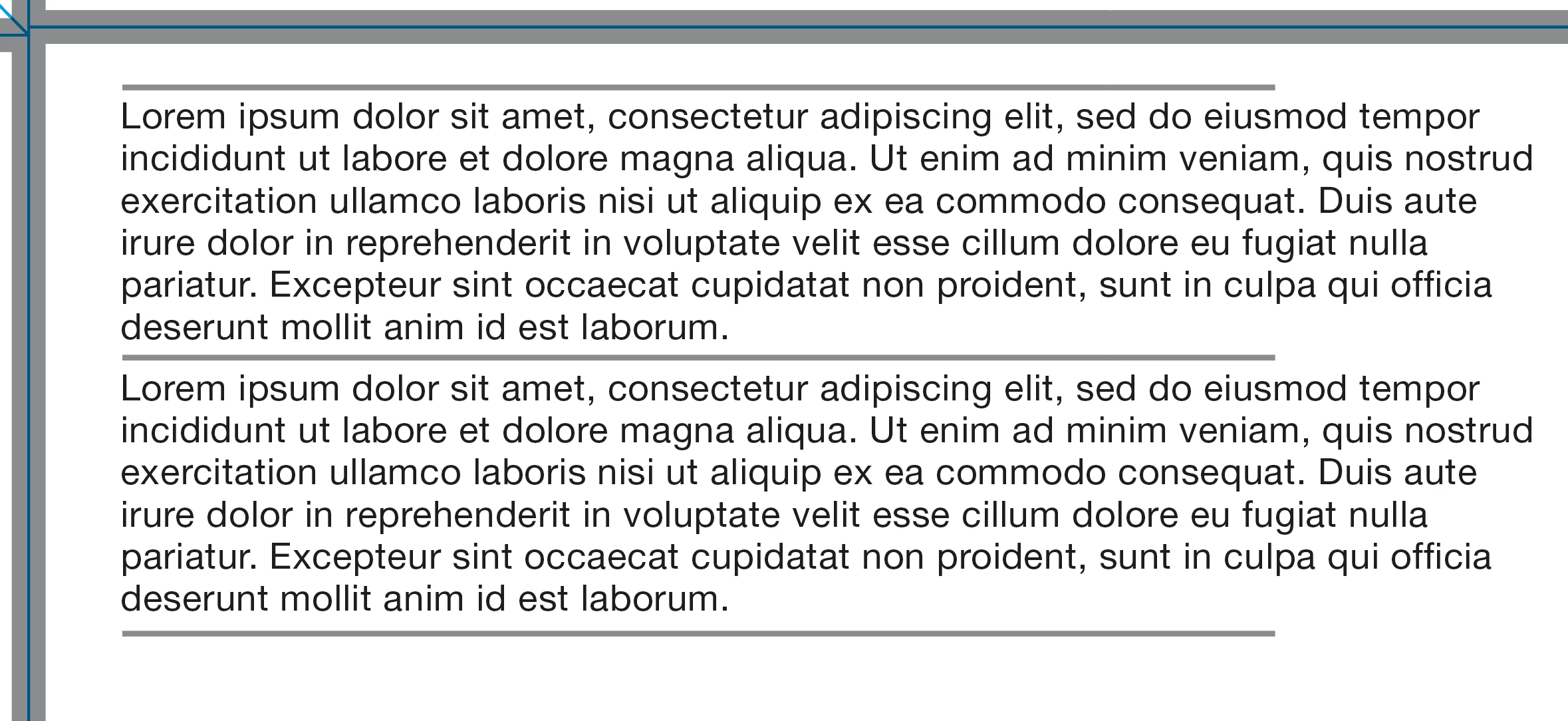
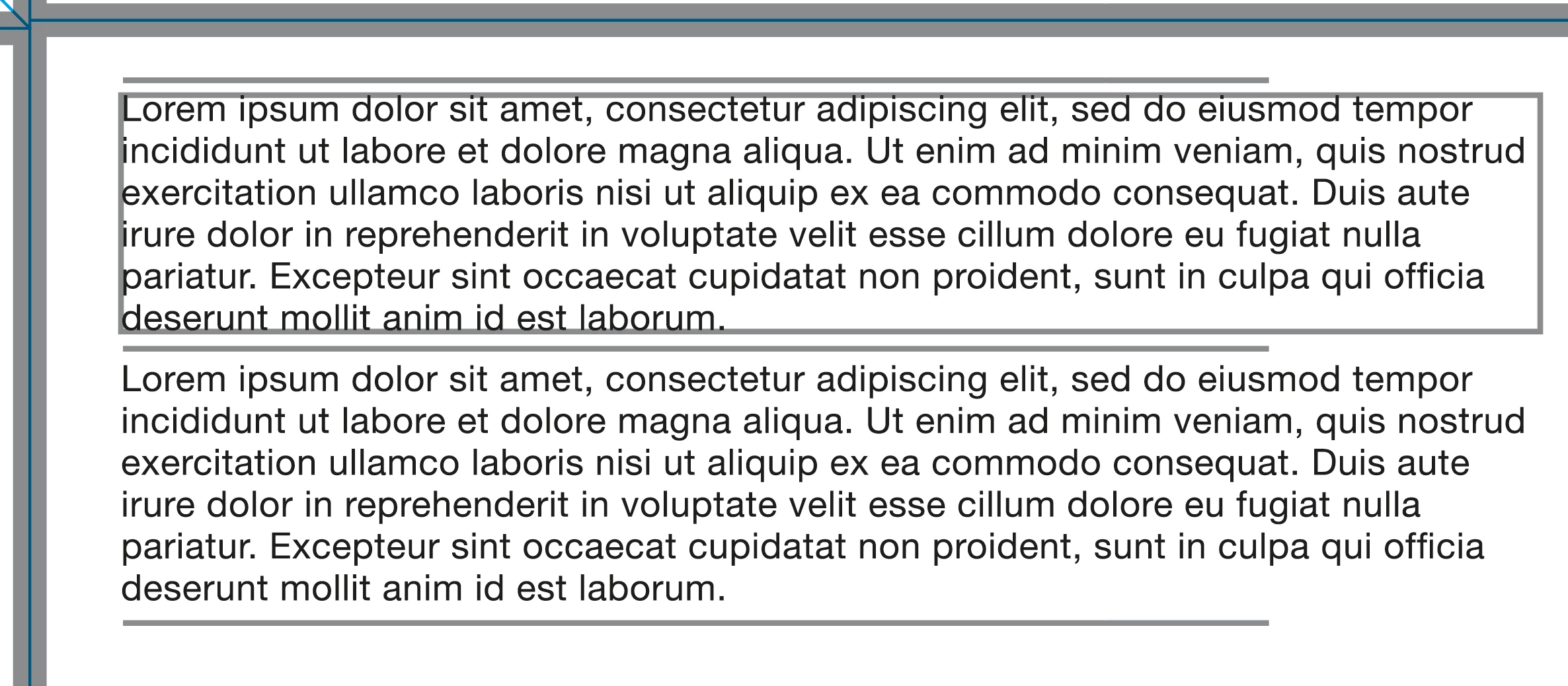
I'm creating outlines of this text here (using placeholder text as I work for a packaging company and don't want to share private client info), please see first text box. 


When I outline this (using create outlines) it puts a stroke around the text box. 


It isn't happening in all cases, just this one. Wondered if there was workaround for this that anyone knows of?


This topic has been closed for replies.

2 replies

Mike_Gondek10189183
Community Expert
Community Expert
May 12, 2022

Is the issue consistently repeatbale on certain text containers?


Yes please post a sample so we can diagnose. This will help us tremendously, to find the issue.


Tell us about the history of the file. Was it created from scratch, or might it be imported or from a file saved a long time ago under older version of AI?


Try with hollow arrow tool selecting the text container, then clean appearance, especially if you see anything different than stroke of none.


Alluring_Eclipse01AC
Participating Frequently
July 15, 2022

I'm having the same issue and haven't been able to find a solution except manually fixing files after exporting. I've attached a couple of files to see if they help.


Note: If I create a new file and try the outlining process that creates this issue on my working files, it doesn't happen. I don't know the whole history of the files I'm sharing, as they came from an agency before I gained ownership. 


Thanks for any help/insight. 


I've created links to these files... this form won't let me post the files. 

https://www.dropbox.com/s/jj1u9fuwxuallpj/LD-Sleep-04.ai?dl=0

https://www.dropbox.com/s/3snlonmnt21w0c9/LD-Sleep-04-O.ai?dl=0


Alluring_Eclipse01AC
Participating Frequently
July 15, 2022

I'm not sure why that is happening, but if you change your area type text box to point type it stops happening!


I like the workaround, but it doesn't take care of what feels like a bug.🤪 The files should export the way they are intended.


Thanks! @Met1 !

jane-e
Community Expert
Community Expert
May 12, 2022


@JasperCat10 wrote on April 22:

When I outline this (using create outlines) it puts a stroke around the text box. 


Hi 

Can you go to View > Presentation Mode to see if the lines still appear? Once you create Outlines, you don't have a text frame anymore. It may just be the non-printing Edges (View > Hide/Show Edges), but it's a little hard to tell without seeing other panels, such as Appearance. 


To clarify, all you are doing is typing text and converting to Outlines? Do you have a before image as well as an after image?


Apologies for the long delay in seeing your question.


Jane

Participant
May 12, 2022

Thanks for your reply. 


I've tried View > Presentation Mode and can still see the box around the text.

I've attached a few more screenshots, not sure if it's helpful or not. When we are saving our outlined files as PDF's the box also stays. We send a live file and an outlined file to client and when doing our comparison checks, this is when we noticed that only the outlined file as the box around the text. 

When we first came across this, I did some digging around and some suggested it was a bug, but I haven't been able to find much else on it. 


The only workaround we currently have is ungrouping and deleting the box manually. As we work on different ranges, often the box is appearing on different panels etc so sometimes we do miss it. 


Definitely seems a bit of a strange one!


Ton Frederiks
Community Expert
Community Expert
May 12, 2022

It would be very helpful if you could share an example Illustrator file with the text before it is outlined.

Dropbox, CC filesharing, Google, WeTransfer...