

New Participant
February 28, 2018
Answered

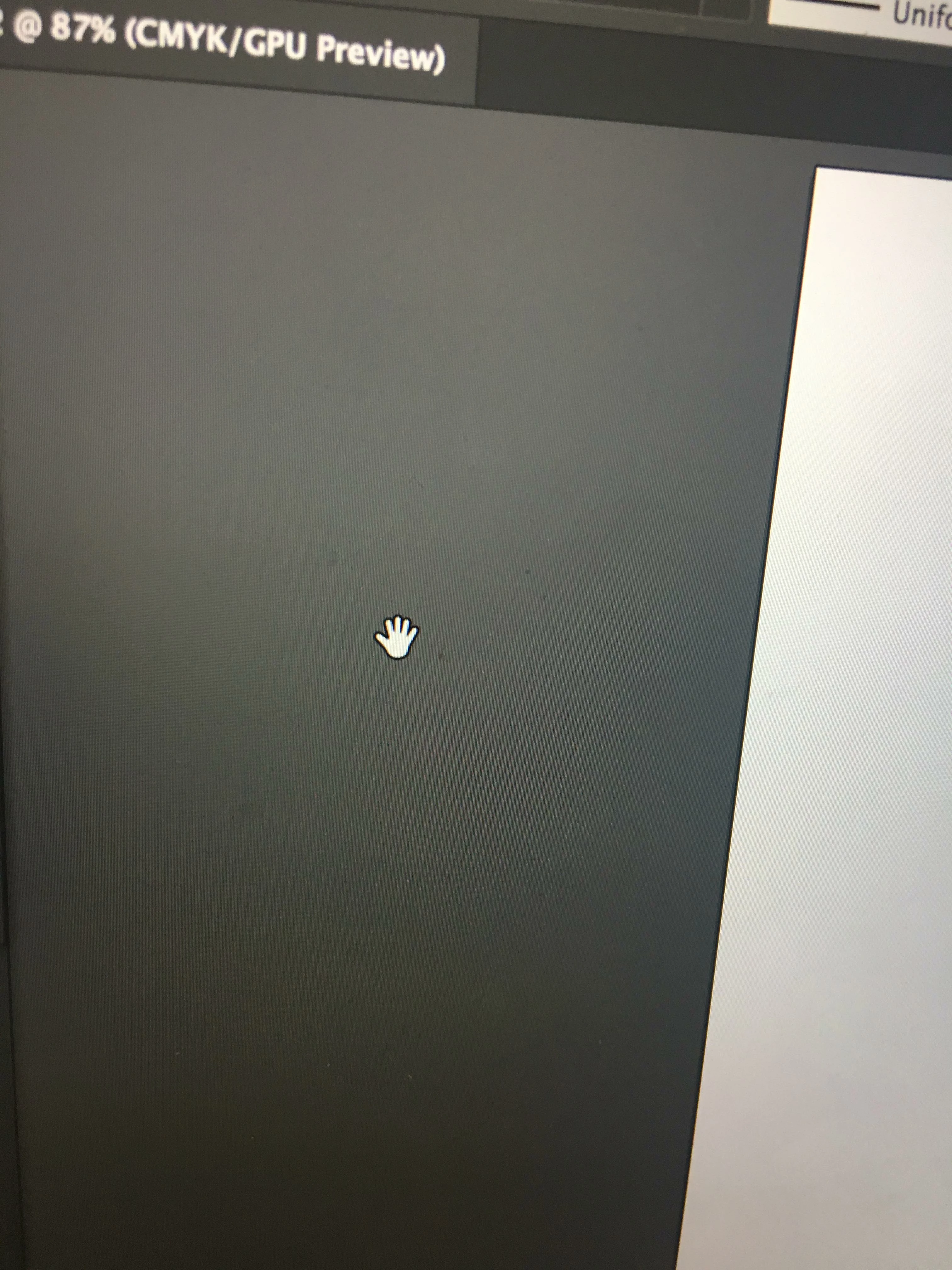
stuck on hand grab tool? please help

  • February 28, 2018
  • 3 replies
  • 7178 views

Hi there, i cant seem to get off this hand grab tool, meaning i cant use any features at all!! Please help me i have tried everything!

    This topic has been closed for replies.
    Correct answer Mohammad.Harb

    Are you on the latest Graphic card driver update?

    try to disable  GPU and preview on CPU

    by pressing ctrl + E

    3 replies

    Srishti Bali
    Community Manager
    Community Manager
    March 8, 2018

    Hi hannahb,

    I would like to know if the steps suggested above worked for you, or the issue still persists.

    Kindly update the discussion if you need further assistance with it.

    Thanks,

    Srishti

    John Mensinger
    Adobe Expert
    February 28, 2018

    Is your spacebar stuck?

    New Participant
    February 28, 2018

    I've seen this before and i have tried repeatedly pressing it but how would i know if it was jammed?

    michelew83603738
    Adobe Expert
    February 28, 2018

    I would first try to restart Illustrator, then as Mohammad.Harb​ suggested, either turn off the GPU Performance - you can go to Preferences and then Performance and toggle it off or go to the little Rocket Ship Icon on top of the interface (where it has AI, BR, etc) or use the shortcut Ctrl+E to turn it off. It might be that your graphics card needs to be updated or isn't up to the specs of this version and is causing the problem. This might take care of it. Or it could just be a glitch and the restart could help - that has happened to me before.

    Mohammad.Harb
    Mohammad.HarbCorrect answer
    Adobe Expert
    February 28, 2018

    Are you on the latest Graphic card driver update?

    try to disable  GPU and preview on CPU

    by pressing ctrl + E

    Participating Frequently
    January 13, 2019

    thank you – this fixed it for me!

    Jeff Witchel, ACI
    Adobe Expert
    January 13, 2019

    If someone helped fix the issue, please mark their answer as Correct.