


holly23419974
Participating Frequently
September 6, 2022
Question

'System has run out of application memory' Error message

  • September 6, 2022
  • 2 replies
  • 1212 views

Hello,


My AI has been very slow when running recently, and now I keep getting the same error message saying I have run out of application memory. I've got 147GB of space still available on my mac and I'm running mas os Big Sir 11.1.


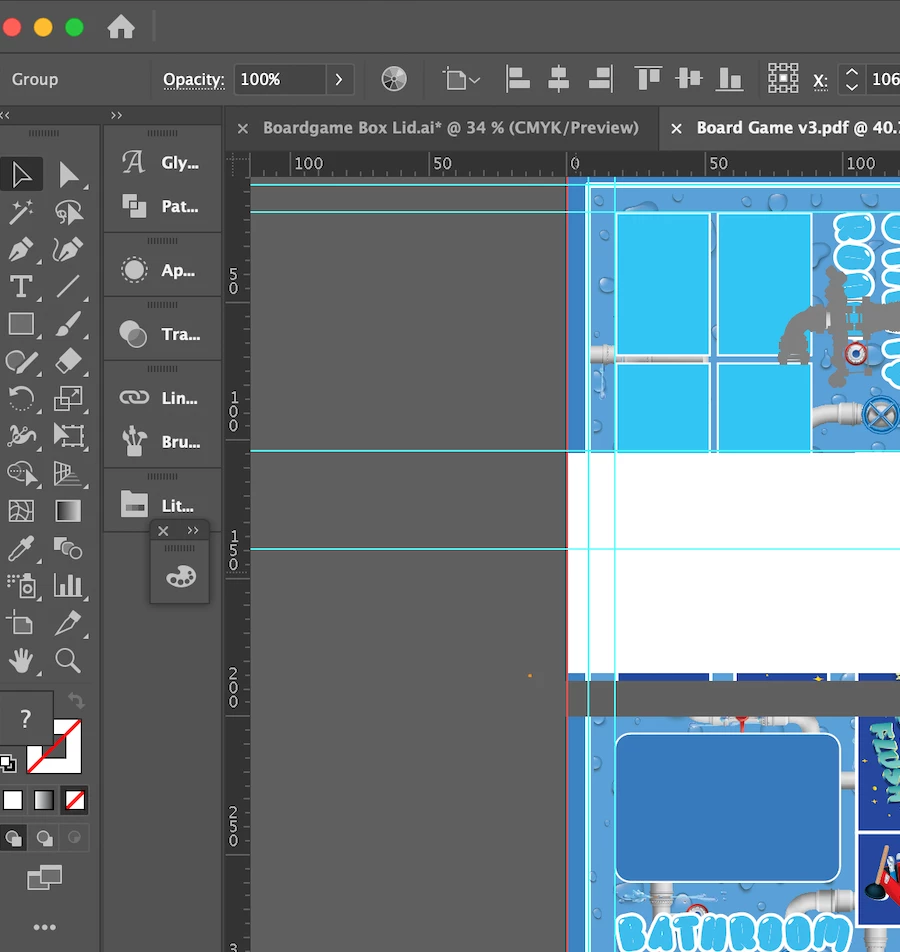
I've updated my ai, closed all my programmes and still keep getting the error messgae, it is a very large file but I've put everything on sepperate layers but it's still running incredibly slow and lagging often with the work dissapearing completely off the screen so it's all white on the artboard. It will then sometimes slowly come back on the screen in sections if I'm moving accross the document. (picture attached)

Then will crash. Even small regualr files are running slow.


I need to use ai all day for work and I can't work like this! Does anyone know what I can do to help it please?


Thank you!
 

This topic has been closed for replies.

2 replies

Community Manager
September 6, 2022

Hello holly23419974,


Sorry to hear about this experience. I would request you try the suggestions shared in this help article (https://helpx.adobe.com/illustrator/kb/optimize-illustrator-performance.html) and share your observations.


Looking forward to your response.


Thanks,

Anubhav

Kevin Stohlmeyer
Community Expert
September 6, 2022

That message means RAM not HD space. How much RAM do you have installed on your Mac?

holly23419974
Participating Frequently
September 6, 2022

Hi Kevin,


Thanks, I have 16BG of RAM on my mac when I look at my system usage I have this is it a case of going through and removing everything I don't recagnise? I'm wary to remove something I might not know I need


Thanks for your help,


Holly

holly23419974
Participating Frequently
September 6, 2022

You can clean you caches for one using a program like Onyx but that wont solve the issue.

When you are working in AI, what does your RAM usage show?

Depending on how complex your illustration is, ~6 GB remaining may not be enough.


So I just opened the big file and my usuage was:There are more listed than just those 3 but they're top. Is there any way of freeing up RAM? My laptop is old but I've worked in large files before. I'm a graphic designer so need to be able to make large files just not very techy on how to fix these things!


thanks for your help