
Text Copied from Illustrator CC 2014.1.0 Pastes as Image
I have seen similar discussions but none of the answers are of any help to me as of today.
Background:
I am running OS X Yosemite 10.10
All my CC apps are up to date as of (11/1/14)
I am also up to date on all other software on my Mac
My goal:
Copy text from illustrator
Paste in Mail, TextEdit, and Notes as live editable text
Results:
Text pastes as pdf or some type of an image depending on the app
What it looks like:
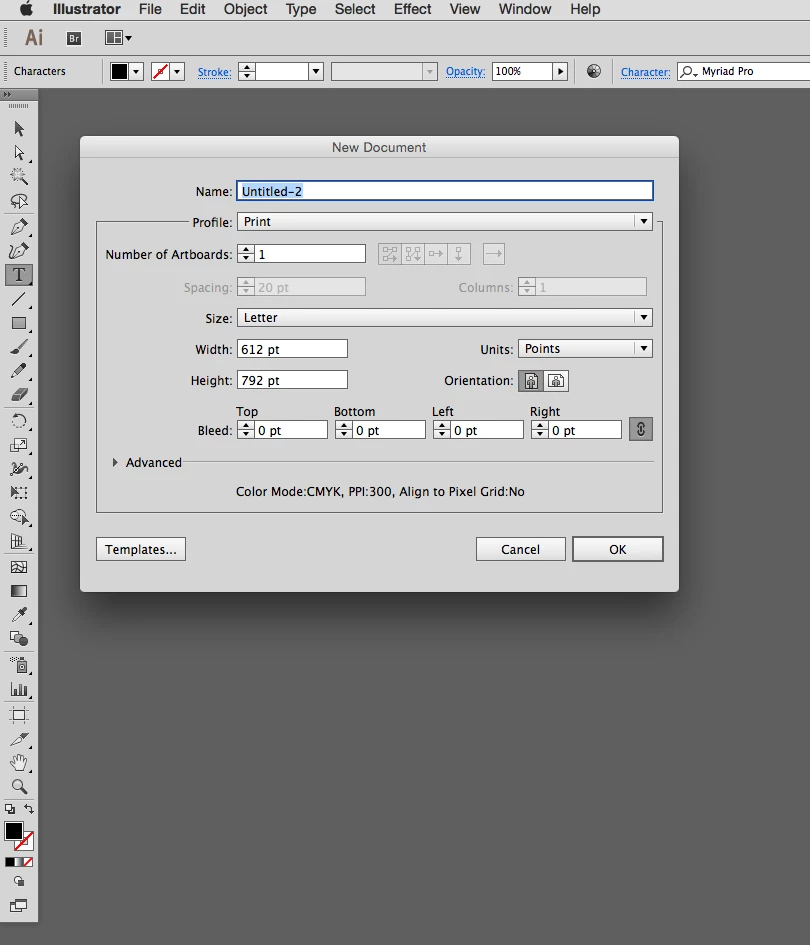
I'll start from the beginning to avoid some questions later.
I open a new document in Illustrator.
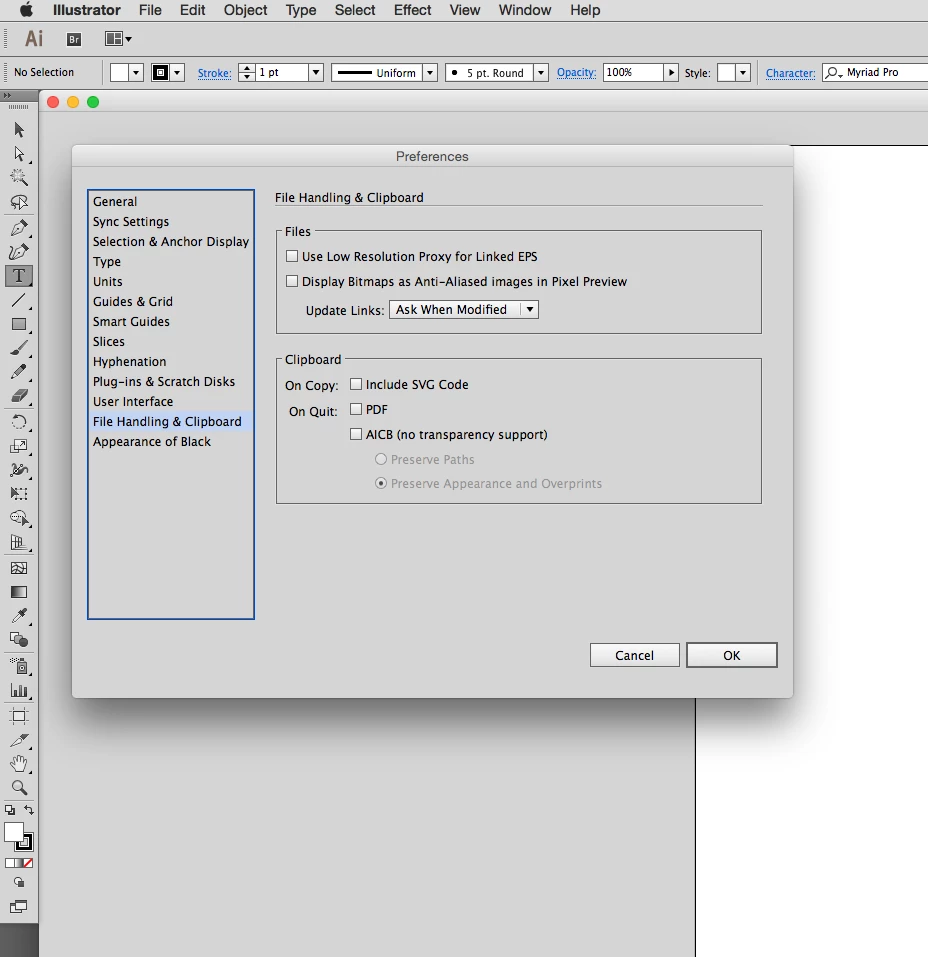
These are the clipboard settings in my preferences.
Please Note - I have tried every combination of these settings. Turning them on and off one at a time and in combination does nothing to change the end product. I have turned them all off for this example, so as to not muddy the waters.

I type some text. I did not use a text box in this example. I just clicked on the page with the type tool and typed this line. There are no added attributes. You can see the character settings are the most basic. Again, please note - I have tried using a text box with the same result.
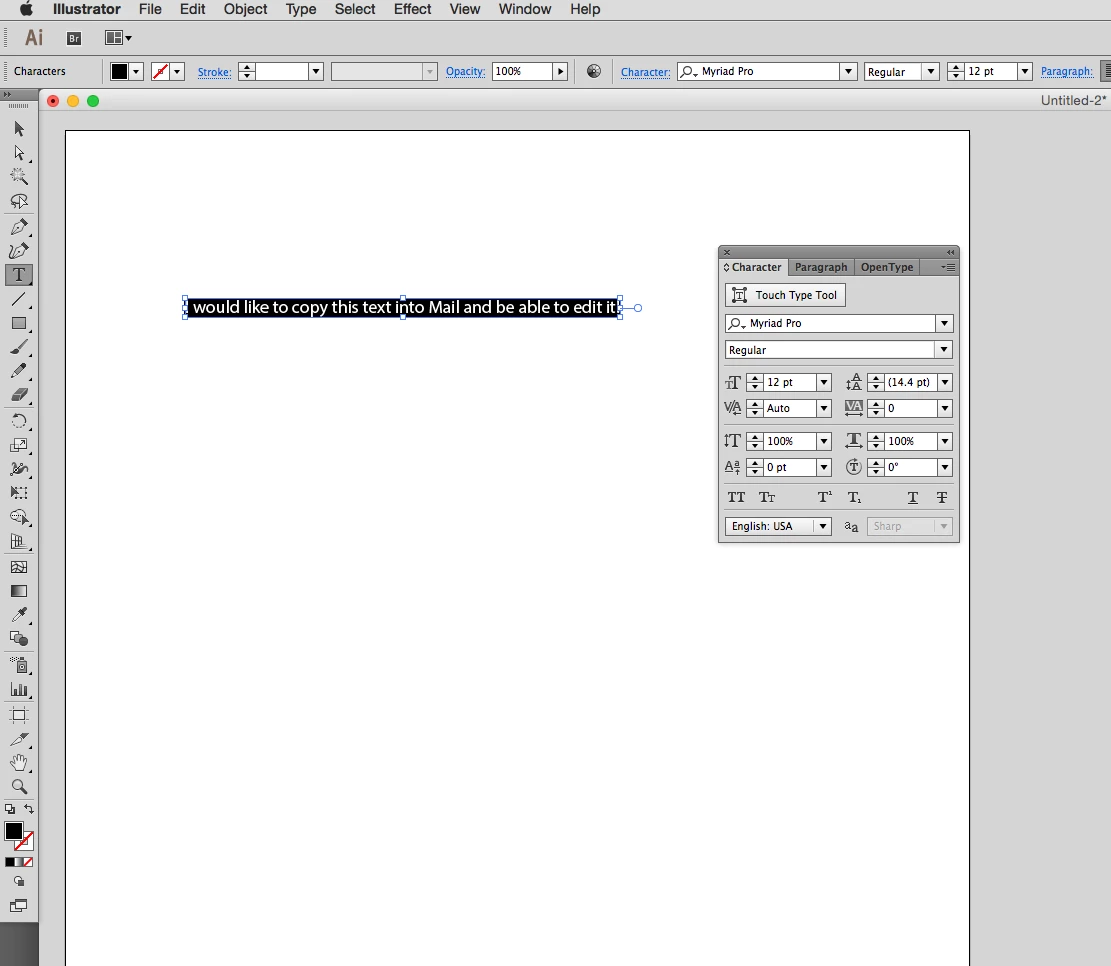
I use the type tool to highlight the text and then copy the text. I did not use the selection tool to select the text and copy.
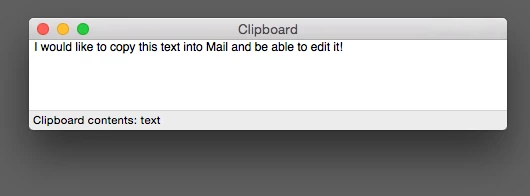
This is what the clipboard looks like. Note that the contents is "text".
If I type text in PS (as an example) and copy to the clipboard it says "text". However, the text I copy out of PS I can paste anywhere as editable text.
If I type text in Notes and copy to the clipboard it says RTF. This text can also be pasted anywhere as editable text.
This leads me to believe that this is an Illustrator centric problem I am experiencing.

I click into the body of an email and paste. Looks fine, but when I try to click into the text (such as between the words "into" and "Mail") I cannot do it.
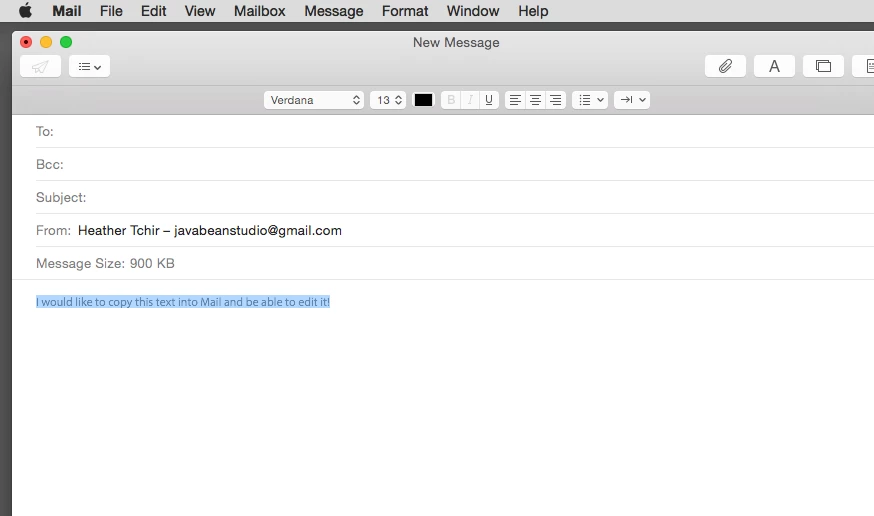
The line of words is highlighted and not editable at all.
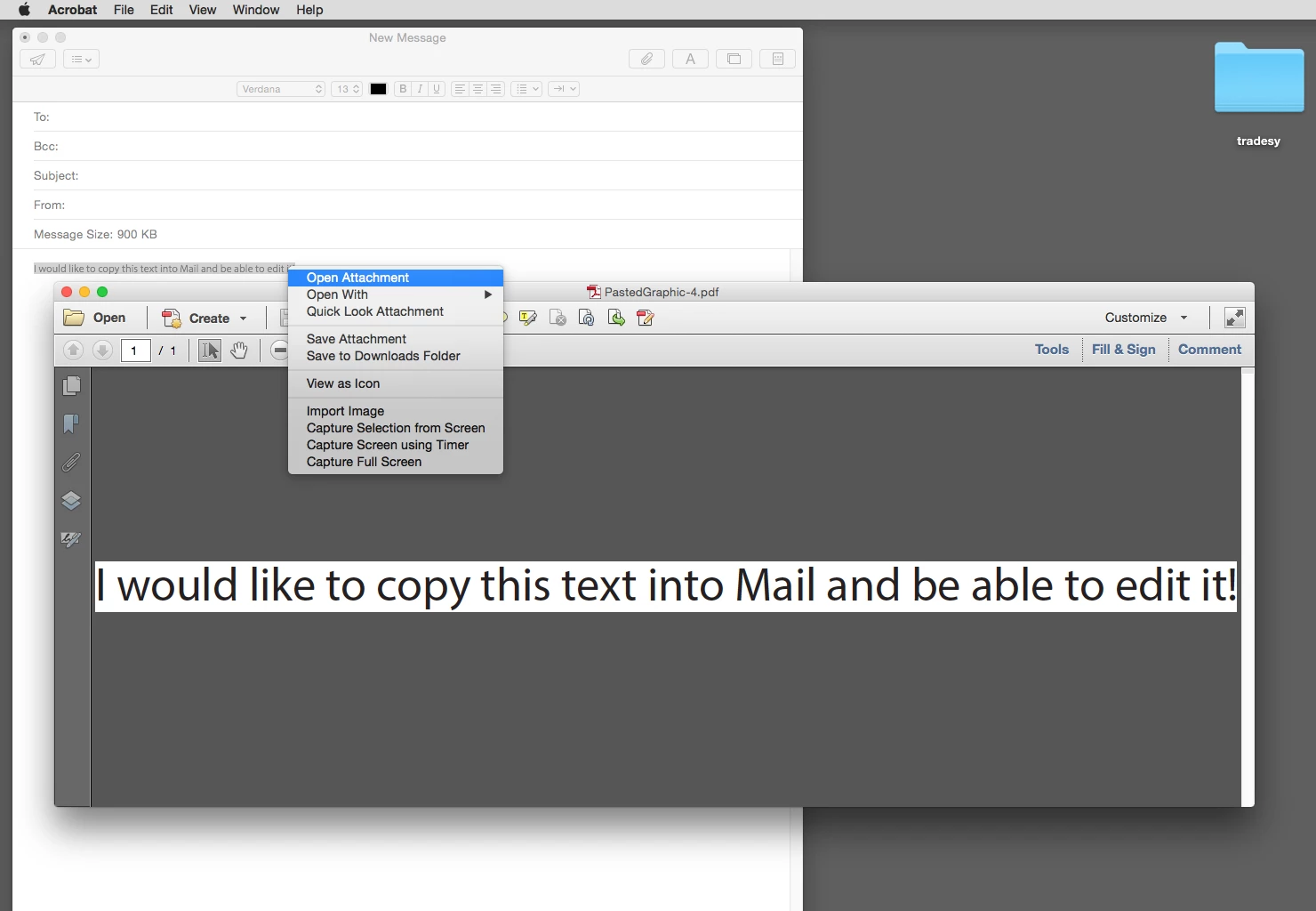
If I right click on the image of the line of text and highlight "open attachment" you can see the clipboard pasted in as a .pdf and not editable text.

Interestingly, if I open a new note and try to paste the line of text, it also pastes as a .pdf but just the icon show up. Double clicking on the icon will open the text as a pdf in acrobat.
I did not have this issue until CC2014 updates were made. I would like to know if there is something that can be done or is this a bug in Illustrator. If it is a bug I don't want to spend time looking for workarounds. I will use another program when I know there will be a good deal of copy and paste work to be done. It's inconvenient for my older Illustrator files now have this issue when I open them in CC2014.
I know I can use the "paste and match style" but it's a force of habit to use the shortcut for paste. It's also a ridiculous change to Illustrator for the cut/paste to act this way. If it indeed was planned and not a bug, what would the benefit be?
If anyone has insight into the problem I am eager to know what's going on.
Finally, if there is no other way to fix this then can someone remind me how to customize the shortcut key combinations in Mail, Notes and TextEdit? I seem to remember (long ago) being able to customize certain shortcuts in some apps, but I never did it in anything but Adobe apps and even then it was CS5.
Thanks in advance for any help!

 AdChoices


