


Participant
July 16, 2017
Answered

Text disappearing when zoomed out, any way to force rendering of all icons/text boxes?

  • July 16, 2017
  • 2 replies
  • 4713 views

I'm trying to edit a document which has a map as a baselayer, but when adding small text/icons over, it will show zoomed in (say 1600%), but as soon as I zoom out to check the overall document, or toggle different icon batches, all disappear, or end up as white boxes until a ridiculous zoom level is taken.

This is excruciatingly frustrating as adding icons can only be done by toggling off the base map, adding text/icon, and then zooming back in to check that it's in the right spot, which for over 300 icons has taken me days for for a project which should take just hours if I didn't have to constantly toggle.

I tried testing this on a new document of the same dimensions/scales, but no problems, this only happens on the document that I need to be able to see further zoomed out, and I'm beyond frustrated with Adobe's ability to offer support documentation on this after searching for about 4 hours.
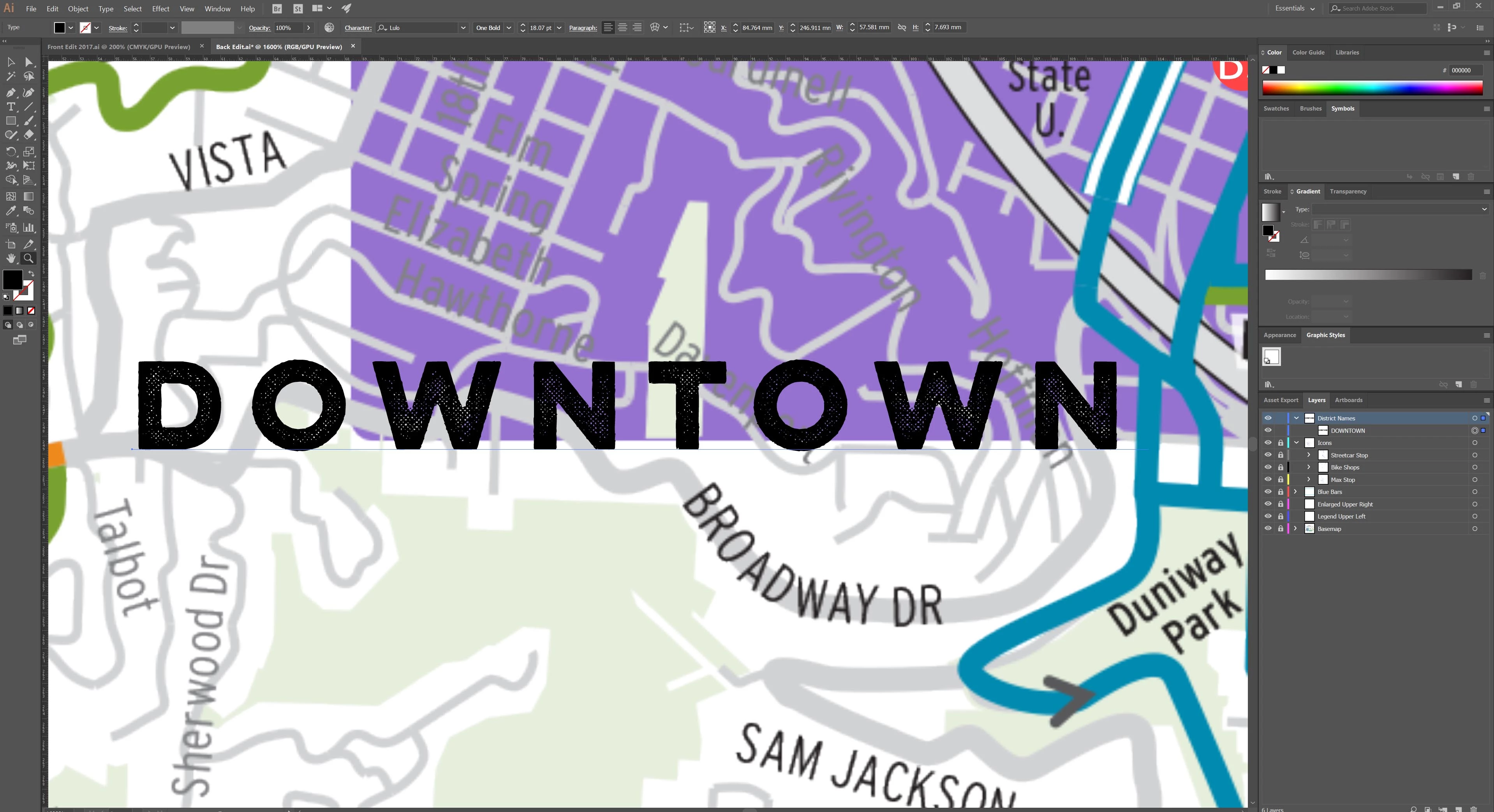
Zoomed 1600%
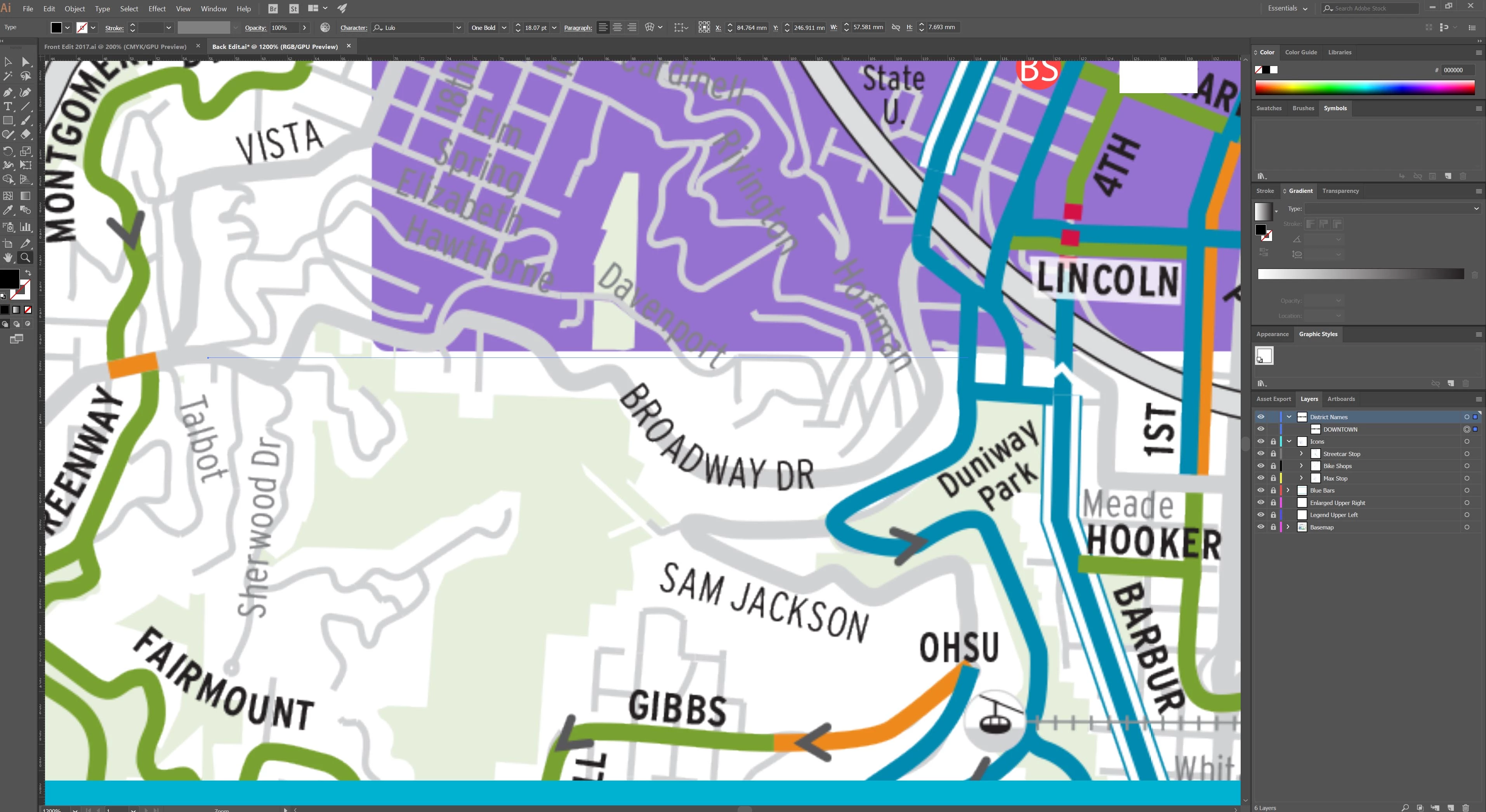
Zoomed 1200% (now disappearing, also see white box in upper right where other icons start failing to render, even though visible when output to .PDF

Thank you for any help, this is extremely frustrating.

    This topic has been closed for replies.
    Correct answer barbara_a7746676

    In Peferences > GPU, try either enabling or disabling GPU. You may need up update or change the version of your GPU.

    2 replies

    Participant
    July 16, 2017

    Thank you Barbara, you've just made my week!

    It is a bit confounding that this is an issue with a $700 Nvidia GTX 1080 (fully updated software/drivers) when the illustrator dialogue box states that the GPU is compatible. With GPU rendering off the issue is no longer present, albeit much slower when rendering off of the CPU, and will allow me to finish the project.

    I with that CS rep's I spoke with at Adobe had been able to figure that out when I spoke to them earlier this week...

    barbara_a7746676
    Community Expert
    Community Expert
    July 16, 2017

    I'm glad that solved it so that at least you can get your work done!

    This page has GPU compatibility requirements Adobe Illustrator system requirements but even so, Illustrator has been a bit flaky with the GPU issue.

    Participant
    July 16, 2017

    Thank you Barbara,

    I checked all requirements/driver advice on that page after you helped narrow it down to the GPU preference setting - no changes unfortunately so CPU it is.


    You are a kind person, "bit flaky" doesn't scrape the surface with how frustrating it is to work with a program that requires this type of tweaking for a brand new 2017 computer to get work done.

    Thank you again, and regards, I'd like to leave this as "unanswered" since it lets Adobe know this is still a problem, if that affects your user score/rep let me know and I'll mark answered, but would like Adobe to see this as a persistent issue that needs further evaluation.

    barbara_a7746676
    Community Expert
    barbara_a7746676Community ExpertCorrect answer
    Community Expert
    July 16, 2017

    In Peferences > GPU, try either enabling or disabling GPU. You may need up update or change the version of your GPU.