


Inspiring
May 10, 2017
Answered

Text doesn't show when I open an existing file

  • May 10, 2017
  • 1 reply
  • 1026 views

Hi!

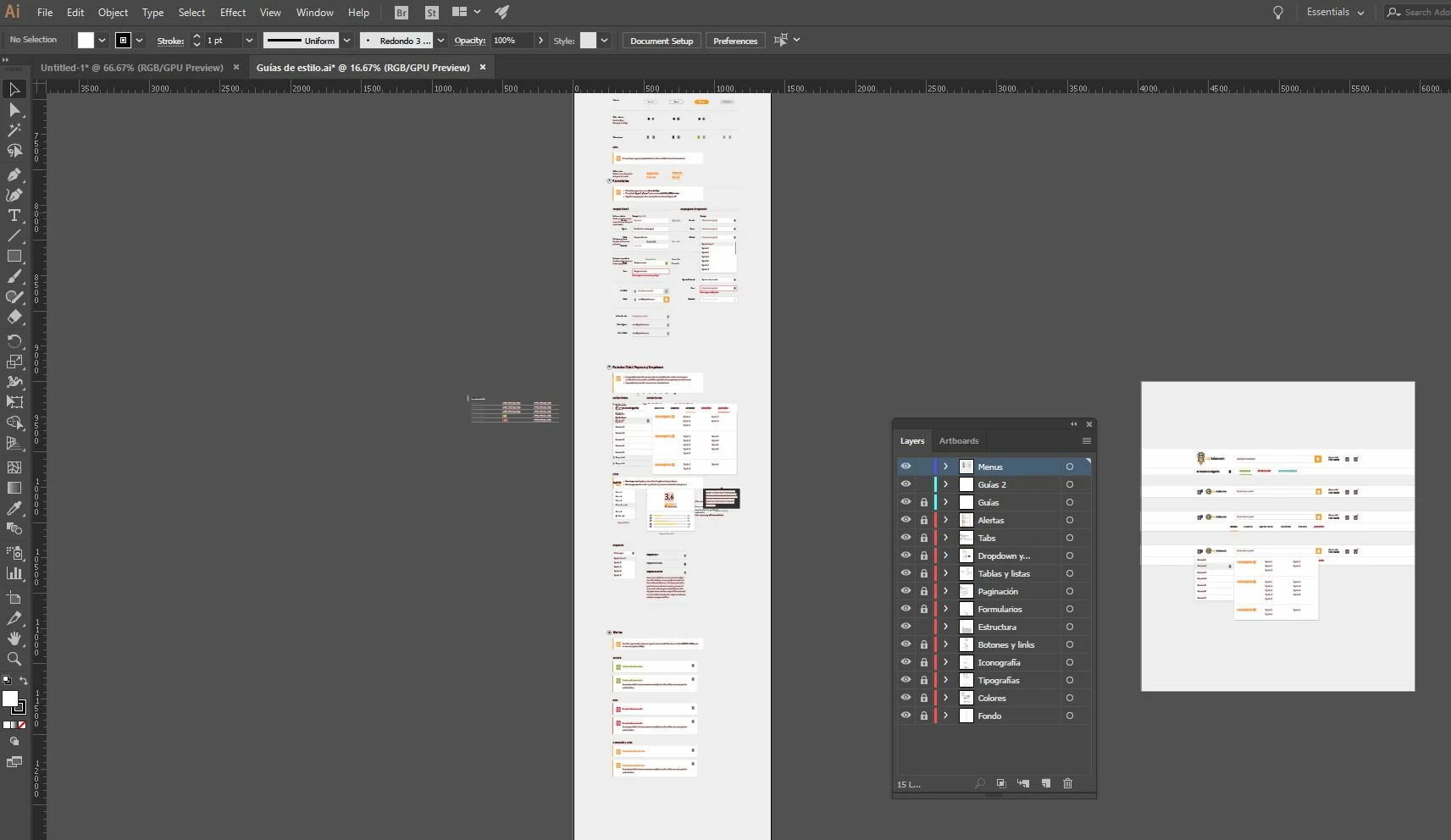
Since the last update of Windows 10, when I start my computer and open an existing ai, my text just doesn't appear. Even so, I can create new layers of text that I can see but, the already existing ones doesn't. Those days I just restarted my computer and it worked, but I have already restarted twice today and the problem persists.

Thank you!
    This topic has been closed for replies.
    Correct answer Jonathan Centeno

    Hi polp,

    Thanks for the details and the file. I was able to open it and I did get all the text and everything else, although there were missing fonts (expected, as my system may not have those fonts) but the file opened fine. You can try resetting your Illustrator preferences and check. It could be a glitch in preferences. See: How to set preferences in Illustrator

    Regards,

    Om


    Hey,

    I tried resetting my preferences but nothing changes. Anyway, I think I have found the problem. I tried finisihing my processes from my font manager, and it just worked without restarting my computer. It might be some kind of incompatibility with the new windows 10 update and the font manager software.

    Thank you!

    1 reply

    Om Nath Jha
    Brainiac
    May 10, 2017

    Hi polp,

    Where are these document saved? Are you opening them directly from a network drive? Did you try copying the content from the old document to a new one and see if you get the text in it? If not, you can try that. Can you share a sample file so that we can test it at our end?


    Regards,Om

    Inspiring
    May 10, 2017

    Hi Ohmnath,

    The file is saved on my hard drive. Anyway, this happens with all documents I try to open. I can't try it to paste it now in another document because it's already working fine after restarting 3 times. If it happens tomorrow I'll try it. I add you this file. Is the one I'm working most lately: Adobe Creative Cloud

    Thank you!

    Inspiring
    May 11, 2017

    Another day and the same problem. I tried to copy paste this text into a new file but keeps invisible.