


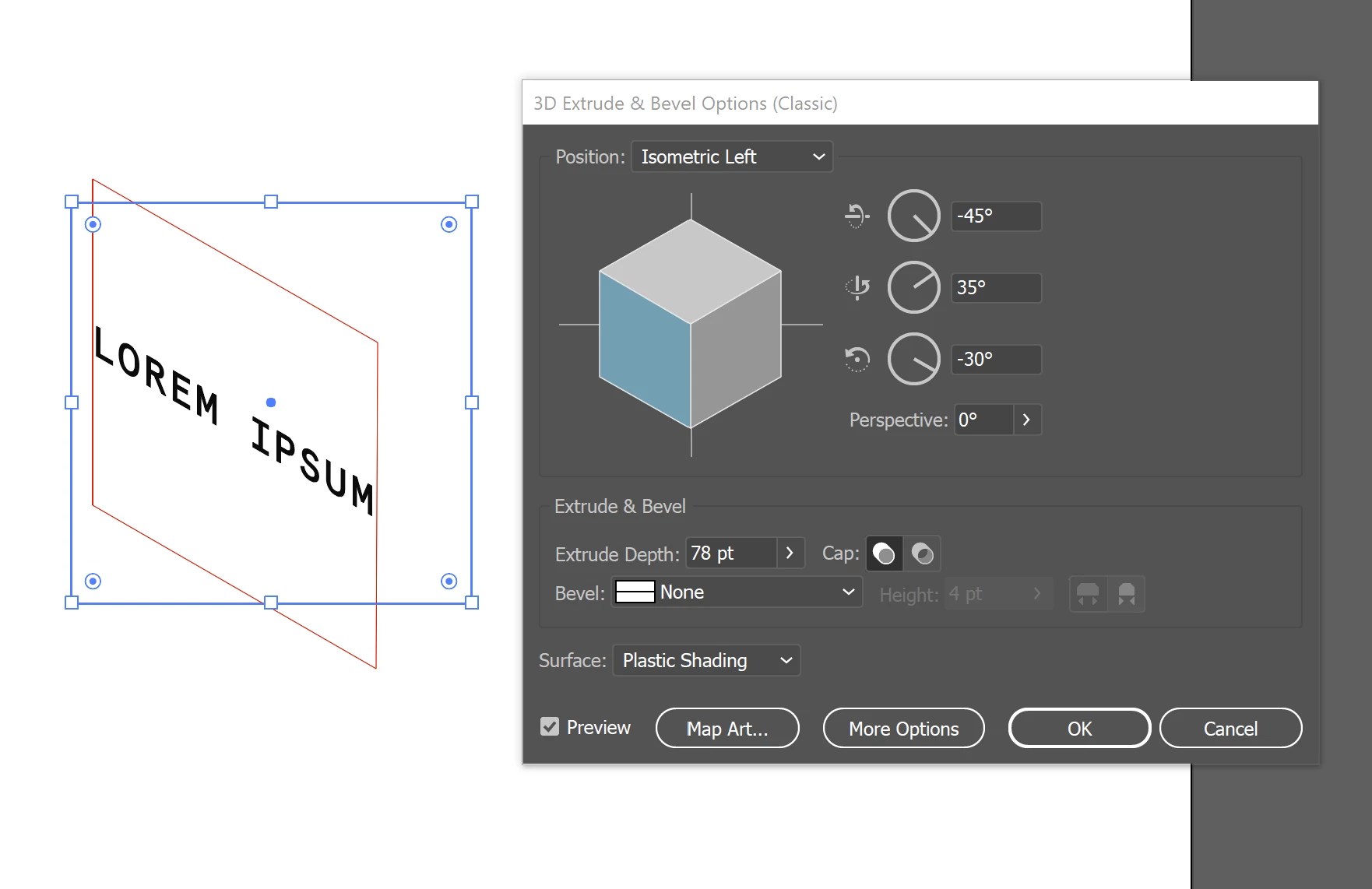
text on perspective cube
- March 16, 2022
- 1 reply
- 2306 views
good morning,
I am working for several days now on an issue that I am not able to solve. even by following multiple posts, videos and having disucssions with a lot of people.
so today I hope to find some help here as this community helped me already a couple of times with great solutions - thanks to all of you!
I am having an ashlar consisting of several ashlars. and each of the ashlars should have a text on it, meaning that from the 3 sides of each ashlar that are visible, I would like to place a perspective text. normal text would be great, in a next step I would love to emboss or raise the text on or in the ashlar, but having a text first is my first hurdle.
I tried to do it in Illustrator and made a perspective grid and put the text on it, but it never is exactly in perspective as the grid follows a vanishing point.
I also tried shear text in InDesign (put the graphic in, placed a text field above and sheared it) - but it looks horrible...
So is there a chance to get my font in the right perspective on each side of the ashlar?
Unfortunately I cannot attacht the *.ai File?
thank yo very much for any help!
 AdChoices