


Text stroke aligned to inside
Hello,
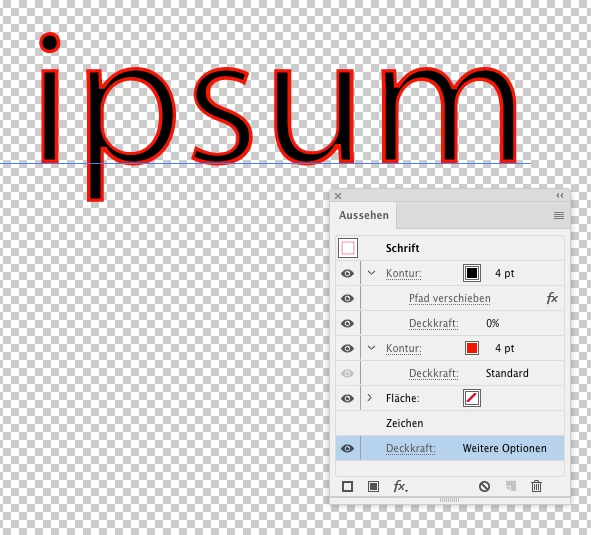
When I set a stroke to live text, the stroke is aligned to the centre of the edge of the fill, by default. It is not possible to align stroke to the inside. Is it possible to mask the portion of the stroke that is on the outside of the fill while keeping the text live?
Offseting the Path of the stroke should work but in this case, there appears to be a glitch with the font and the offset stroke doesn't quite follow the contour of the text. Creating outlines is not an option here as I would like to keep the text live (also, outlines do not always follow the original type but may approximate it). I have tried using opacity masks with multiple strokes of different sizes applied to the text but have not been successful in achieving what I want. Basically, I want to apply stroke aligned to the inside of live text!
This is for CS4.
Thanks.
 AdChoices