


Participating Frequently
February 3, 2021
Answered

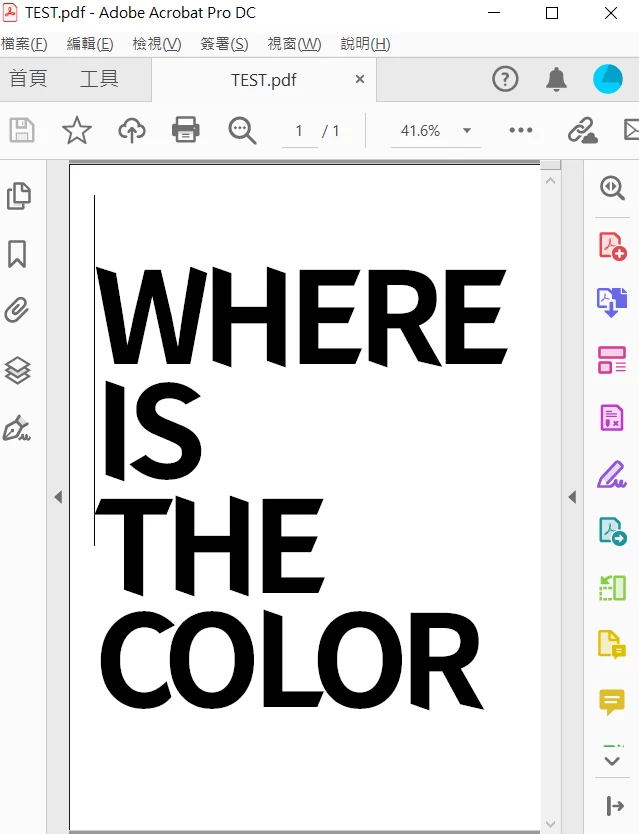
the background color is missing when i export it to PDF file using AI 2021

  • February 3, 2021
  • 3 replies
  • 10710 views

Hi there, as title, a color background was set to my AI file.  
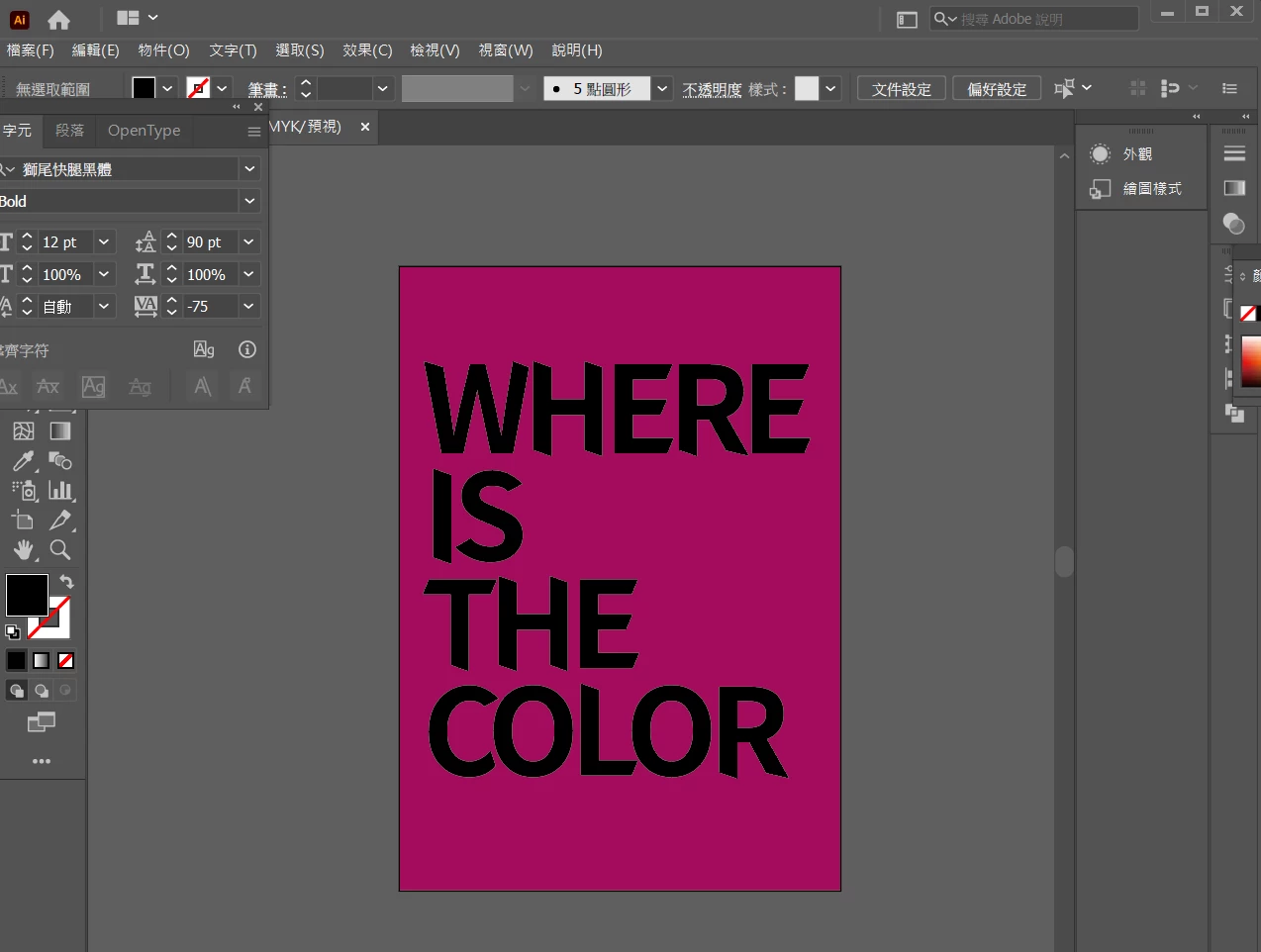
saves as a copy to PDF.

and it turned out like this...
the funny thing i tried was down the size to the color.
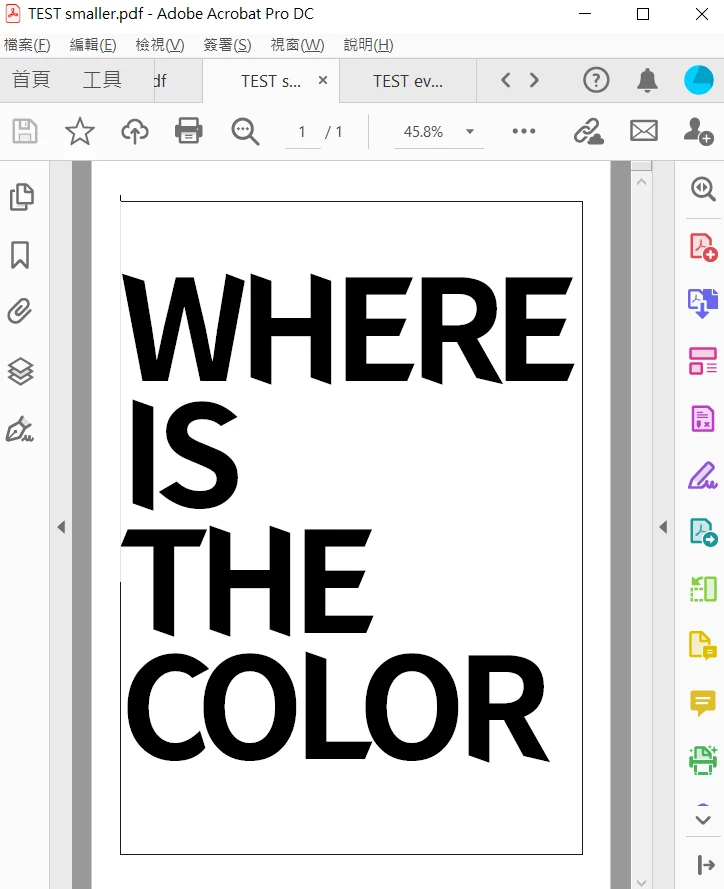
 

and it works finally.
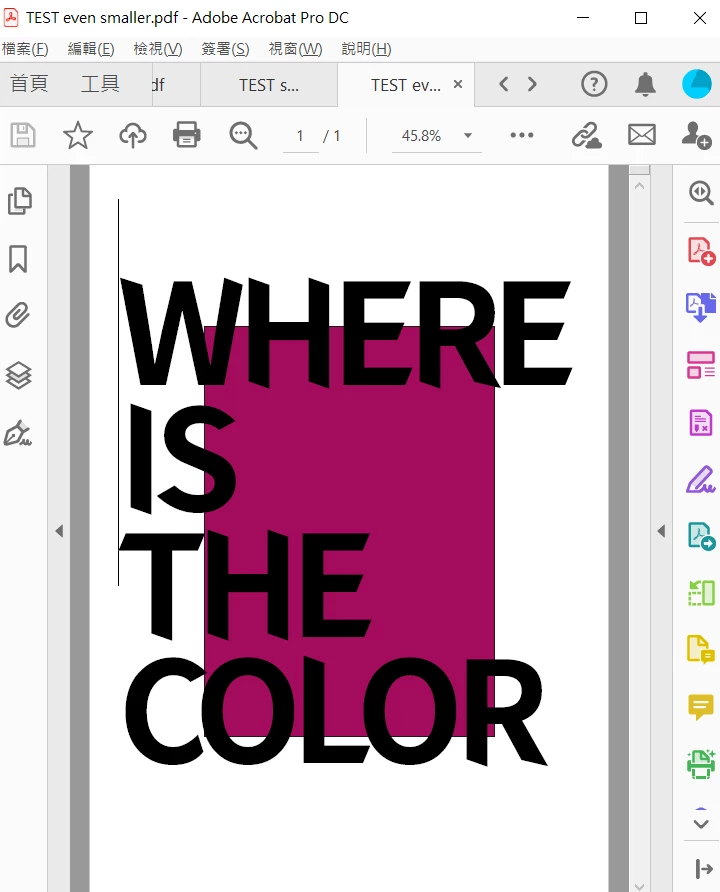
Judging my design? How Artificial Intelligent it becomes...

so i split my color into 2 pieces and it still works...
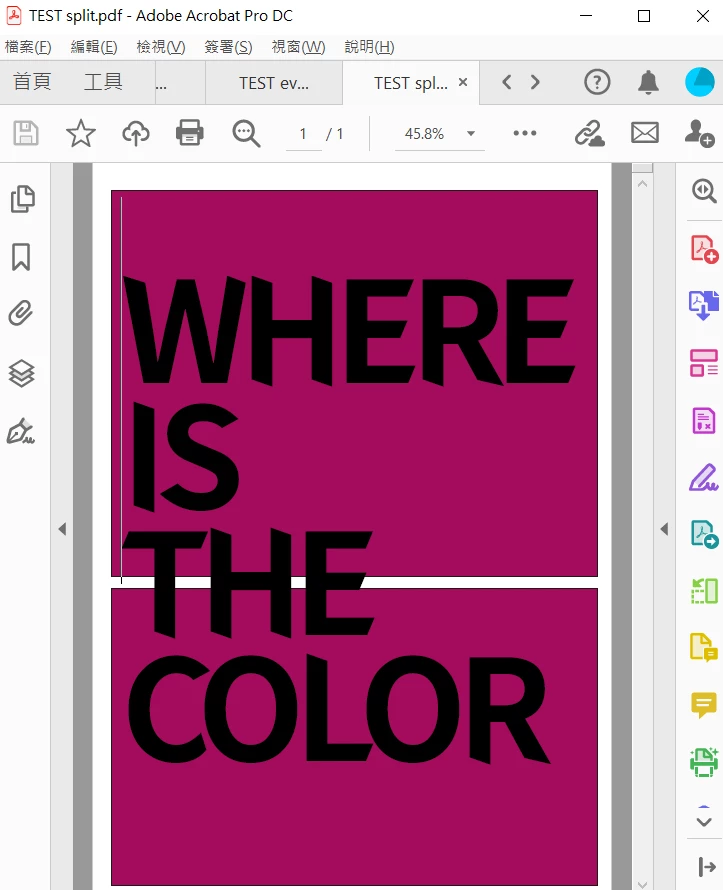


Is there any pro had similar experience?

i had the same issue using InDesign, too. no matter what background color is CMYK, RGB, fashion, ugly... it's gone exporting to PDF.
Thanks!

Correct answer Shiny290140805coi

I encountered this issue and that was when I discovered this thread. I solved it by going into Layer Options > making sure the "Print" box is checked. Once I did that the exported PDF was showing my background perfectly. This could just be my case but hope it helps.

3 replies

Shiny290140805coiCorrect answer
New Participant
December 21, 2024

I encountered this issue and that was when I discovered this thread. I solved it by going into Layer Options > making sure the "Print" box is checked. Once I did that the exported PDF was showing my background perfectly. This could just be my case but hope it helps.

Participating Frequently
December 24, 2024

Hi!

Thank you for the answer and posting with screenshot, my "PRINT" setting was checked.

Found the issue by opening in the browser. PDF is fine in CHROME but not OK in Acrobat, assuming the issue from the Acrobat bug in my computer...(i will upgrade my laptop and system soon so...)


Merry Christmas!


New Participant
December 24, 2024

Merry Christmas! New year new upgrade!

Luke Jennings3
Community Expert
February 5, 2021

I think the problem is with Acrobat. Try changing the Page display preference to Show large images, if this doesn't help, try viewing the PDF in Reader or some other viewer, if it looks OK there, try resetting your Acrobat preferences.

Participating Frequently
February 8, 2021

hi Luke, tried this. issue remains.
however it is a possible path, i'll try probing it from Acrobat.
thank you!

Monika Gause
Community Expert
February 3, 2021

There is no background in an Illustrator file.

If you want something printed, draw a rectangle and fill it with color.

Participating Frequently
February 4, 2021

my bad, not background color.
as shown above, it is an retangle and 2 retangles of color.

my question is, no matter what people call, why the retangle of color was missing in PDF?


thanks

Monika Gause
Community Expert
February 4, 2021

Are those rectangles on a separate layer?

Is that layer set to print? it should be.