


New Participant
October 1, 2021
Question

The embedded color profile does not match the current CMYK working space

  • October 1, 2021
  • 1 reply
  • 6789 views

Hi, 


Last few days, the small message showing up,something is not set the right way...
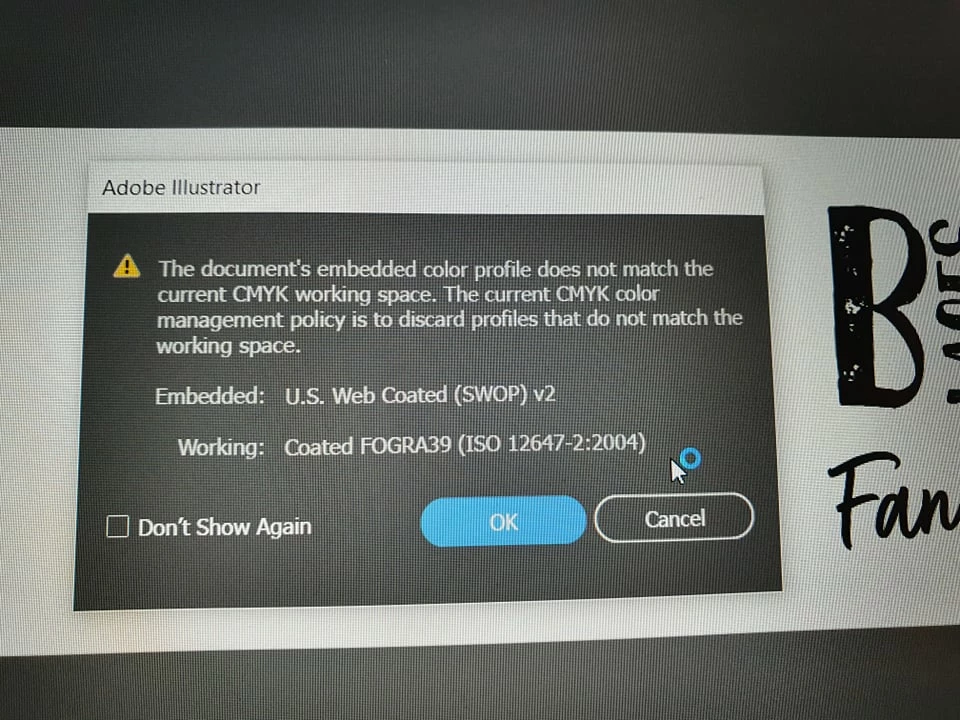
Any clue , how to fix this ? I am based in the UK, recently change the laptop but never changed any settings in terms of colours... 


Now  I am wondering, what to do? 

Anynone has got a similar experience after openning of Illustrator 2021?


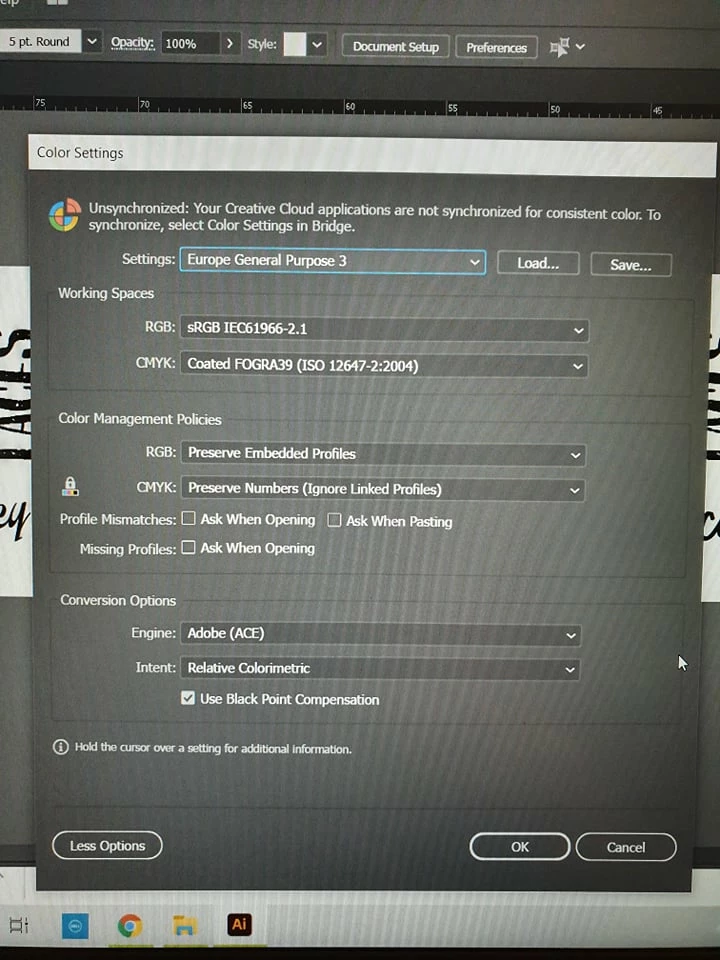
Any solution ? This is the color setting I have got currently.
 

Thank you, 


Kamila

1 reply

Ton Frederiks
Community Expert
Community Expert
October 1, 2021

It means that the document was tagged with a profile describing US inks and printing conditions.

Your current Color Settings are not setup to convert the colors tou your European inks.

Which is the best for vector files, keep the CMYK numbers and don't convert them.

Keeping them means that 100% black stays 100% black instead of a mixture of CMYK

New Participant
October 1, 2021

Thank you - so,  shall I change anything in the Color Settings window? 

Or I am better to leave everything how it is and ignore the warning ? 


Cheers, 

K.


Ton Frederiks
Community Expert
Community Expert
October 1, 2021

If you work in Europe, leave it as it is for vector files like Illustrator and ignore the warning.