


anna-kaisal
Participant
August 2, 2017
Answered

Tool for dividing a circle into slices?

  • August 2, 2017
  • 3 replies
  • 49218 views

Is there a tool on Illustrator that can EASILY divided a circle into 52 equal slices?

I have been struggling with this matter for some time now and I have a dead line coming. 

Correct answer Doug A Roberts

i'm pretty sure this is what the video describes, but I can't watch it here, so just in case.

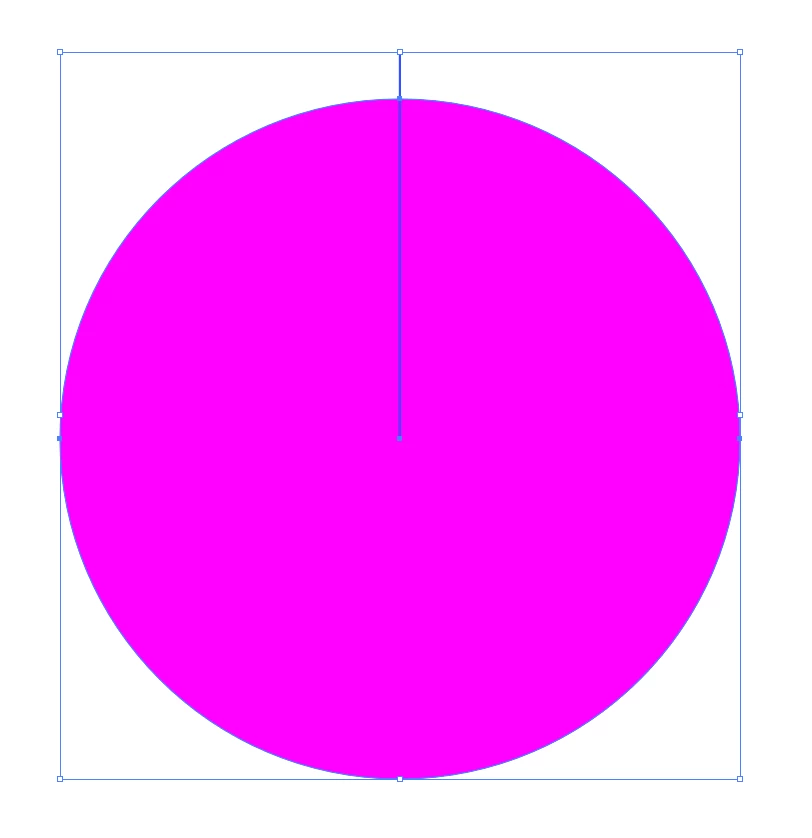
draw a path from the centre of your circle to the outside. use smart guides to align it to the centre.
use the rotate tool. with just the line selected, alt-click on the endpoint at the centre. type 360/52 into the box and tab out. this should give you 6.92 degrees:
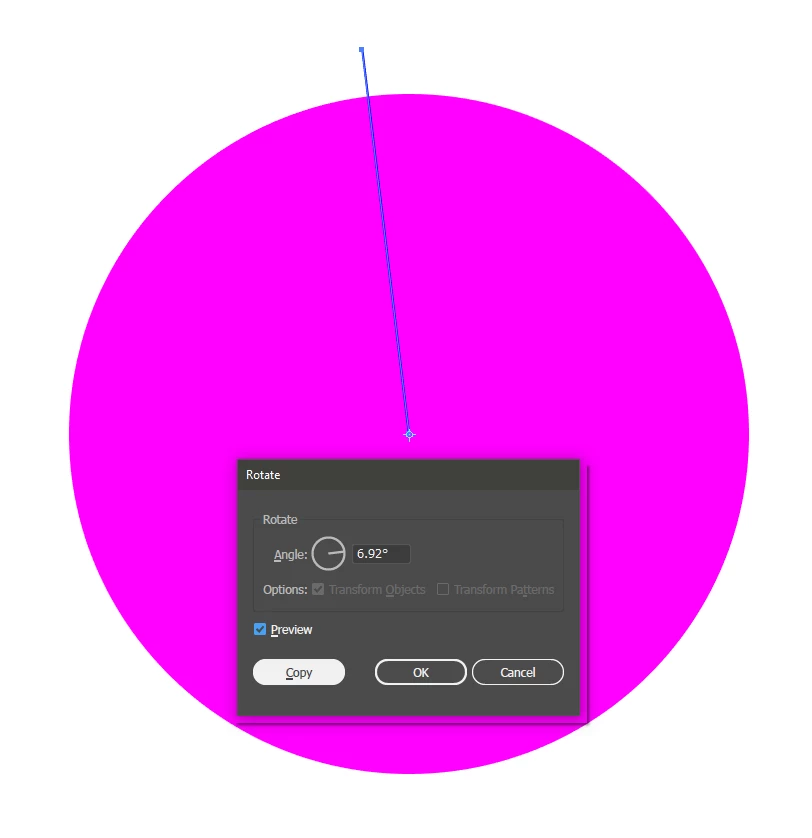
click 'copy'. hold down ctrl+D (transform again) until you have lines going all the way round:

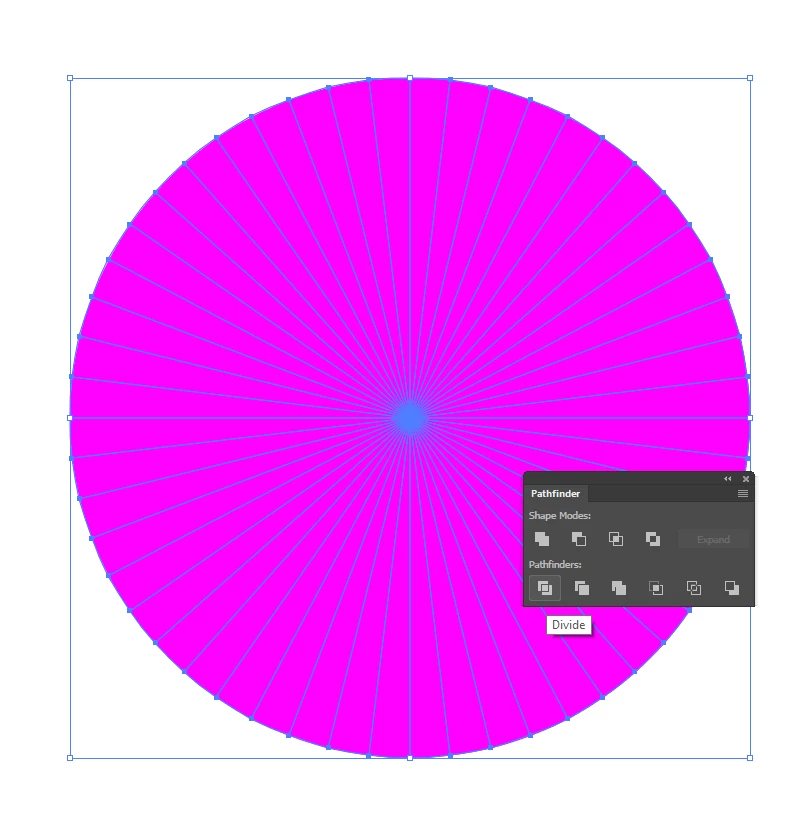
select both lines and circle. use pathfinder - divide.
3 replies

_scott__
Legend
November 29, 2024

Uncertain why anyone needs a tutorial, or to do any math.. Illustrator has a built in tool for this sort of thing.


Grab the Polar Grid Tool (it's under the Line Tool). Hold down the Option/Alt key and click the artboard once.. enter your desired dimensions and divisions, hit OK. Done.

Ton Frederiks
Community Expert
Community Expert
November 29, 2024

You may want to add some Live Paint, fill, expand and ungroup.

Doug A Roberts
Community Expert
Doug A RobertsCommunity ExpertCorrect answer
Community Expert
August 2, 2017

i'm pretty sure this is what the video describes, but I can't watch it here, so just in case.

draw a path from the centre of your circle to the outside. use smart guides to align it to the centre.

use the rotate tool. with just the line selected, alt-click on the endpoint at the centre. type 360/52 into the box and tab out. this should give you 6.92 degrees:

click 'copy'. hold down ctrl+D (transform again) until you have lines going all the way round:

select both lines and circle. use pathfinder - divide.

schroef
Inspiring
November 27, 2024

There is however a mismatch, probably due to rounding of numbers which illustrator does.
If you also do the last one, so it should overlap the first one. In outline mode we see a mismatch.


I found this by using a different method.  I tried a method using the "Pie" slicing options. I noticed this showed a mismatch end, a gap so to speak. Then tried this method and again, same mismatch and a gap


I used the same number; 6.92deg I even tried 360/52 to make sure it was exactly the same


All nice and dandy that illustrator says it can do math, but its not reliable. See what a calculator comes to with same 360/52


Issue is kinda fixed by using a float of 3. so paste in this number. Illustrator again rounds it, but now to 3 decimal.

6.923 gives much better result


Ton Frederiks
Community Expert
Community Expert
November 27, 2024

The Transform Effect seems to do a better job.

Participating Frequently
August 2, 2017