


Participant
April 23, 2022
Answered

Trying to use pen tool for Clipping Mask to select image out of background but not working

  • April 23, 2022
  • 1 reply
  • 748 views

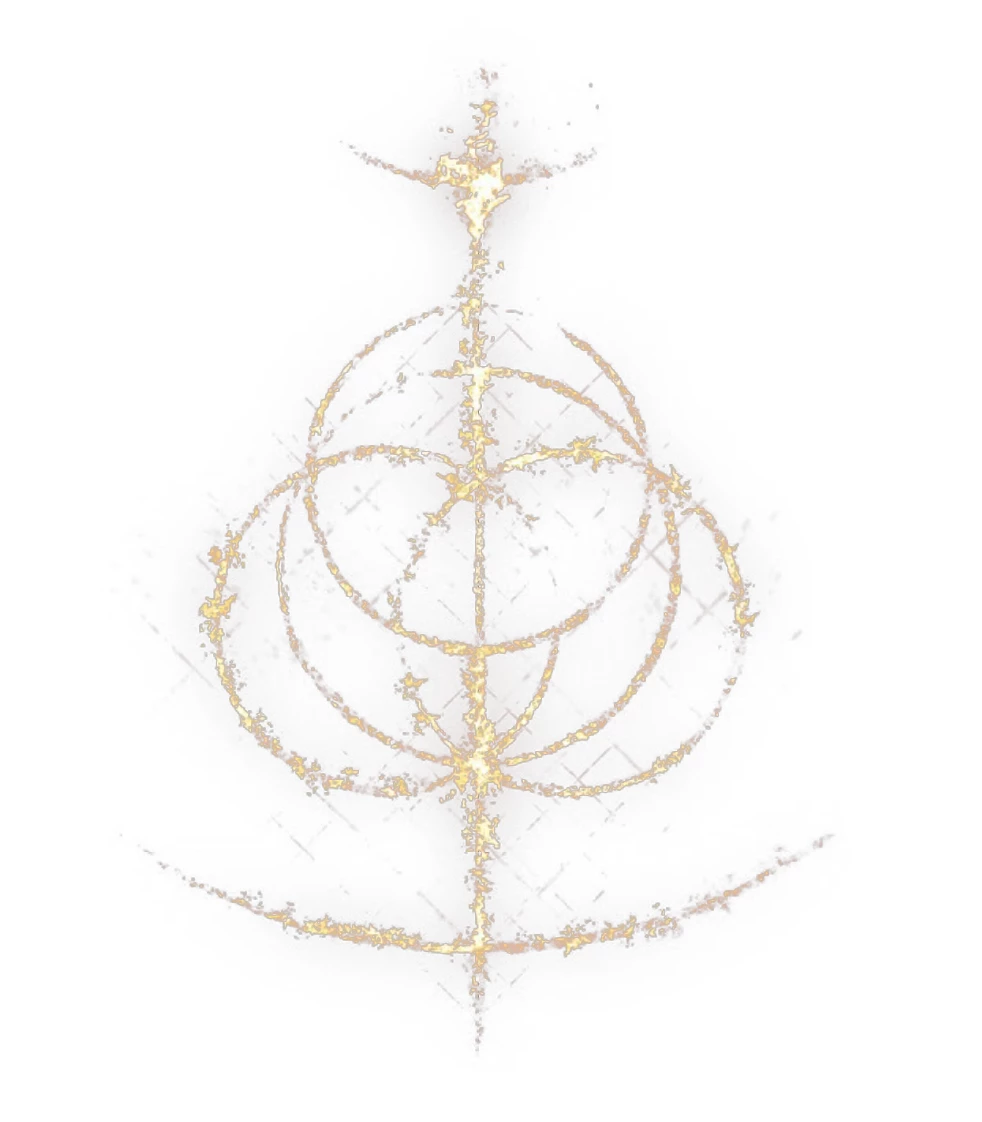
I'm pretty new to illustrator and I'm trying to get the Elden Ring logo out of a black background to use in a thumbnail but I can't figure out how to get this to work properly. I made many anchors so that might be an issue but for some reason when I go to Object > Clipping Masks > Make just gives me a white background and only selects on item in the layer. And if I try using compound path, it gives me the black background in the center. If anyone know what the issue is I would appreciate any help. Thank you. 
This topic has been closed for replies.
Correct answer BradyLeavell

There's really not a great way to do this in illustrator because of the way this particular graphic blends into the background. I shared a picture below of about the best you can get it easily in illustrator, but it still looks janky lol. Photoshop might be your best bet. Or... if you're editing your thumbnail in illustrator, place the elden ring logo over whatver image you want it on, and change the image blend mode to "screen" mode. You can find the blend modes by going to Window up top, then find the Transparency option. The logo will be more white than gold if you do this, but it will take the black away completely. Let me know if you have any questions!


1 reply

BradyLeavell
BradyLeavellCorrect answer
Inspiring
April 24, 2022

There's really not a great way to do this in illustrator because of the way this particular graphic blends into the background. I shared a picture below of about the best you can get it easily in illustrator, but it still looks janky lol. Photoshop might be your best bet. Or... if you're editing your thumbnail in illustrator, place the elden ring logo over whatver image you want it on, and change the image blend mode to "screen" mode. You can find the blend modes by going to Window up top, then find the Transparency option. The logo will be more white than gold if you do this, but it will take the black away completely. Let me know if you have any questions!


XaverisAuthor
Participant
April 24, 2022

OMG Thank you! What you made there looks really great, but the screen blend mode is exactly what I wanted! That helped me soooo much and saved me the time trying to figure it out. You're a lifesaver thank you so so much! I appreciate it greatly <3. 

XaverisAuthor
Participant
April 24, 2022

Also, how did you get that image to crop out so well? You got all the little details and everything. Was it just using the pen tool and marking everything? Was mine too messy?