


New Participant
April 8, 2025
Answered

Unable to export layer as PNG from Illustrator

  • April 8, 2025
  • 1 reply
  • 487 views

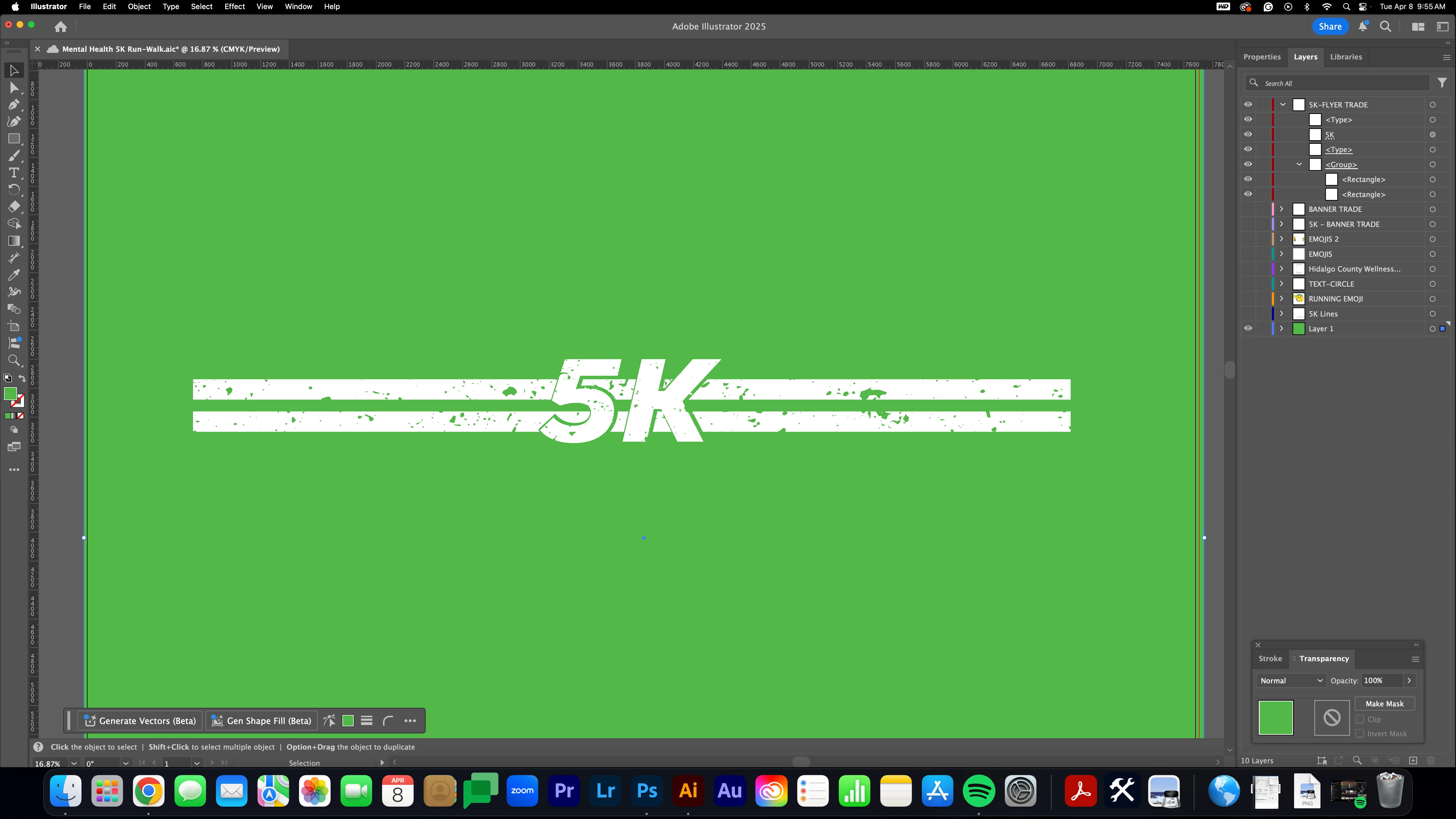
I've had a little trouble exporting a layer as it is as a PNG. I've tried "Export As" and "Save for Web" options. I just want the "5K" and the rectangle shapes exported.


When I deselect the green background layer and "Export As," it says the document is empty. When I tried to "Export As" with the background, it gave me an unknown error.
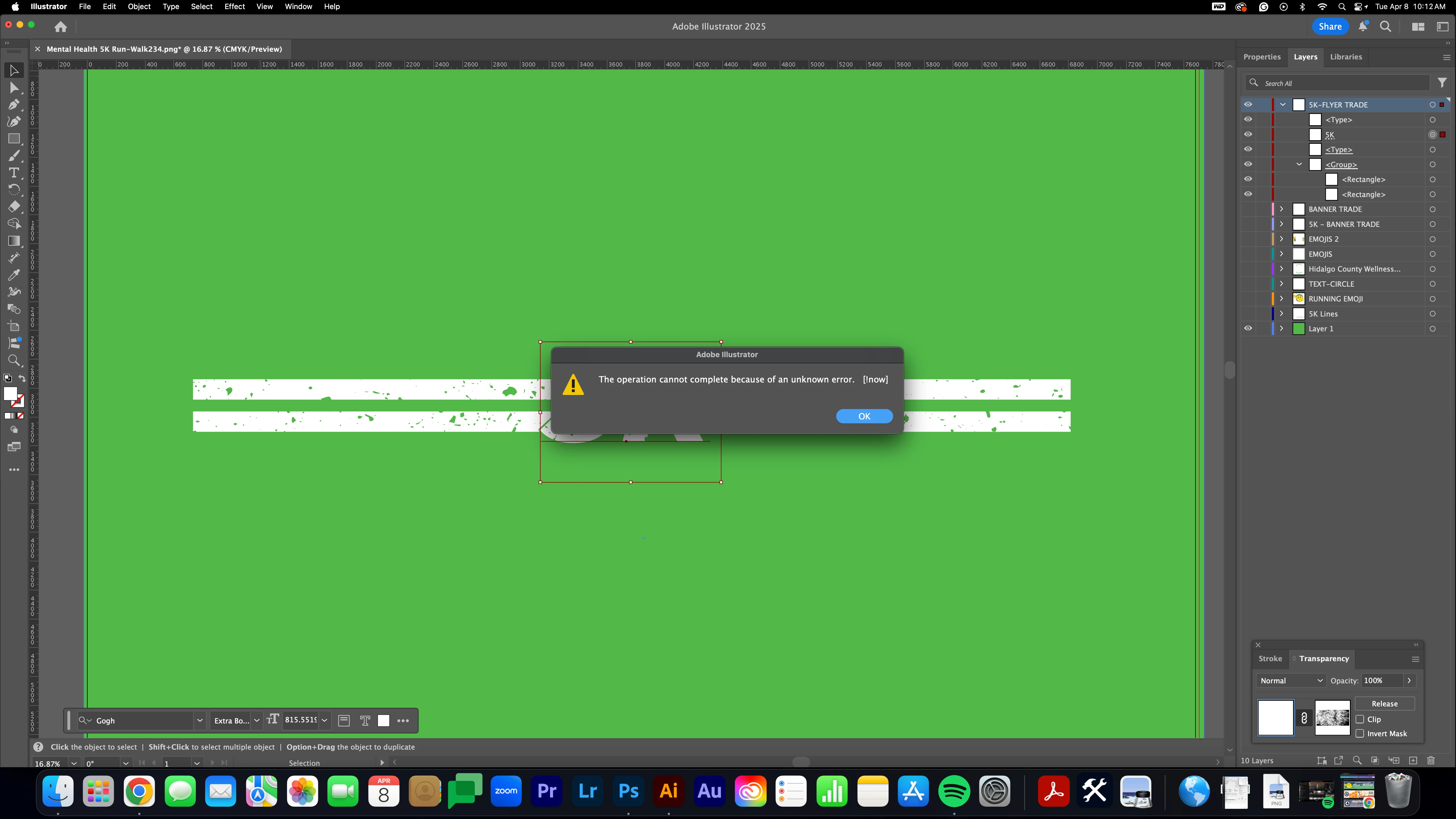
When I tried the "Save for Web" option, I can see that the "5K" graphic isn't there.
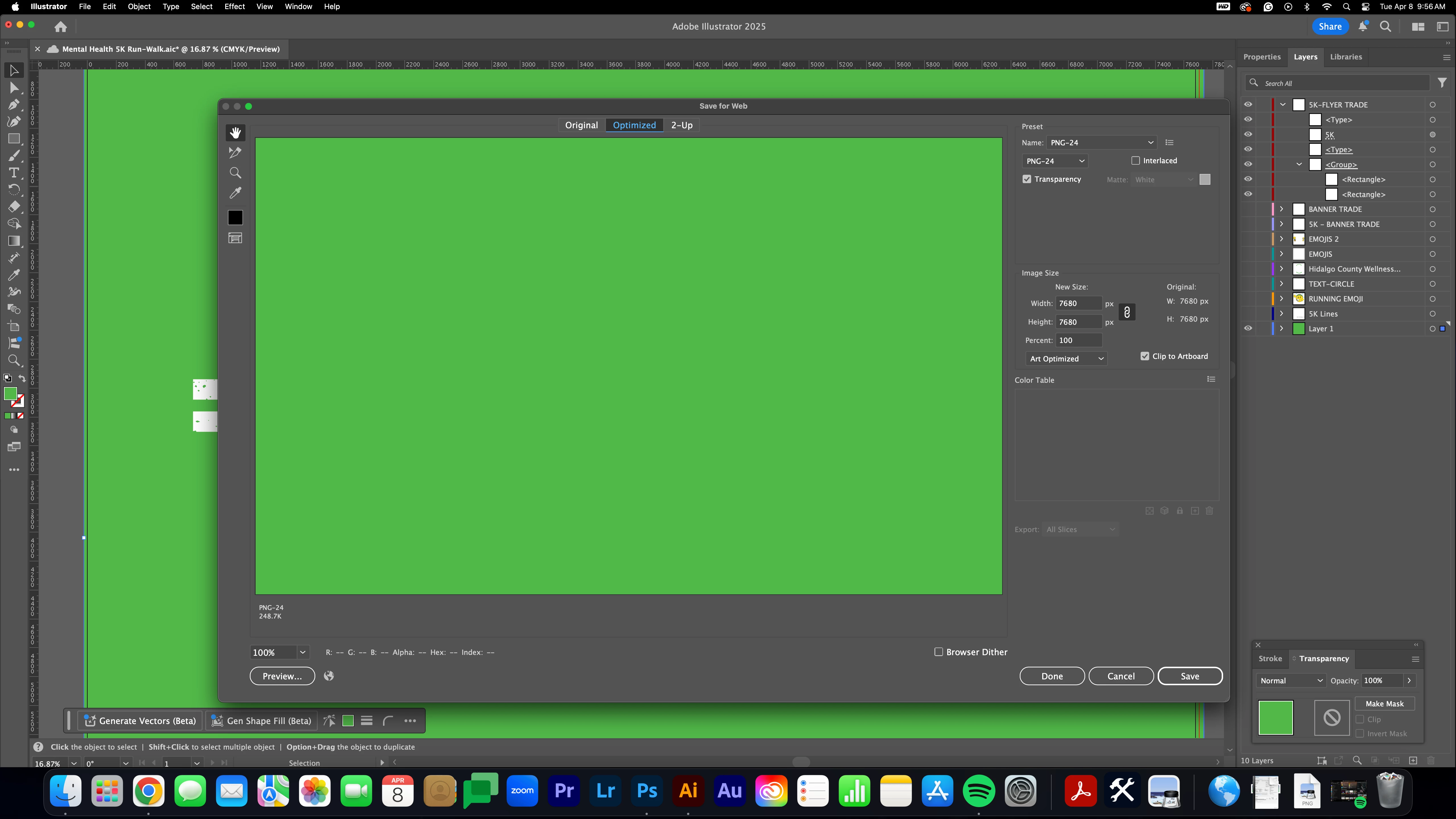
Would the two transparent masks I have on the "5K" and rectangles be an issue? I used it to make the distress effect. 

I welcome all suggestions. I had exported the other layers by themselves, no problem. They also had transparent masks. I don't know what else I'm doing differently with this one.

Correct answer d.i.deldave

@Anubhav M I figured out a workaround, thanks!

1 reply

Community Manager
April 8, 2025

Hello @d.i.deldave,

Could you share a sample AI file after uploading it to a file-sharing service, like Google Drive or Dropbox, so I can check it on my end?
Note: When sharing the file, please make the link public and enable the option to save a copy/download (if applicable).

Looking forward to hearing from you.


Anubhav

New Participant
April 8, 2025
Community Manager
April 8, 2025

Hello @d.i.deldave,

Thanks for sharing the link. It seems the Save a Copy option is not enabled for this. Could you reshare the file with the option enabled (https://adobe.ly/4jo2mow) so I can check it on my end?

Looking forward to hearing from you.


Anubhav