


Participant
April 24, 2019
Answered

Unite/Fill is filling in the negative space? (Noob Question)

  • April 24, 2019
  • 2 replies
  • 2612 views

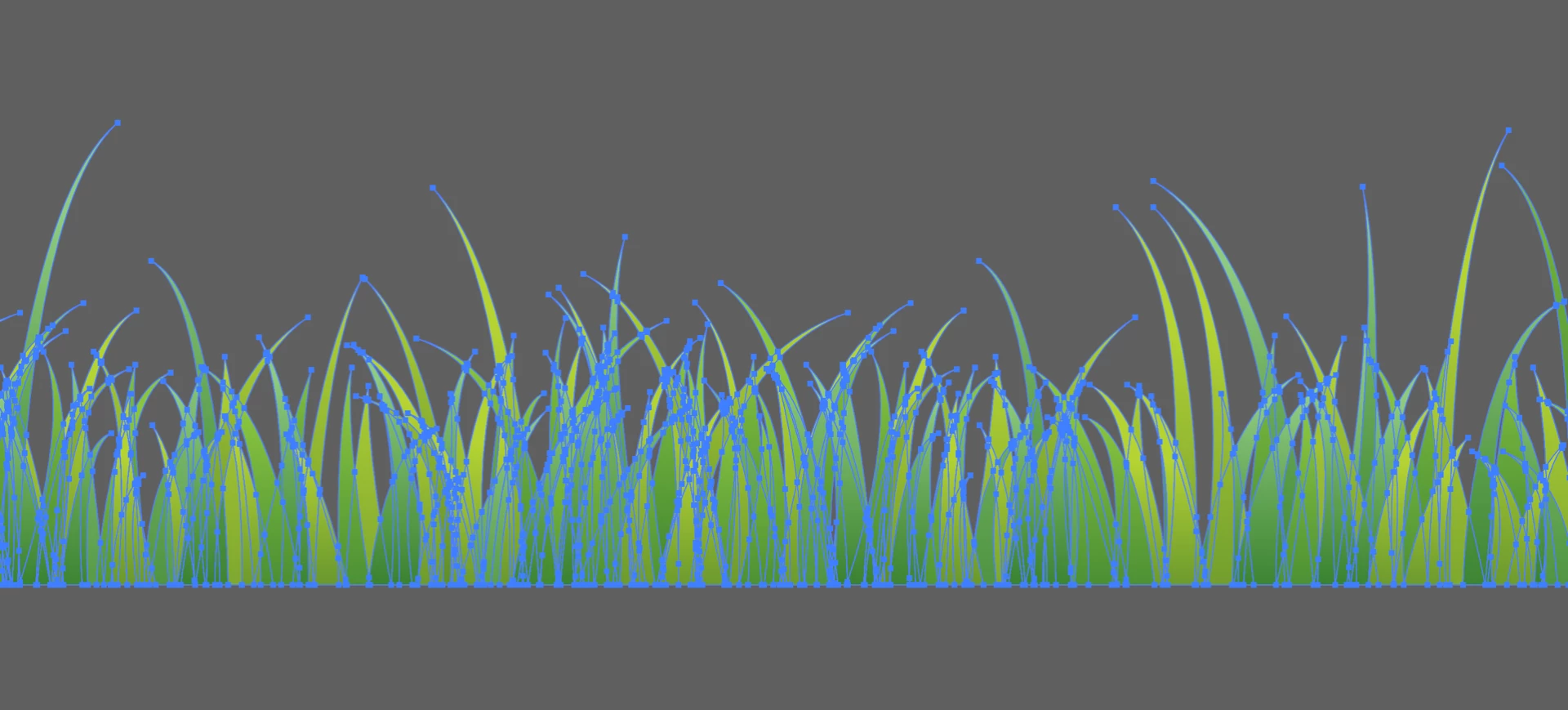
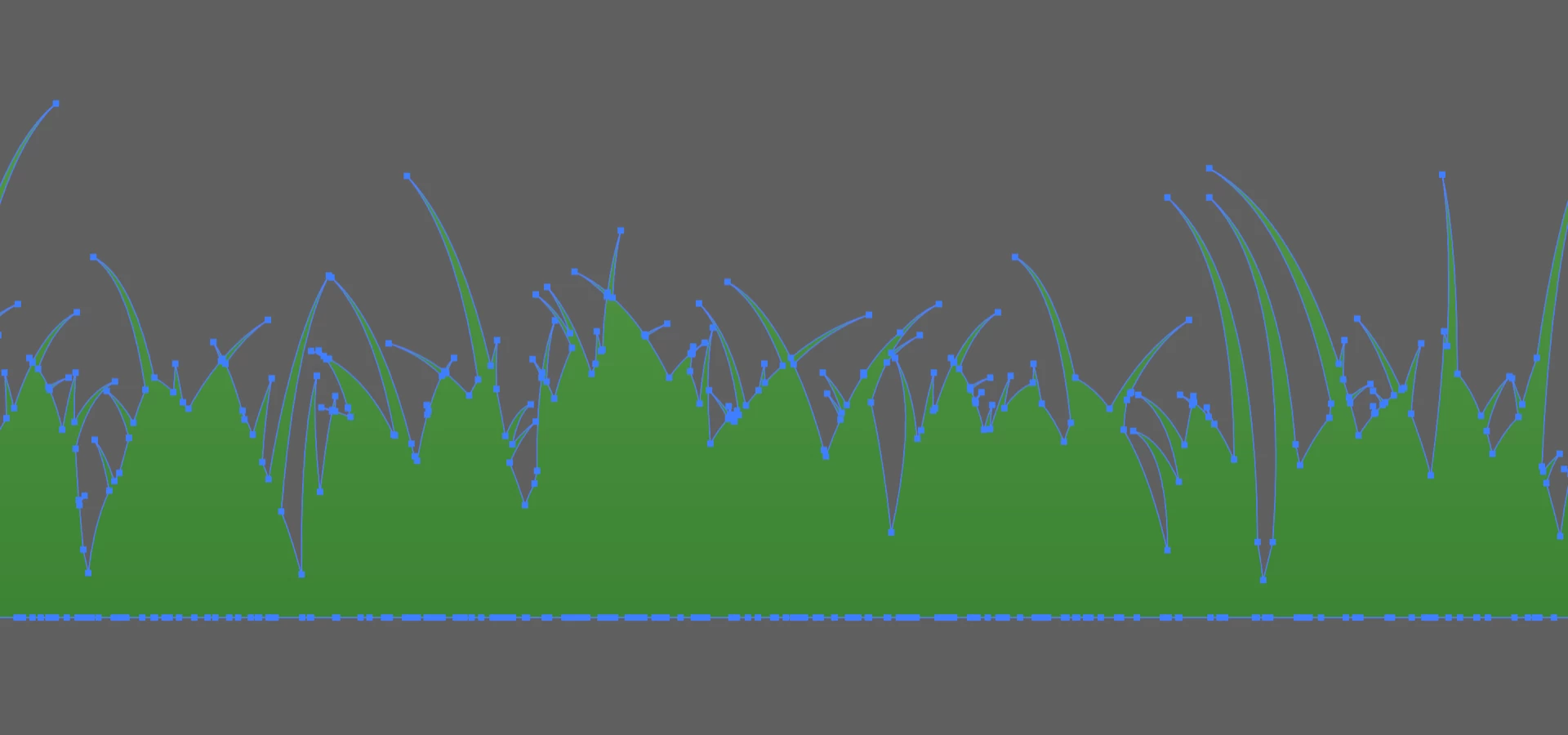
Hey, I'm completely noobish, so sorry if this is a really dumb question. I have a grass element that I purchased. I'd like to fill it with one color, rather than all the gradients it has. If I try to fill or unite or any of that it fills or unites the negative space between the grass blades instead of just filling the paths. How can I avoid this?

Thanks so much in advance!

Original:
United:
Correct answer JonathanArias

don't unite. just selected and apply one color if that is what you want. what happens if you do that?

2 replies

Participant
April 24, 2019

Same thing...

Participant
April 24, 2019

Okay, I went back to the original file and filled without uniting and that worked. How, though, do I simplify this series of shapes in to one simpler one without encountering the same issue? And thanks so much for your reply!

Participant
April 24, 2019

ok, so just coloring it works. good. what do you mean by simplify? if there are solid shapes with one solid color, that is pretty simple. they had are still individual shapes but they all share one color.

what is the end goal?


I'm an idiot I think. Not sure how or why I got things going the way they were, but I figured it out with your help. Thanks so much.

JonathanArias
JonathanAriasCorrect answer
Legend
April 24, 2019

don't unite. just selected and apply one color if that is what you want. what happens if you do that?