

MahaB82A
Brainiac
June 30, 2025
Answered

Using Image Trace

  • June 30, 2025
  • 3 replies
  • 2835 views

This is a PNG file. Is possible trace this image by using Image Trace? because this did not come to me. File is attached.
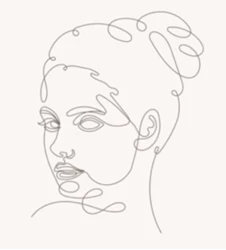


Correct answer MahaB82A

This is the result I get from the small image you shared, starting with the line art preset and increasing the threshold:
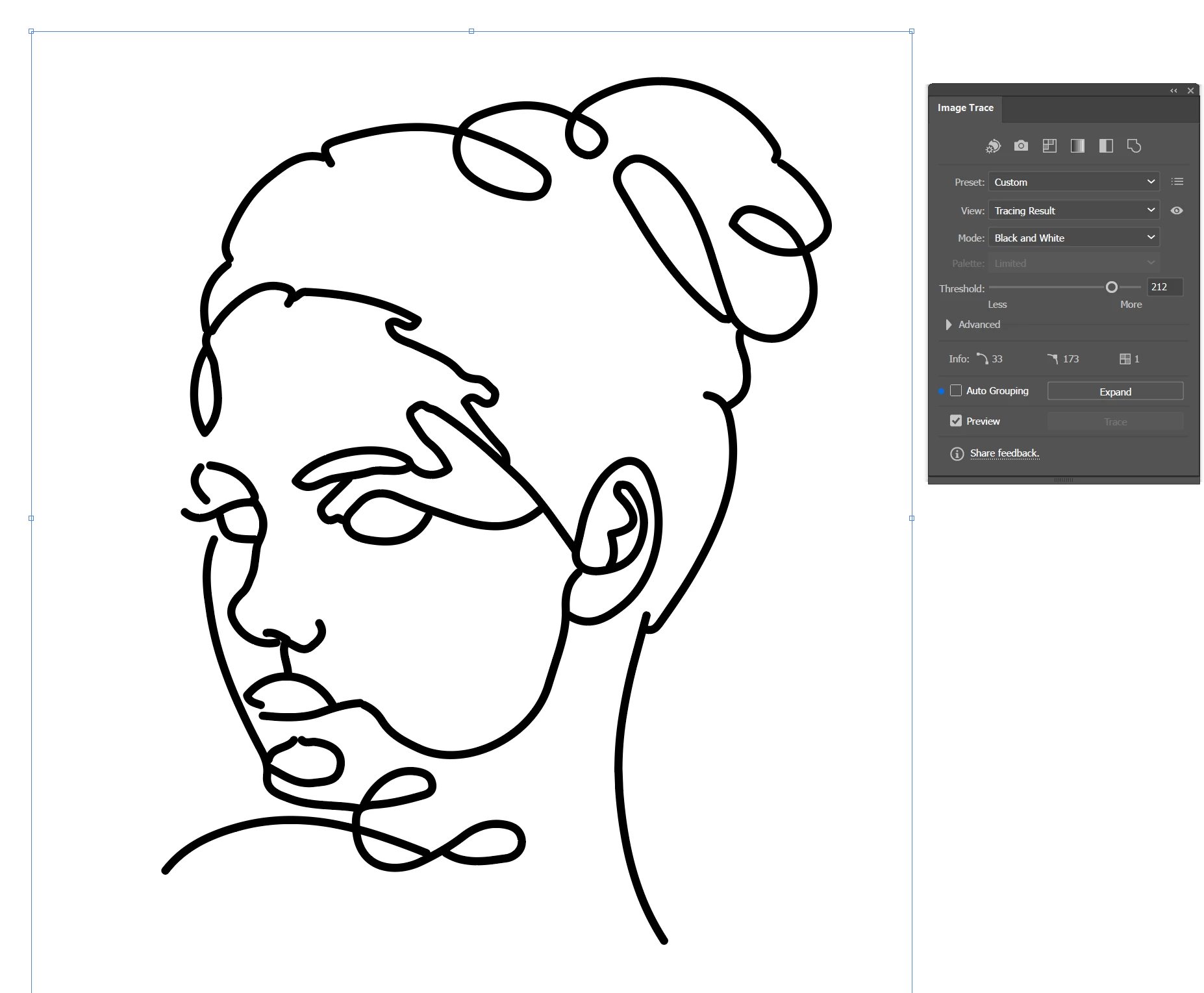
With a better quality image it would produce a higher fidelity trace.


There's nothing else you can learn from this video. That's all there is to it. There is no creativity involved, this is just learning what buttons and sliders do what. You're better off reading the instructions and experimenting on your own images if your goal is to learn the image trace panel.


OK I have solved the issue. Original JPG image is in FREEPIK. It is coming. I do not know why my PNG screen shot did not produce the result. 

3 replies

Monika Gause
Community Expert
July 1, 2025

Here's how to use treshold:

https://youtube.com/shorts/pq5ROkukcBk?feature=share


I'm pretty sure that the presenter in this video cheated with their result. That is not autotraced.


Here is a playlist about Image Trace: https://www.youtube.com/playlist?list=PLVqhHu3CSohV3AbA0DP6c6kJ5EJIqgFFf

Ton Frederiks
Community Expert
July 1, 2025

Looks like a good exercise for the Pen tool.

MahaB82A
MahaB82AAuthor
Brainiac
July 1, 2025

If there is a easy method why should make the life difficult.

Community Expert
July 1, 2025

The Pen tool is not difficult to learn. The Pen tool and its associated keyboard shortcuts can make it fairly simple to convert the image you posted into clean vector-based artwork.


The source image can be locked into place using the Layers panel. Then you can hand trace clean lines over the top of the image using the Pen Tool. The keyboard shortcuts for the Pen Tool will allow anchor points to be adjusted while you're still drawing the path. It's also easy to toggle zoom in/out and hand panning shortcuts to adjust the view of your work -all while using the Pen Tool. This is one of the key features that makes Adobe Illustrator superior to rival vector graphics applications.


The Pencil tool can be used to more quickly re-create the image you posted, but it requires more of a freehand drawing approach. The Pen tool provides more accurate control.

Monika Gause
Community Expert
June 30, 2025

The result should be just one continuous line? Then the answer is no.

MahaB82A
MahaB82AAuthor
Brainiac
July 1, 2025

How this was done in this video.

Doug A Roberts
Community Expert
July 1, 2025

This is a reel. I took screenshot of the image to replicate the work.


You can't expect the same result unless you are using the same image.
