



Vector and jpg printing as bitmap through Illustrator
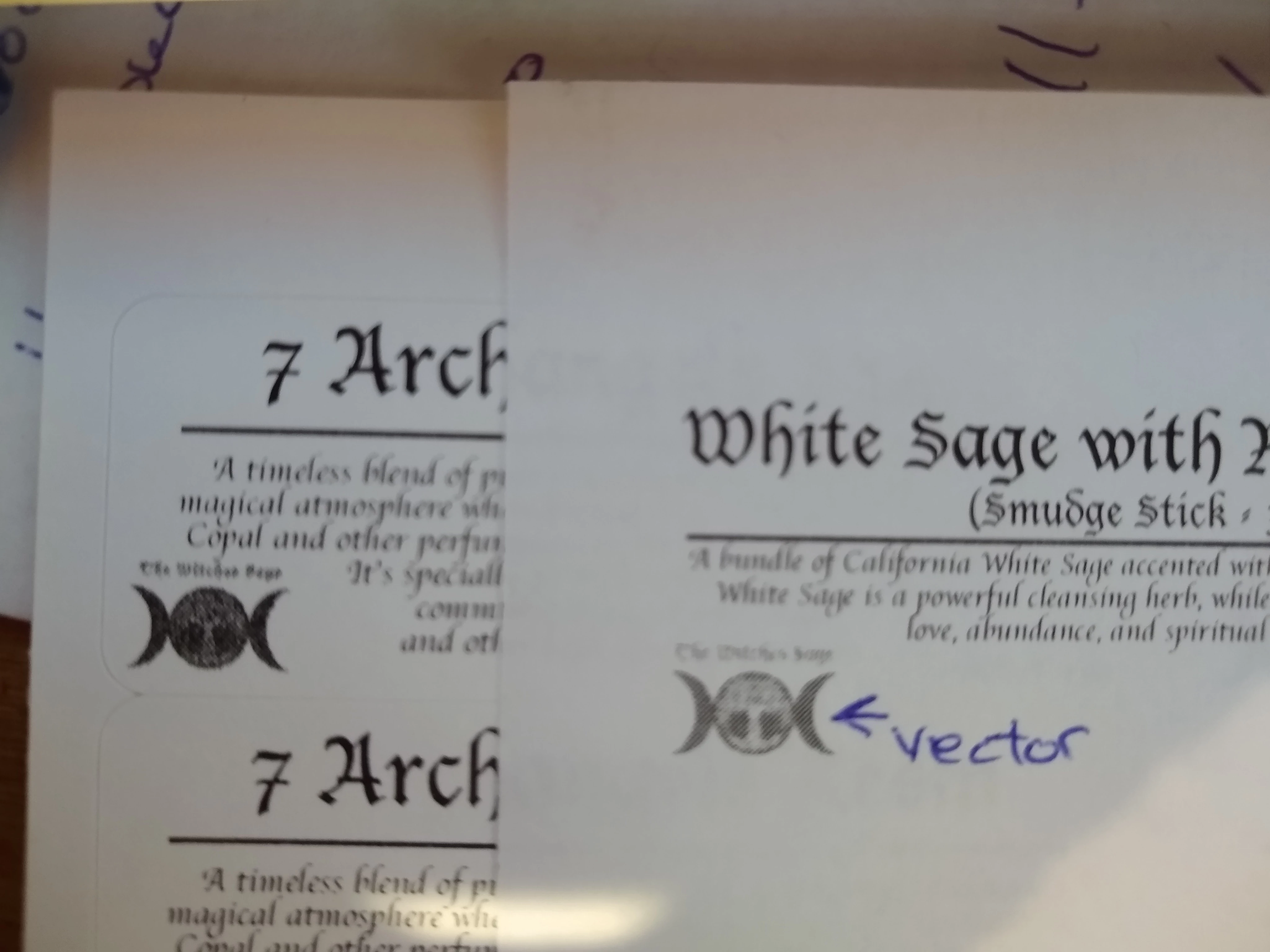
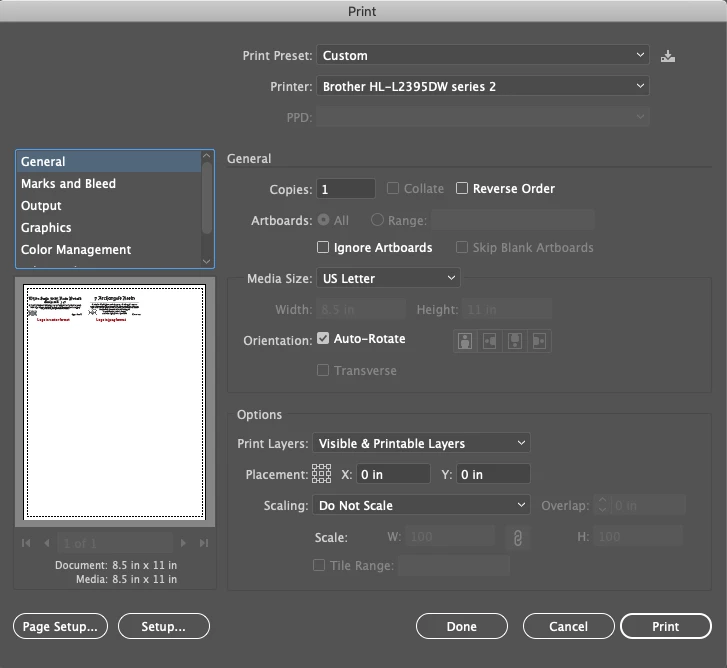
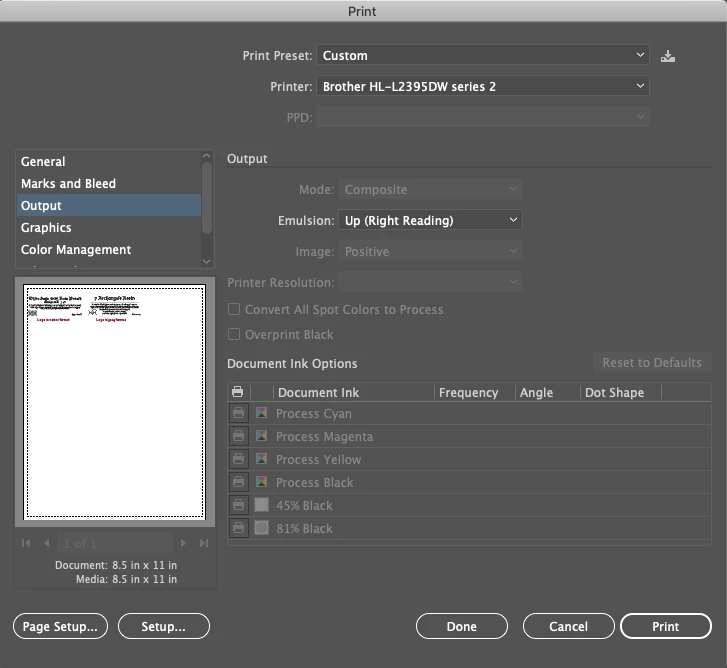
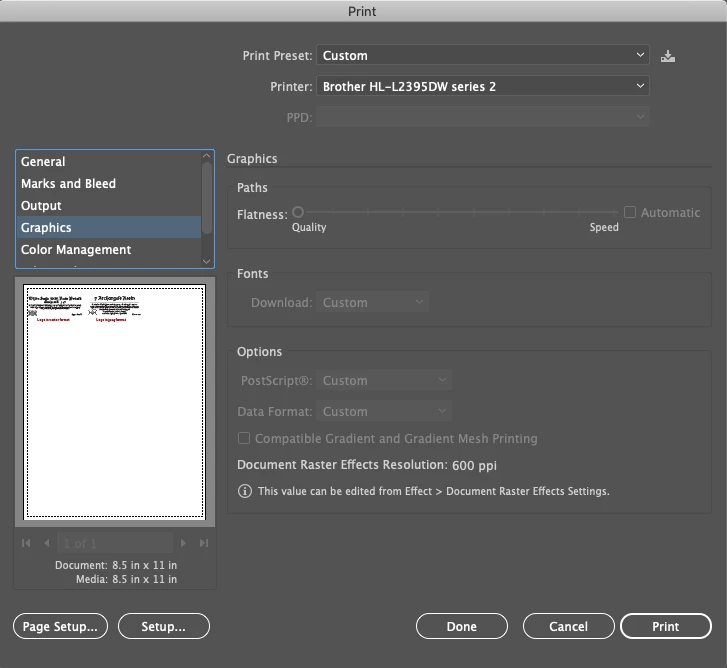
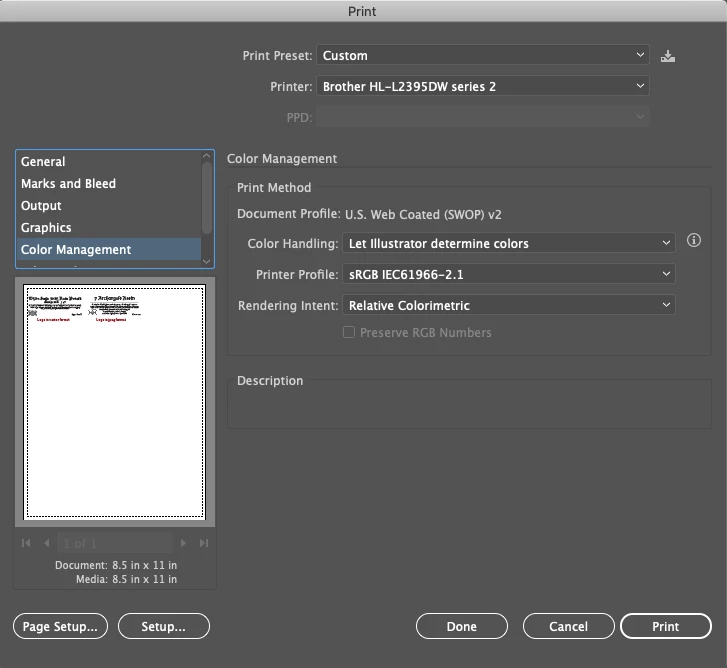
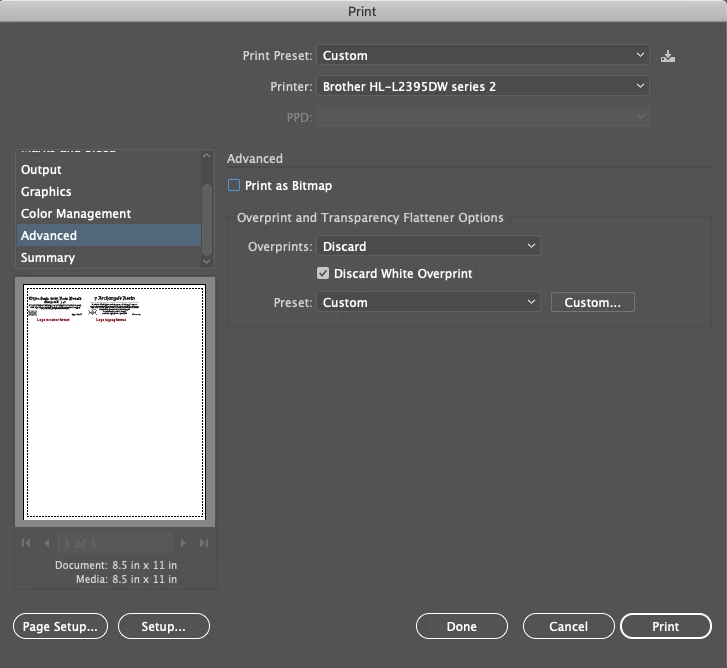
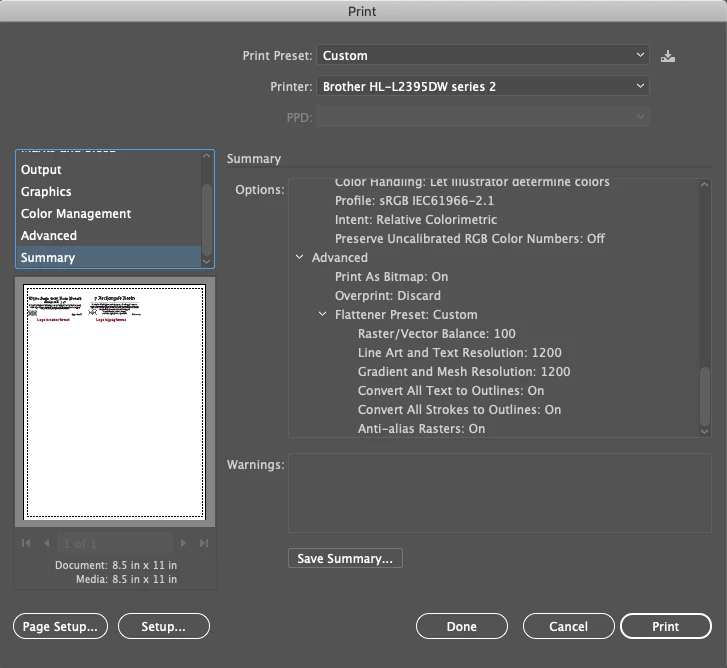
Here's a odd one... I have a iMac 21.5" running on Catalina 10.15.5. (it was 10.15.4 when I started this) using the latest version of Illustrator. When I print from Illustrator the images print in Bitmap. I’ve gone into the print settings, turned off the Bitmap selection and yet the printer still prints everything in bitmap. The first printer is a Brother HL-L2395DW (prints using postscript driver), I spent 4 hours with Brother tech support trying to fix the issue, updating drivers, switching different drivers. We were able to get the text to print clean with using a different printer model driver, yet the images still print bitmap. I ended up sending them test files to see if they would print clean, they came up with when printing from a iMac running 10.15.4 was the same outcome I had. I then decided to try a different printer, so I bought a HP Laserjet Pro M404, and unfortunately having the same results. Returned the HP printer, and I'm trying to get the Brother printer to print correctly. All of the other applications print fine.
The tests I've done so far point to something within Illustrator. I took a AI file and printed it through Apple pages, Photoshop, Acrobat and Indesign, with all having the same results of the logo printing in bitmap. When uploading the same logo to the above applications, the logo prints fine.
I did a remote access with Apple support and they went over my iMac and couldn't find anything that would cause my files to print in bitmap.
I'm hoping someone may know of a fix or a cause as to why this is happening.
Thank you! Thomas
 AdChoices