



What is a quick way to correct path direction?
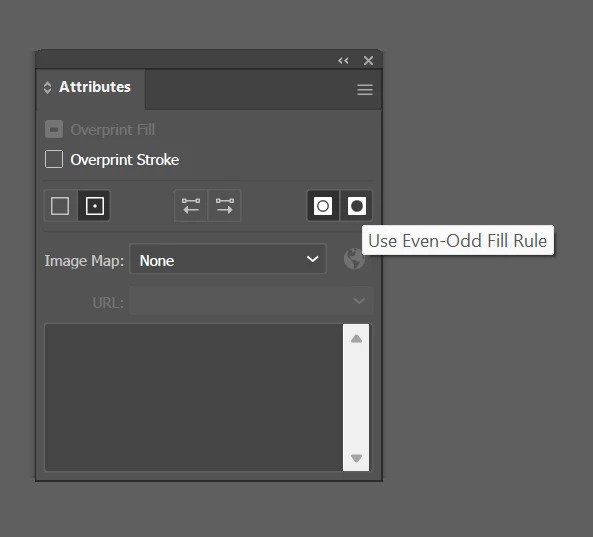
I have very complex drawing with many shapes within shapes - it ultimately has to be a black and white single/compound path object, but when I make my final compound path, much of the illustration disappears because the paths are not correctly even odd even odd (some compounds have inner paths that are the same direction as the outer). Sorry - having trouble explaining, those familiar with this will know.
There are well over 500 paths. Does anyone know a quick way of correcting all the path directions, so there are no nested paths in the same direction and all the counters show up?
I can't show the illustration for confidentiality reasons.
In the 90s I used vector illustration software called ArtWorks that ran on Acorn RISC PCs* - there was a "correct path direction" menu that would do this.
(* as an aside, it's absolutely fascinating that I'm now using a Mac Mini (M4 Pro) with a processor that is a virtual direct line descendant of the processor in these 1990s machines!!)
 AdChoices