



White Line Problems Creating patterns in Adobe Capture (read all threads, no solution!)
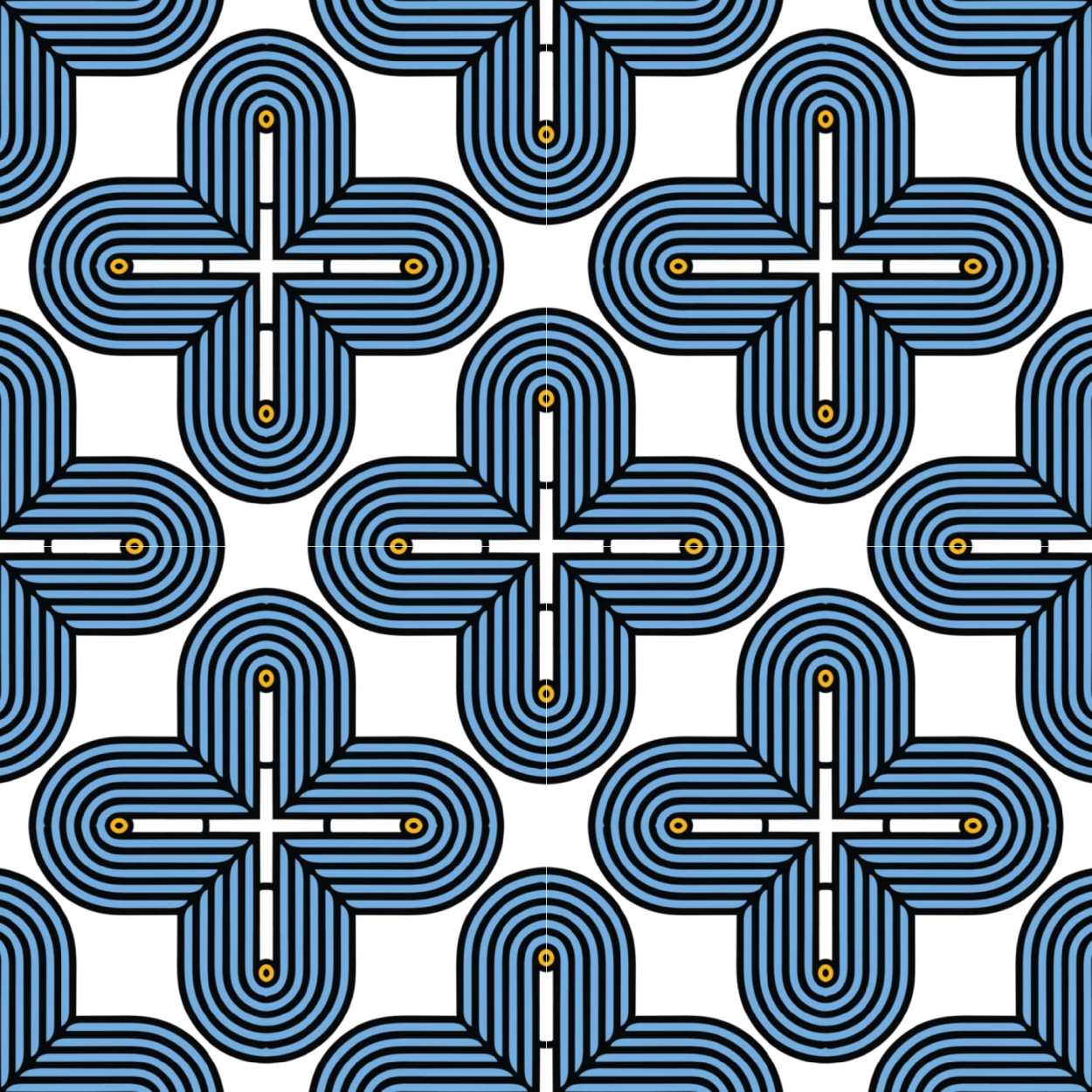
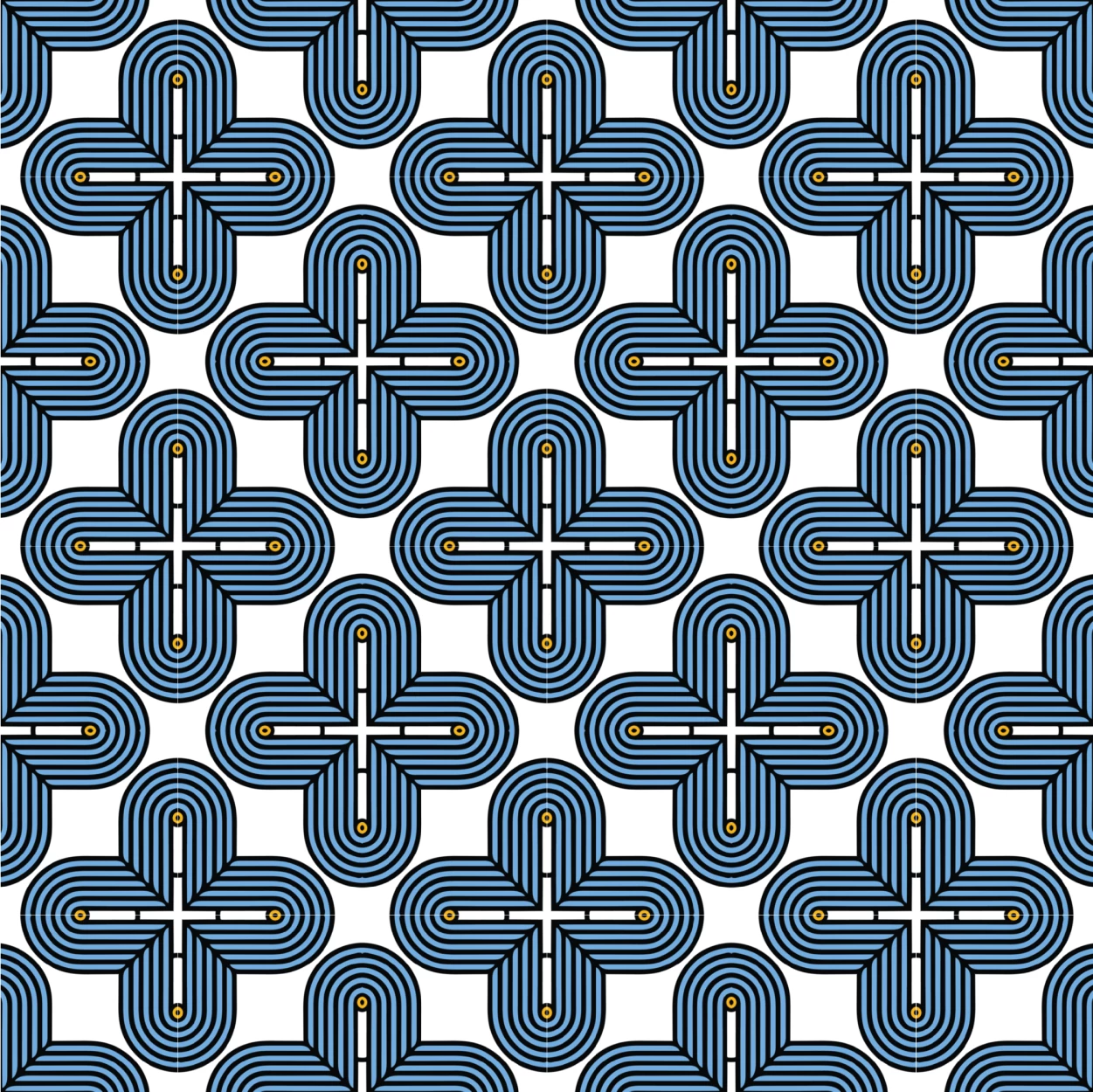
I have tried toggling the anti aliasing option and the lines will not dissapear. Plus I have tried to export with the setting on Art Optimized.
My only workaround is that I can place a bitmap pattern tile and that is the only way I can avoid the white lines but that then limits me to whatever image the bitmap pattern decides to be in terms of sizing. With the original pattern placed correctly in Illustrator I can scale and rotate as needed. But with the bitmap I can only do so much.
Is there any way to change the bitmap pattern tile sizing. I have tried pattern options and nothing works. Would honestly like to fix the original problem of the pattern showing white lines in the program and upon export.
First 3 images are of the pattern correctly placed (not bitmap), the last image is of the bitmap showing no lines.


 AdChoices