


White line showing up between objects created using clipping mask when saving file as pdf
Hello,
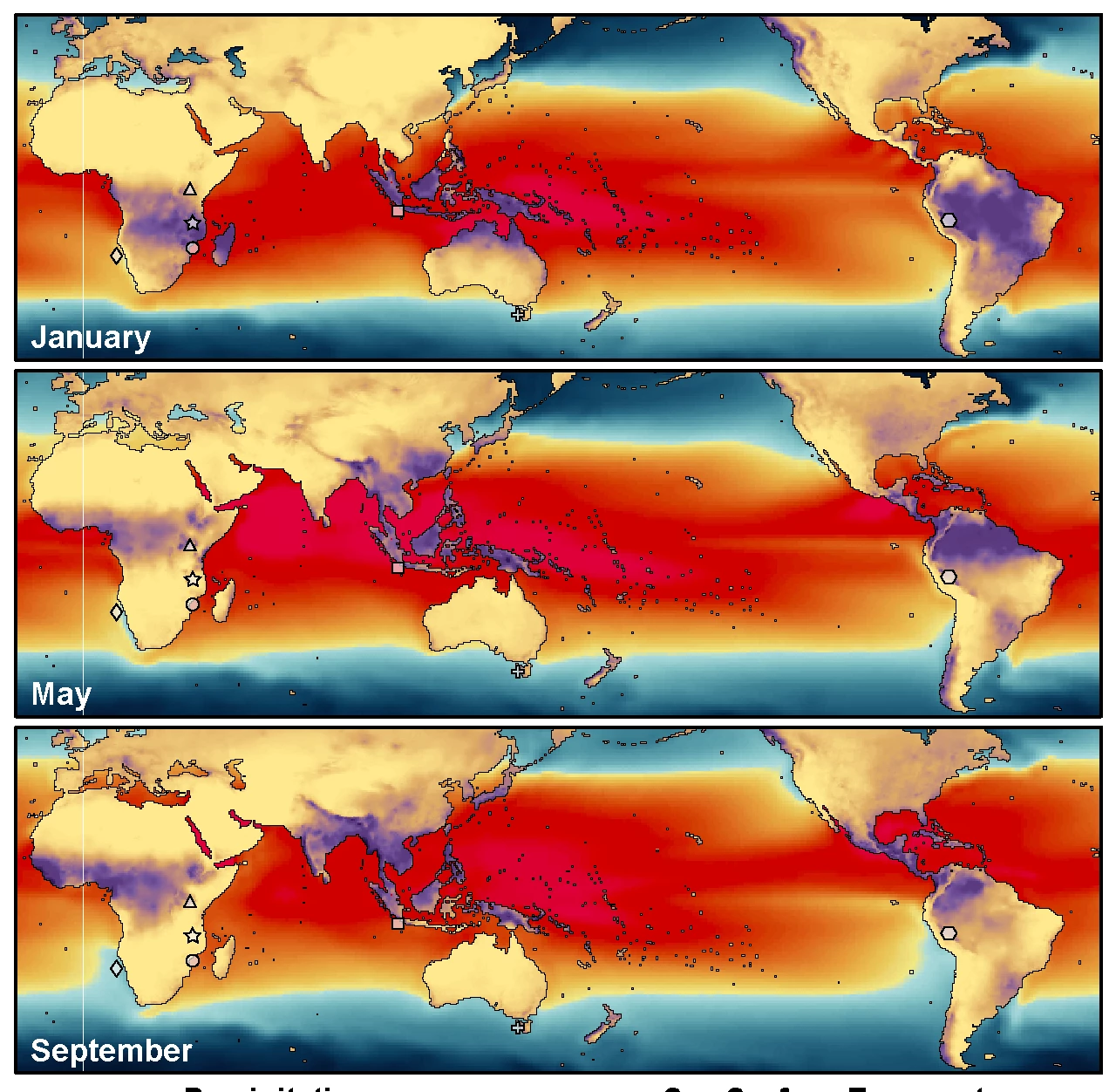
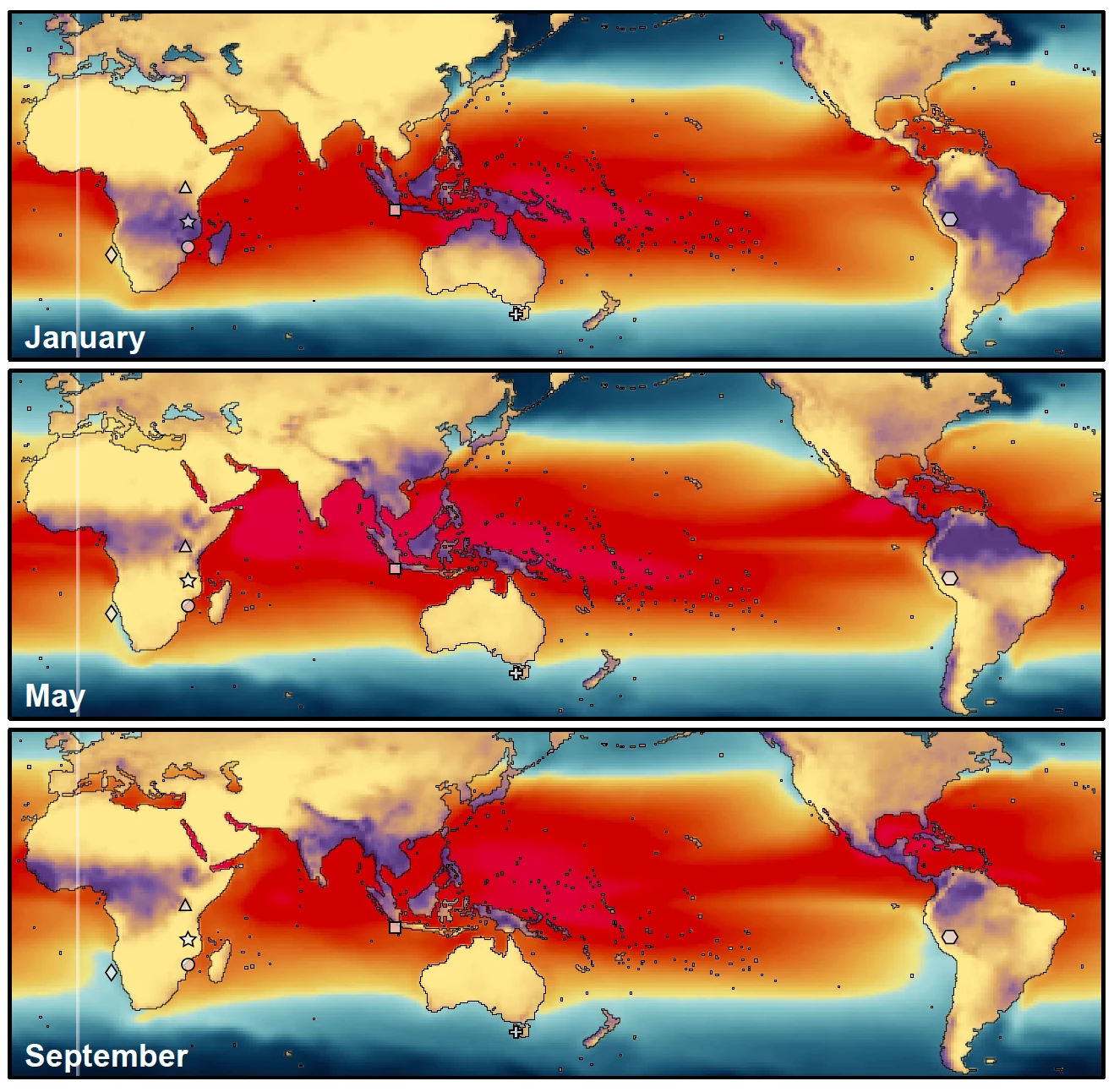
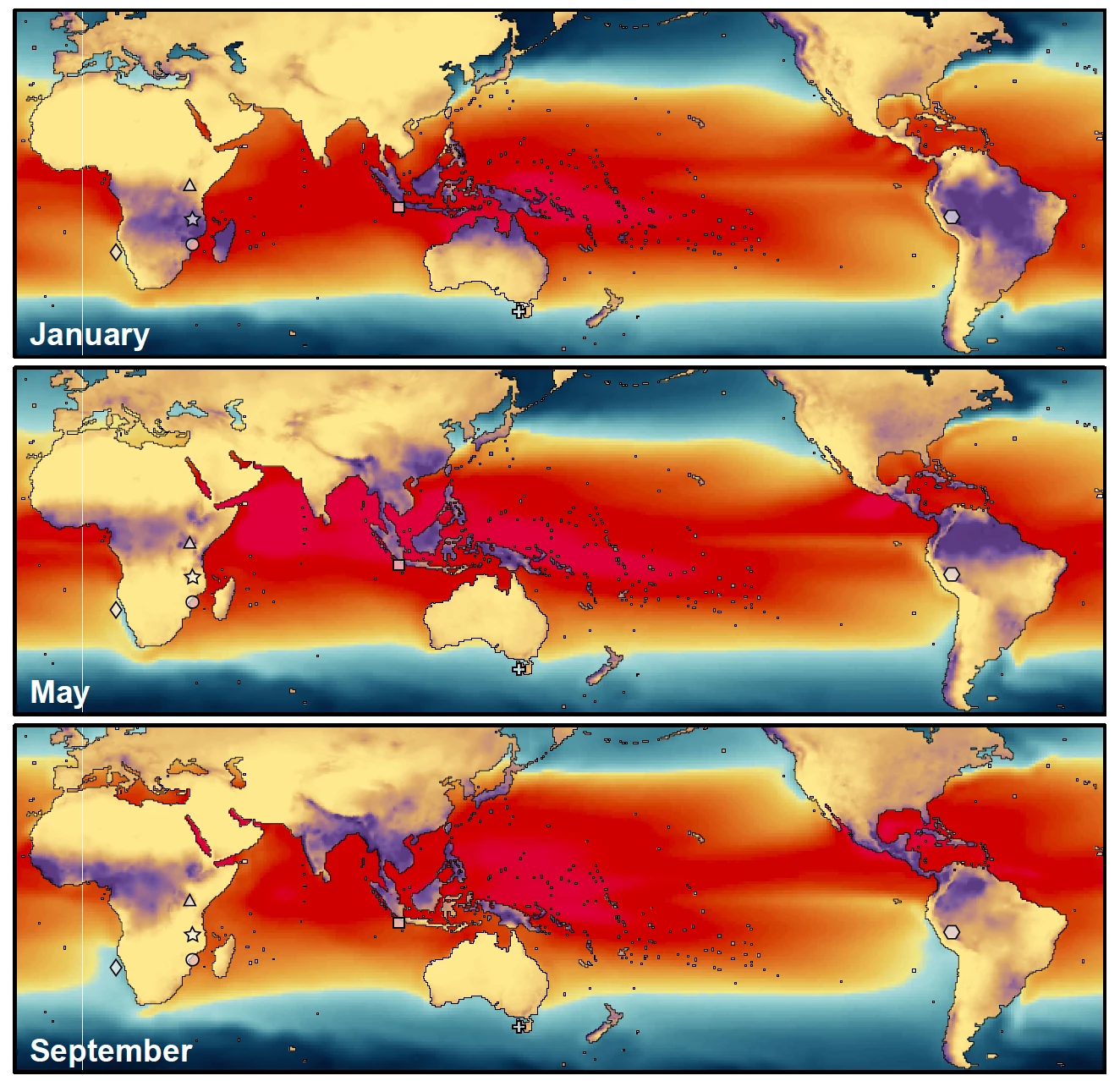
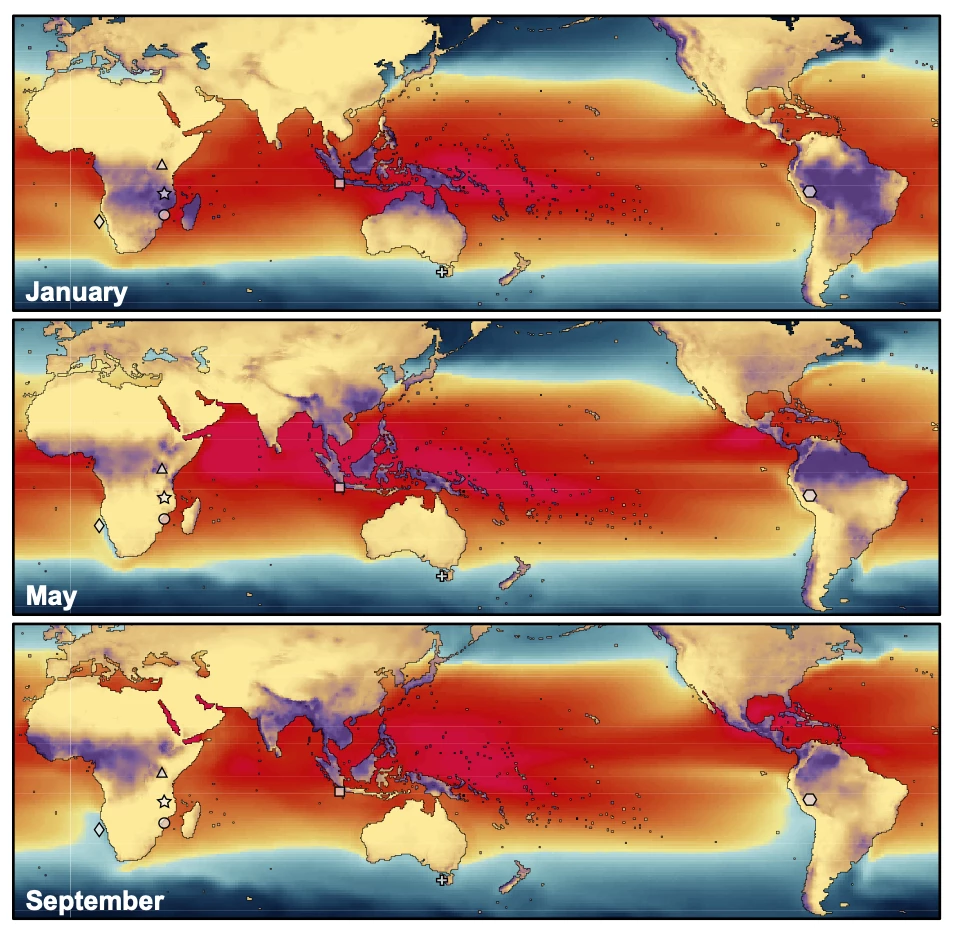
I am using Illustrator to edit objects created in ArcMap. I have a set of world maps where I used clipping masks to edit the breakpoint, copying the objects, creating two clipping masks, and piecing them back together. I put the pieces together so there is no gap between them even if I zoom in 64000%, but when I zoom out in Illustrator or when I save as a pdf, there are white lines between the pieces. When I zoom in and out in Illustrator or a pdf, the white lines appear and disappear. When I insert the pdf into Word or PowerPoint (the final destination for the image) the white lines are permanent. How do I remove the white lines?
I have seen that others have had similar problems, but none of the posted solutions help. I have tried saving without Illustrator editing capabilities, saving as different file types, saving without compression, changing anti-aliasing settings, changing GPU performance, and offsetting paths.
Thank You
In Illustrator
PDF without compression
PDF with compression
In Word
 AdChoices