


Known Participant
November 1, 2018
Answered

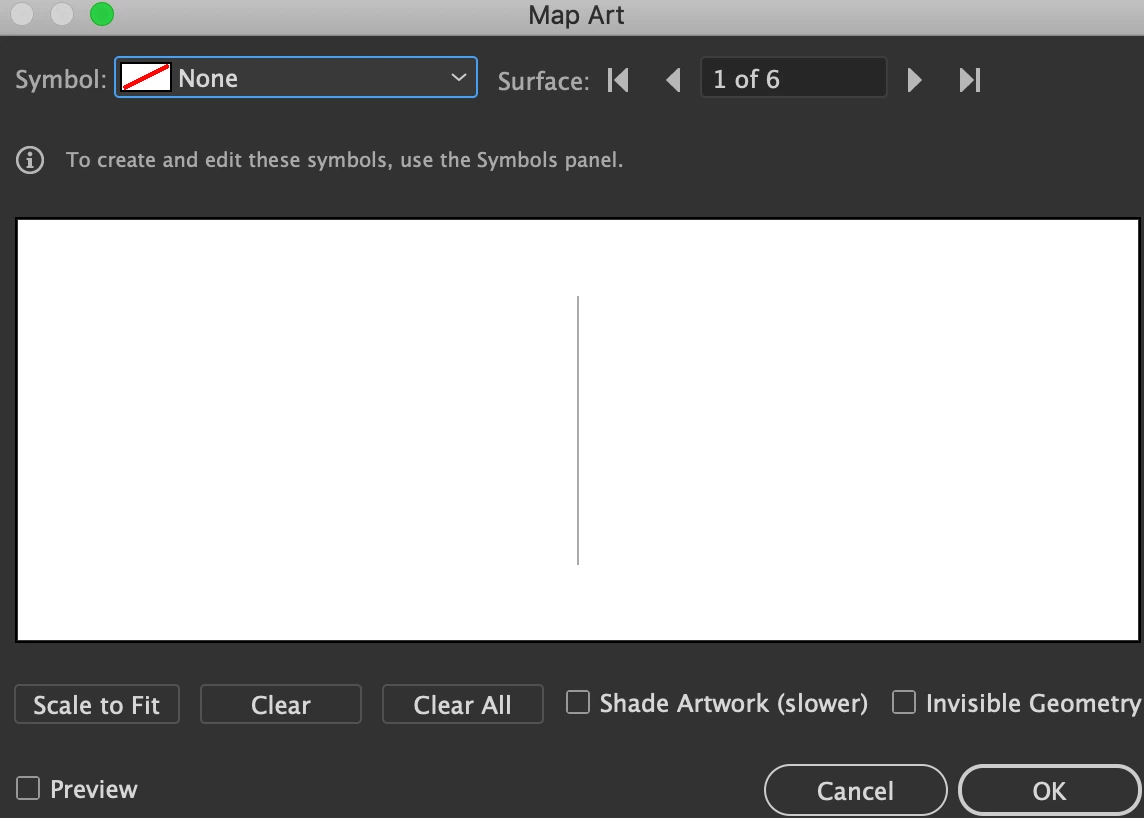
Why am I only seeing a line on the map art of 3d revolve options?
  • November 1, 2018
  • 1 reply
  • 561 views

Shouldn't I be seeing a waveform on a grid?

I was seeing the normal form, but then suddenly this occurs. No change was seen after restarting my laptop nor reopening the program.

slides 1, 6 appear like this while 2-5 are as they should be

    This topic has been closed for replies.
    Correct answer Ray Yorkshire

    Maybe start again.

    Draw a circle, deselect

    Use the Direct selection tool (white arrow) to select one of the side anchor  points and then delete that.

    Give it a fill no stroke

    Effect > 3D > Revolve.

    And when mapped it should have one surface.

    1 reply

    Doug A Roberts
    Community Expert
    Community Expert
    November 1, 2018

    What object are we looking at?

    sreepraddAuthor
    Known Participant
    November 1, 2018

    semicircle- to revolve it to a circle and apply a symbol over it. ive done it before, and was doing it now until suddenly this occurred

    Doug A Roberts
    Community Expert
    Community Expert
    November 1, 2018

    Can you show a screenshot of your object and the 3D options?