Participant
September 24, 2020
Answered

Why is this happening to my logo?!

  • September 24, 2020
  • 1 reply
  • 427 views

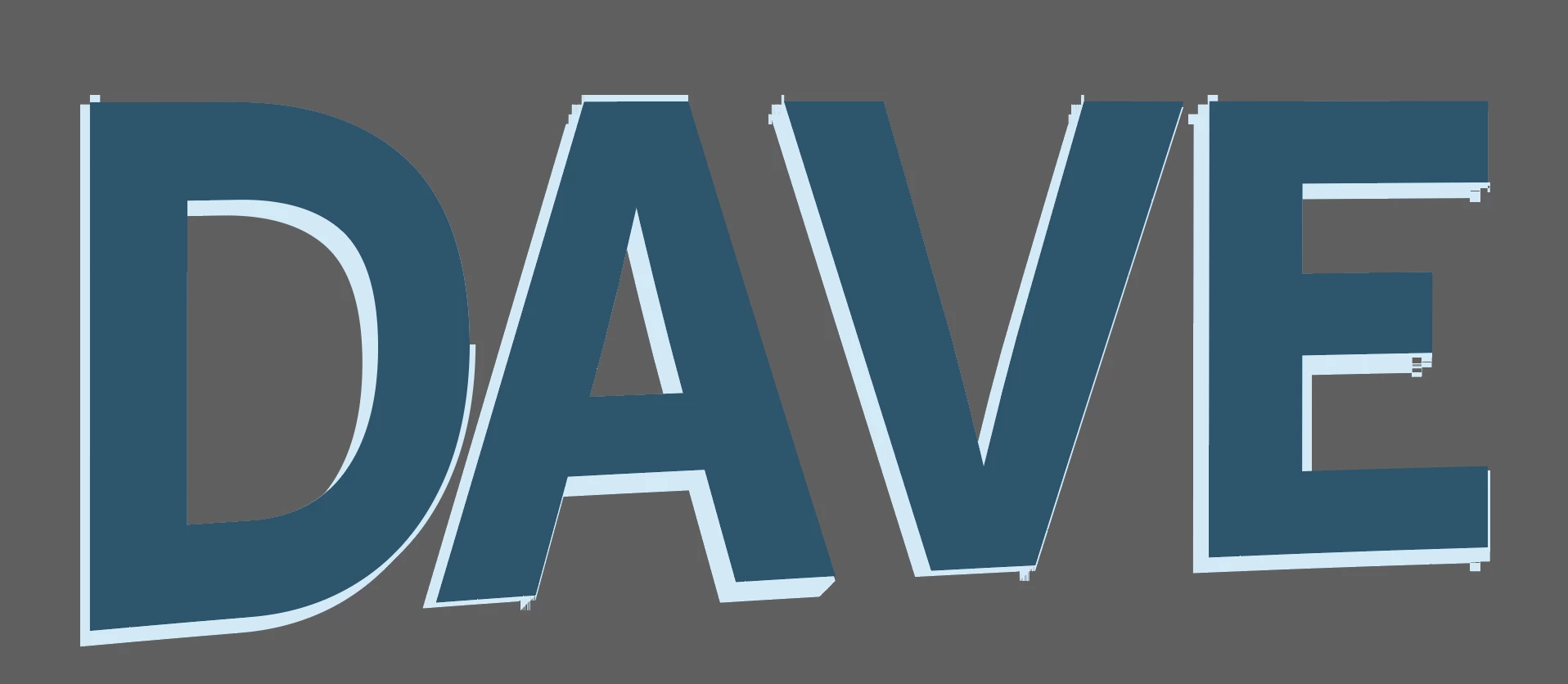
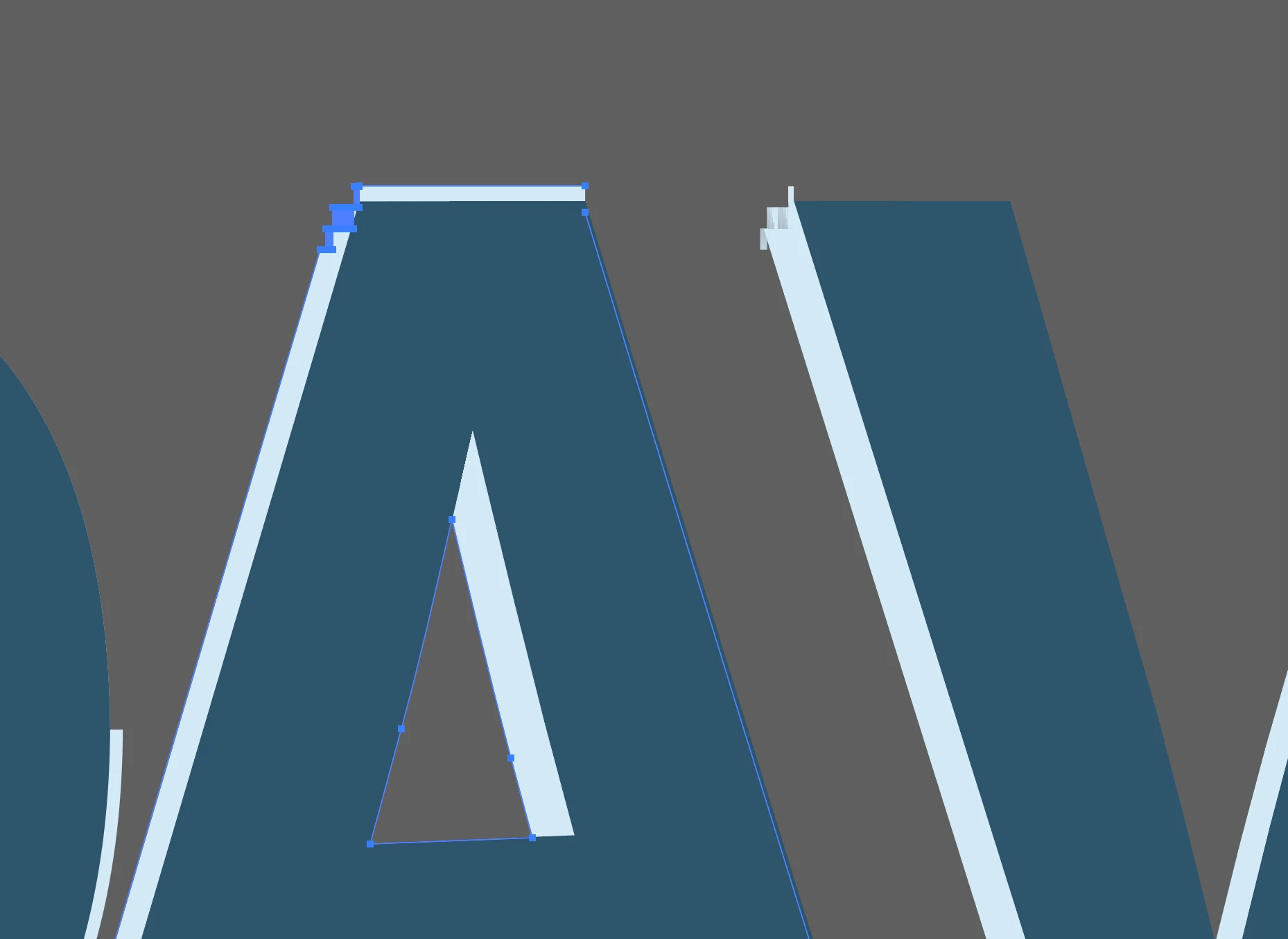
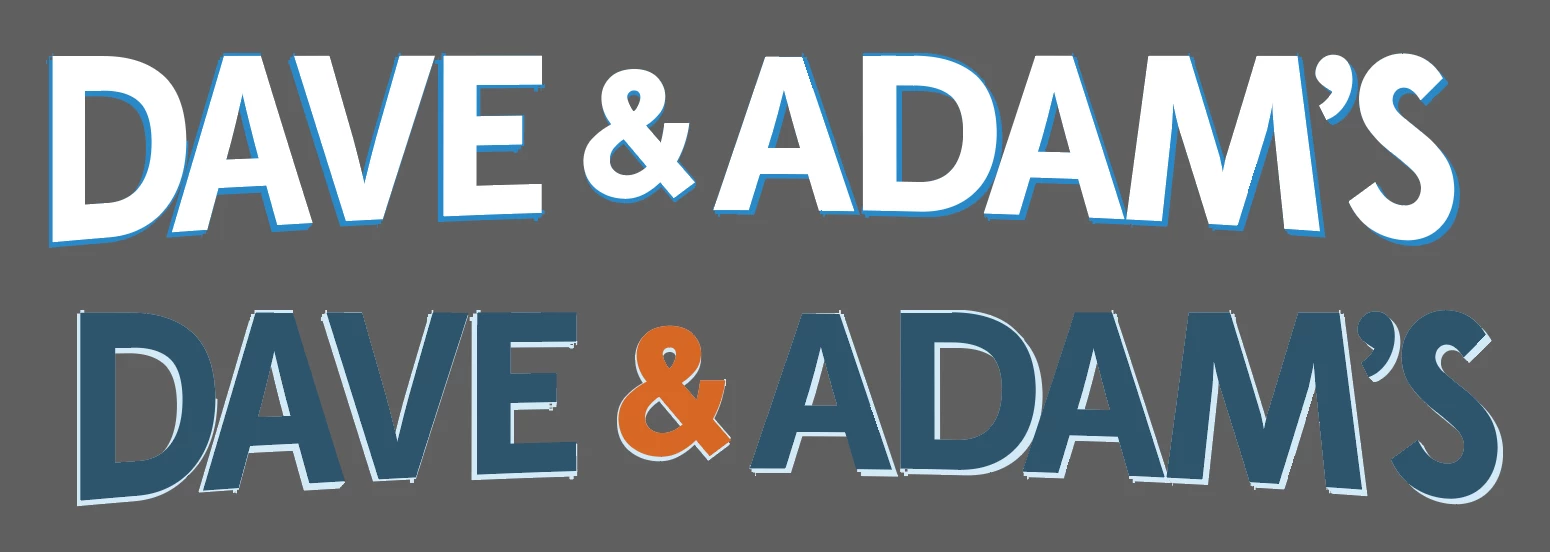
Why does my vector logo end up looking like this when I place a copy from an Adobe library into an illustrator file? In one file, it ends up looking like this, in another, I do the same thing and it's fine. All those parts that look like they're pixelated are actually vectorized with points. (Bottom picture is what our logo normally looks like) 
This topic has been closed for replies.
Correct answer Ton Frederiks

Maybe is View > Snap to Pixel on in the target document?

1 reply

Ton Frederiks
Community Expert
Ton FrederiksCommunity ExpertCorrect answer
Community Expert
September 24, 2020

Maybe is View > Snap to Pixel on in the target document?

Participant
September 24, 2020

Yep! That's it! Thanks!! 

Ton Frederiks
Community Expert
Community Expert
September 24, 2020

Good to hear that helped!