


New Participant
June 29, 2022
Answered

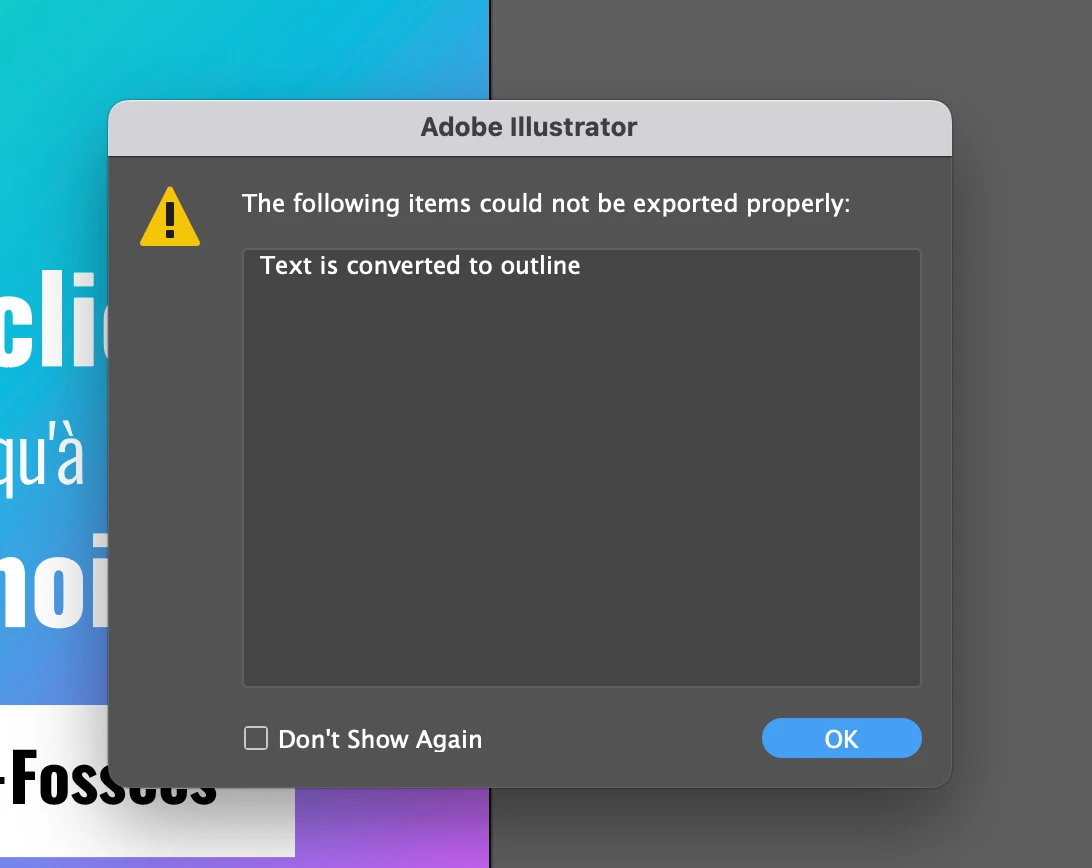
Why text is automatically converted to outline when saving as SVG ?

  • June 29, 2022
  • 3 replies
  • 4217 views


Hello Adobe community,


1) I was wondering why illustrator automatically converts text to outline when saving SVG. 

2) How to disable the conversion 


It seems that all the fonts are not equal, for instance when I use the "ROBOTO" font from google the text is not converted to outlines but when I use "MontSerrat" or "Oswald" the text is being converted to outline. 


Thanks for your help 
Correct answer Monika Gause

Both Montserrat and Oswald are variable fonts. Roboto is not.

That could be the reason.


Apart from that: if you don't outline the font, you will need to make it into a webfont and use the CSS to style your text in your SVG. Illustrator won't do that for you.

3 replies

New Participant
June 30, 2022

Indeed, using variable fonts leads Illutrsator to convert the text as outline. 

Installing the static version of the variable fonts, helped me out


Monika Gause
Monika GauseCorrect answer
Community Expert
June 29, 2022

Both Montserrat and Oswald are variable fonts. Roboto is not.

That could be the reason.


Apart from that: if you don't outline the font, you will need to make it into a webfont and use the CSS to style your text in your SVG. Illustrator won't do that for you.

New Participant
June 30, 2022

Thanks Monica for your help

John Mensinger
Community Expert
June 29, 2022

As you've discovered, it can be font-specific. Those that convert to outlines may not allow embedding, whereas Roboto does.

New Participant
June 30, 2022

Thanks John for the quick answer.