


Answered
Adjust color of pattern fill?
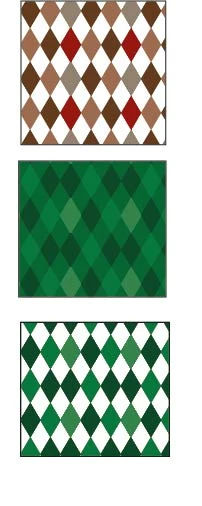
Is there a way to adjust the color of a pattern fill without changing the actual pattern?
Sometimes I do this by overlaying another solid color fill on top of the pattern fill, and use multiply or other blend modes. This works except when the pattern contains empty/transparent areas: in this case the solid color would pass through and affect the object below the pattern, which is unwanted.
So basically, is there a way to isolate the color change to a single object? I've tried with "Isolate Blending" and "Knockout Group" with no success...
 AdChoices