Participating Frequently
July 28, 2020
Answered

How to create transparent shape?

  • July 28, 2020
  • 4 replies
  • 2744 views

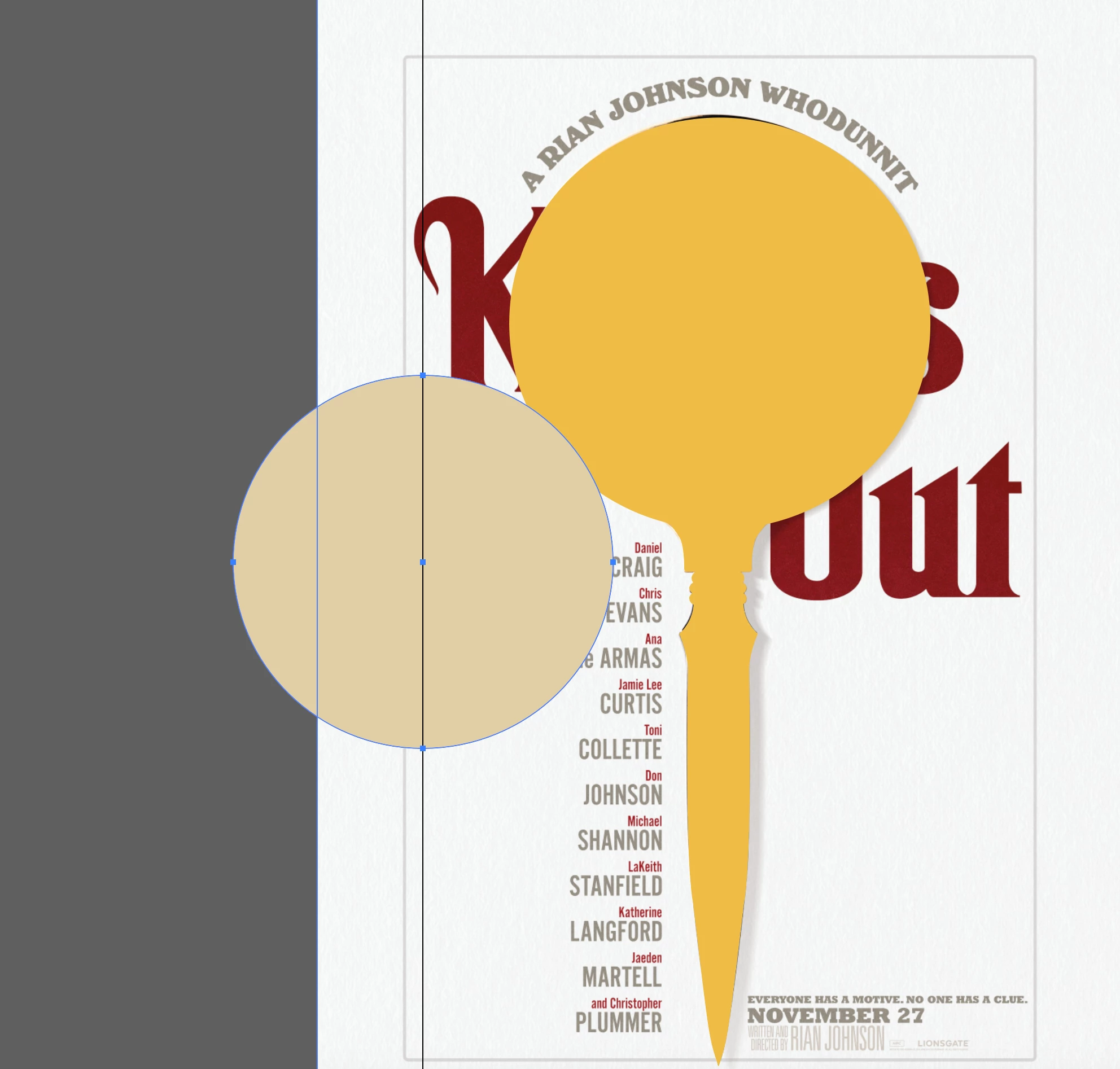
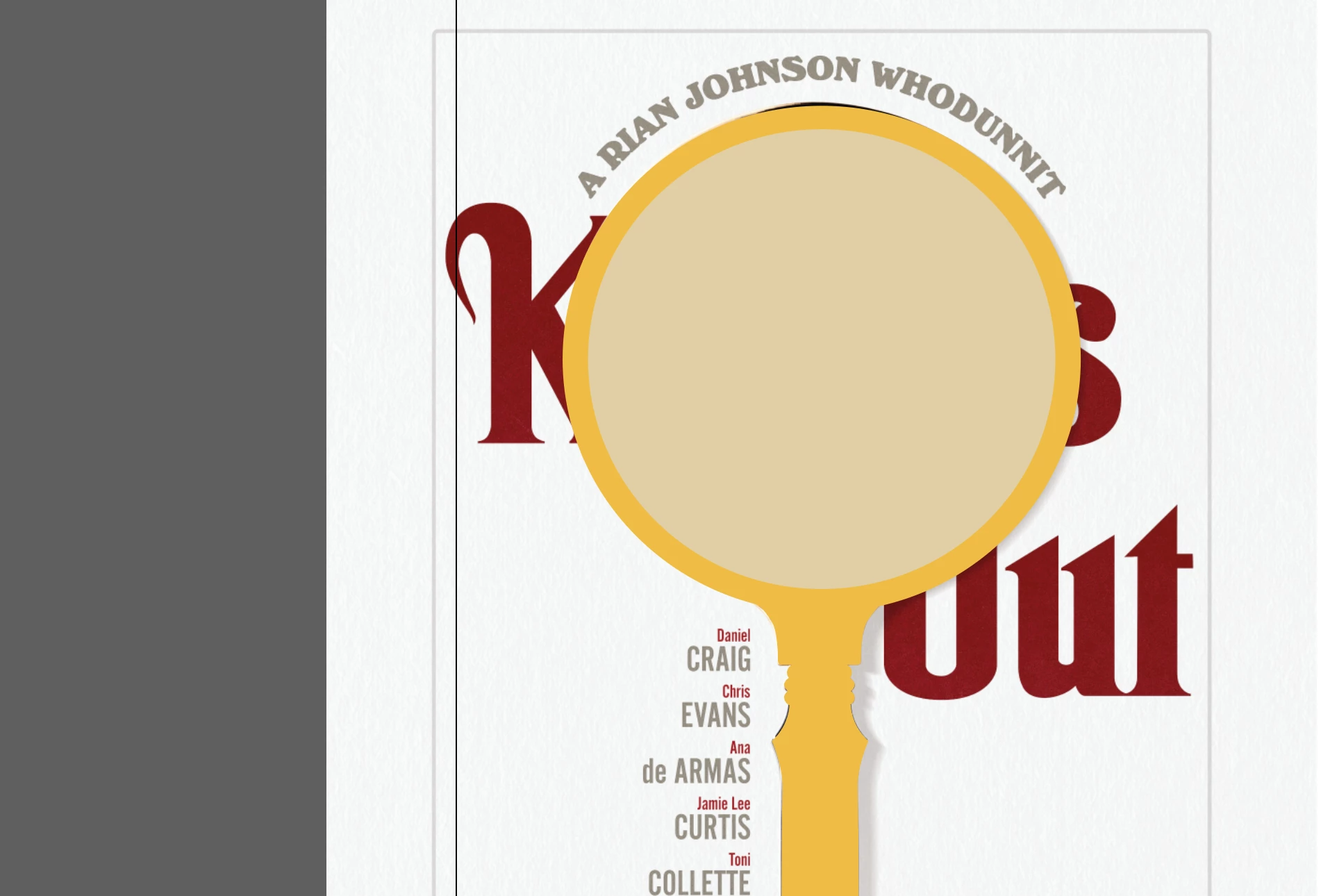
I'm trying to create a magnifying glass. I created the base of the shape first then I'm trying to create the glass in the round part using another shape on top. Though instead of a solid color I want it to be transparent? so I want to create a round shape where the glass would be without any shape or color there.. I hope I explained that correctly..
This topic has been closed for replies.
Correct answer DRock22

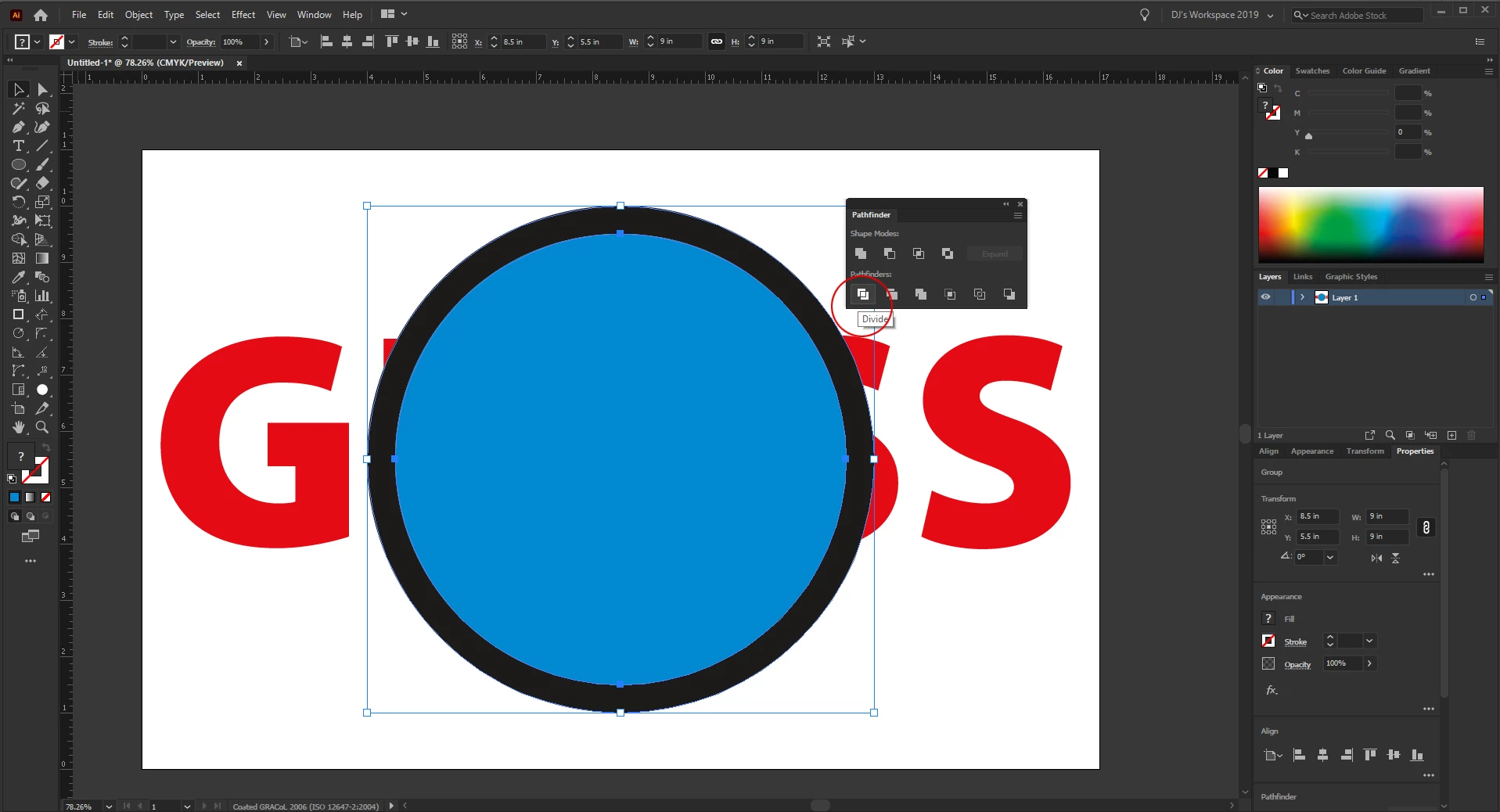
1: With both objects selected, use "Divide" in the Pathfinder menu. This will basically cut out the glass shape from the holder but keep your glass intact. 
2: both objects will now be grouped. Either ungroup them or Right-Click with them selected and click "Isolate selected group."
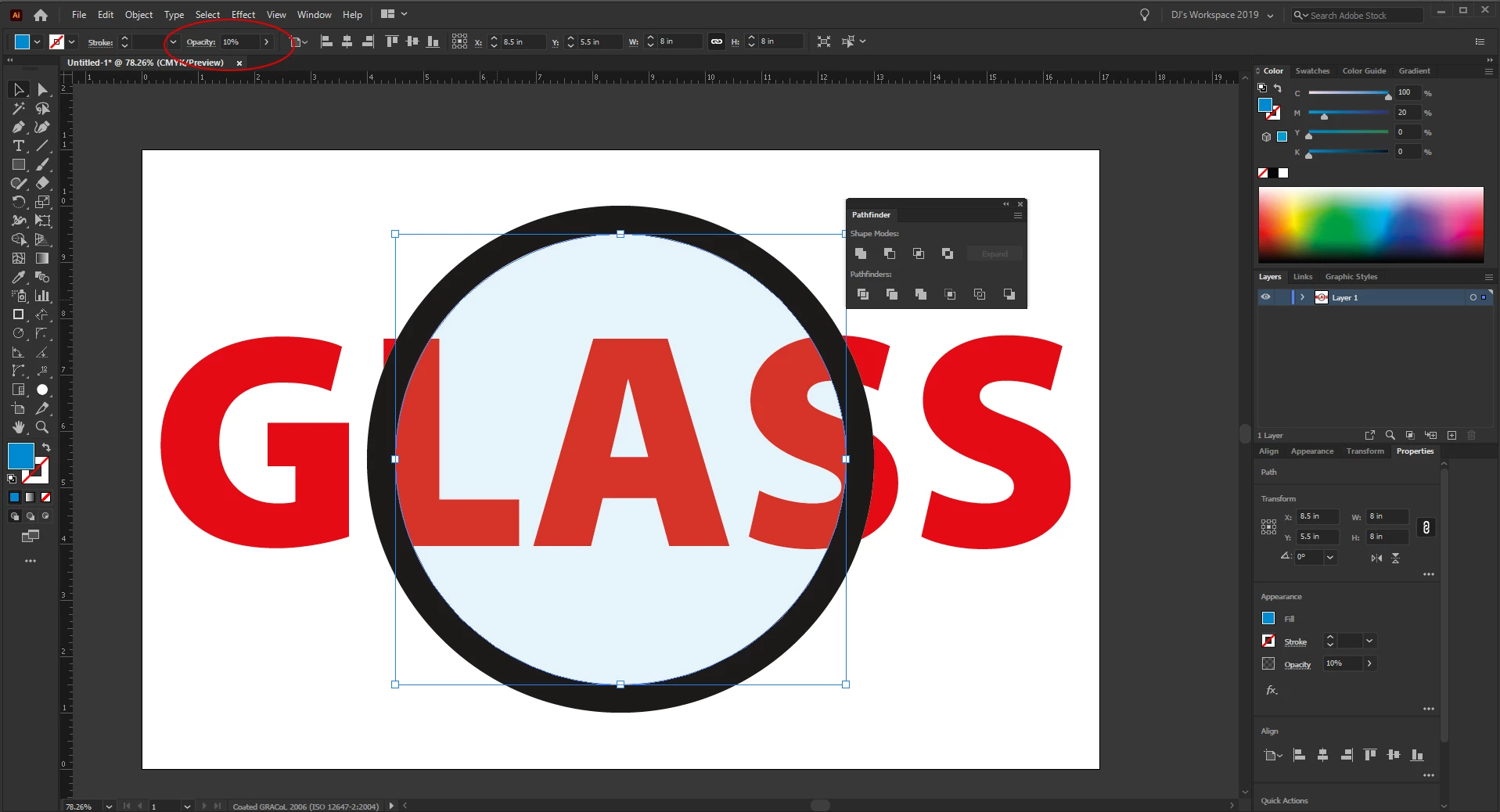
3: Now you can change the opacity of the glass to whatever you want. 

4 replies

DRock22
DRock22Correct answer
Inspiring
July 28, 2020

1: With both objects selected, use "Divide" in the Pathfinder menu. This will basically cut out the glass shape from the holder but keep your glass intact. 
2: both objects will now be grouped. Either ungroup them or Right-Click with them selected and click "Isolate selected group."
3: Now you can change the opacity of the glass to whatever you want. 

Participating Frequently
August 3, 2020

This did it for me. Thanks for your help. So simple yet I couldn't figure it out!

DRock22
Inspiring
August 3, 2020

You're welcome. Glad it worked for you! 

Jacob Bugge
Community Expert
July 28, 2020

jughead,


Proceding from the asked and answered question to the (next) unasked one, I believe you will need the copy of the glass part of the magnifier, suggested by Hans-Jürgen, to use as a Clipping Path/Mask for a magnified version of the text to be visible under it.


Participating Frequently
July 28, 2020

And following on from Jacob, you could use a subtle fisheye warp Effect on this clipped text for the magnification...

pixxxelschubser
Community Expert
July 28, 2020

Hi Ton,

in the case that you wish not to have 0% opacity and different colors for the glass and the"holder".

pixxxelschubser
Community Expert
July 28, 2020

You could use the circle as opacity mask. But this is IMHO not the best solution.


Better:

Copy your circle for later use.

Create a compound path by using the menu command or the Shape Builder Tool or the Pathfinder Panel (not the effect) from both shapes.

Now paste in the circle again and set it's opacity and so on like desired.

Ton Frederiks
Community Expert
July 28, 2020

Although this is a good way of achieving the desired result, I wonder why it is better than an opacity mask?