

Participant
July 31, 2020
Answered

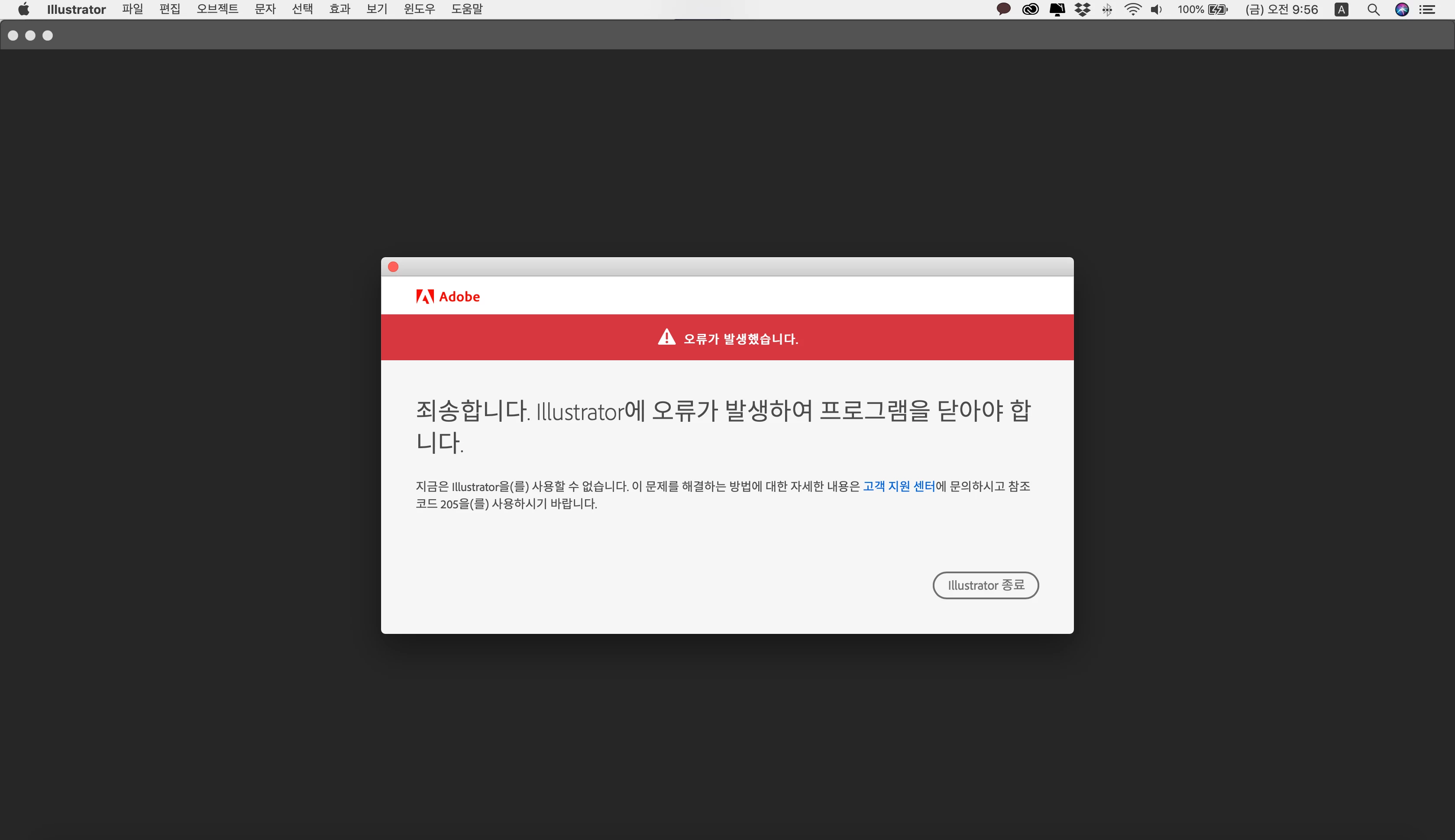
illustration cc error 205
  • July 31, 2020
  • 1 reply
  • 7578 views


Both versions of 2019 and 2020 fail even though the latest version has been deleted and re-installed. I want to find a solution.

This topic has been closed for replies.
Correct answer Lauren26894325sr7e

Hello @joe236211165rqv,


Sorry to hear about this experience. Would you mind trying the steps shared in this help article and checking if it helps (https://helpx.adobe.com/download-install/kb/fix-licensing-error-205.html)?

Looking forward to your response.


Thanks,

Anubhav


I was having the same issue and followed the steps on this page and it worked! Thank you! (https://helpx.adobe.com/download-install/kb/fix-licensing-error-205.html)

1 reply

lambiloon
Community Expert
Community Expert
July 31, 2020

Hi,


Error 205 occurs when there is a problem with the downloaded file, I would recommend you to try alternate network connections and also please review the settings of any installed software firewall or security software that may be intercepting the downloads.

Details on Error 205 can be found at Troubleshoot Adobe Creative Cloud download and install issues.

You can also find additional details on how to resolve connectivity concerns at Resolve connection errors with Adobe Creative Cloud and Creative Suite applications.


Direct download for Creative Cloud desktop app is available, you may try downloading and installing it from here: Download Creative Cloud desktop app.


If in case you are on a managed network then i would recommend you to take a look at the following document, the server and domains listed in this document must be accessible on ports 80 and 443 for the relevant applications and services to function correctly: https://helpx.adobe.com/content/dam/help/attachments/Creative_Cloud_for_enterprise_Service_Endpoints...


Let us know if this helps.

Ali Sajjad / Graphic Design Trainer / Freelancer / Adobe Certified Professional
jang35431833
Participant
September 4, 2022

Nothing works. I reinstaled everything, disabled firewall, installed every older version, removed all of the information. Cant use ILLUSTRATOR and i NEED TO!

jang35431833
Participant
October 5, 2022

I found a solution! You need to log out from AdobeCC app and log in again. Thats it. : |