
Participating Frequently
January 18, 2019
Answered

iMac 32gb or 64gb Opinions Please

  • January 18, 2019
  • 2 replies
  • 5733 views

We are looking to purchase a new machine for our art department and have settled on

iMac 27" - 4.2 GHz Quad-Core i7 7th-generation processor, Turbo Boost up to 4.5 GHz - 1 TB SSD

The question is do we get it with 32gb or 64gb.

If we get 32gb and want to upgrade the memory to 64gb down the line is it easy to add memory to an iMac? I have only ever used a tower in here so i'm not sure.

We are running art files that range from 300kb up to a 1gb but for promotional material file size is usually over 100mb under 300mb.

I posed the question in the Apple forums and here is the consensus...I am coming to the Adobe forums because you guys are working with files similar to what I am using and might have some thoughts. THis was also posted in the Photoshop forums.

THANK YOU

If it were me, I would order it with 8GB and upgrade to 32 or 64 GB. Third-party RAM will save quite a bit.

I agree, most experienced users on these forums only use Crucial.com or www.macsales.com RAM. Both are dramatically less money than buying direct from Apple and installing RAM is a 5 minute process that requires zero tools. The reason for recommending these 2 vendors is iMacs are sensitive to using quality RAM and both vendors have long histories of supplying quality products, excellent service and fair prices.

To answer your questions, most users are fine with significantly less than 32GB, how much you should get it really up to you. As you are not sure, get as much as the budget allows.

I second rkaufmann87's recommendation regarding purchasing the memory modules from MacSales.com or Crucial.com. It will cost about ½ of what Apple will charge. Being a 27" model you're ordering you can do it yourself. 

For example from Crucial you can get two 8 GB modules for $131 for a total of 24GB. The 16 GB option thru Apple is $200. Or two 16 GB modules (for a total of 40 GB) for $258 vs $600 from Apple.
  

    This topic has been closed for replies.
    Correct answer Mike_Gondek10189183

    The truth of the matter is either 32 or 64gb ram will work for most Photoshop & Illustrator processes at this time, If you asked 8 or 64 I would more definitely say 64, but between 32 or 64 cannot the decision is tougher and hence why you ask .

    For most of your work you will not notice a difference, but there may be a day you are doing a liquify or working on 16 bit image in Photoshop, or you have a massively layered cartography file with 100,000 vector points. So having the extra processing power you will not regret.

    Doing things like saving as your .ai files to turn off pdf compatible is a huge help and I cannot believe that for 25+ years of preaching that I still enlighten & change peoples lives telling them that.

    But you probably desire  a recommendation so will say 64, without seeing exactly the complexity of work you do and layers.

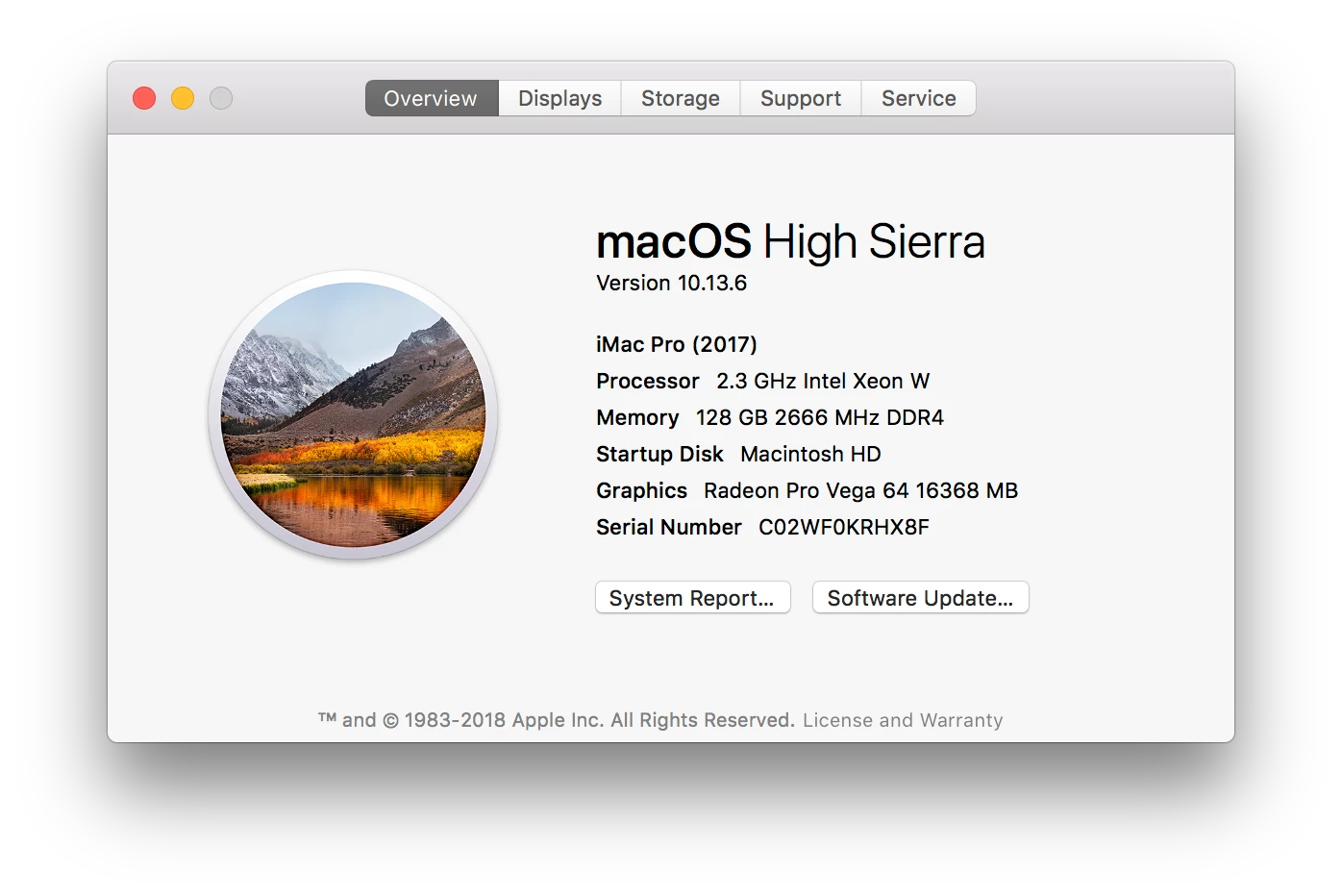
    i am at 128 myself and do not regret.

    2 replies

    Mike_Gondek10189183
    Community Expert
    Mike_Gondek10189183Community ExpertCorrect answer
    Community Expert
    January 18, 2019

    The truth of the matter is either 32 or 64gb ram will work for most Photoshop & Illustrator processes at this time, If you asked 8 or 64 I would more definitely say 64, but between 32 or 64 cannot the decision is tougher and hence why you ask .

    For most of your work you will not notice a difference, but there may be a day you are doing a liquify or working on 16 bit image in Photoshop, or you have a massively layered cartography file with 100,000 vector points. So having the extra processing power you will not regret.

    Doing things like saving as your .ai files to turn off pdf compatible is a huge help and I cannot believe that for 25+ years of preaching that I still enlighten & change peoples lives telling them that.

    But you probably desire  a recommendation so will say 64, without seeing exactly the complexity of work you do and layers.

    i am at 128 myself and do not regret.

    Bill Silbert
    Community Expert
    Community Expert
    January 18, 2019

    Speaking from experience of working in the Studio of a large advertising agency using a Mac Pro tower (late 2013 model) that 32gb has been more than enough ram. My home iMac (late 2015 model) has 16gb and even working from home I've not had too many speed related issues. That being said, though, having enough ram to give oneself the peace of mind that even with future (ram hungrier) versions of the OS you'll still be able to function as efficiently as now is the real issue. That is why I would max out the ram as much as possible especially since, as I've heard, that the next version of the Mac OS will be drastically different than even Mojave and it is best to be prepared. As far as where to get this ram it really depends on what is more relevant for you. If you are tech savvy enough to install extra third party ram on an iMac (I'm not even sure how to get it open) then do so if price is important to you. If having the convenience of everything taken care of out of the box is best for you then buy it with the extra ram.