


Known Participant
May 5, 2018
Answered

LOST THE SHAPE AFTER ADD THE TEXT BY TEXT PATH TOOL

  • May 5, 2018
  • 4 replies
  • 1796 views

Dear All,

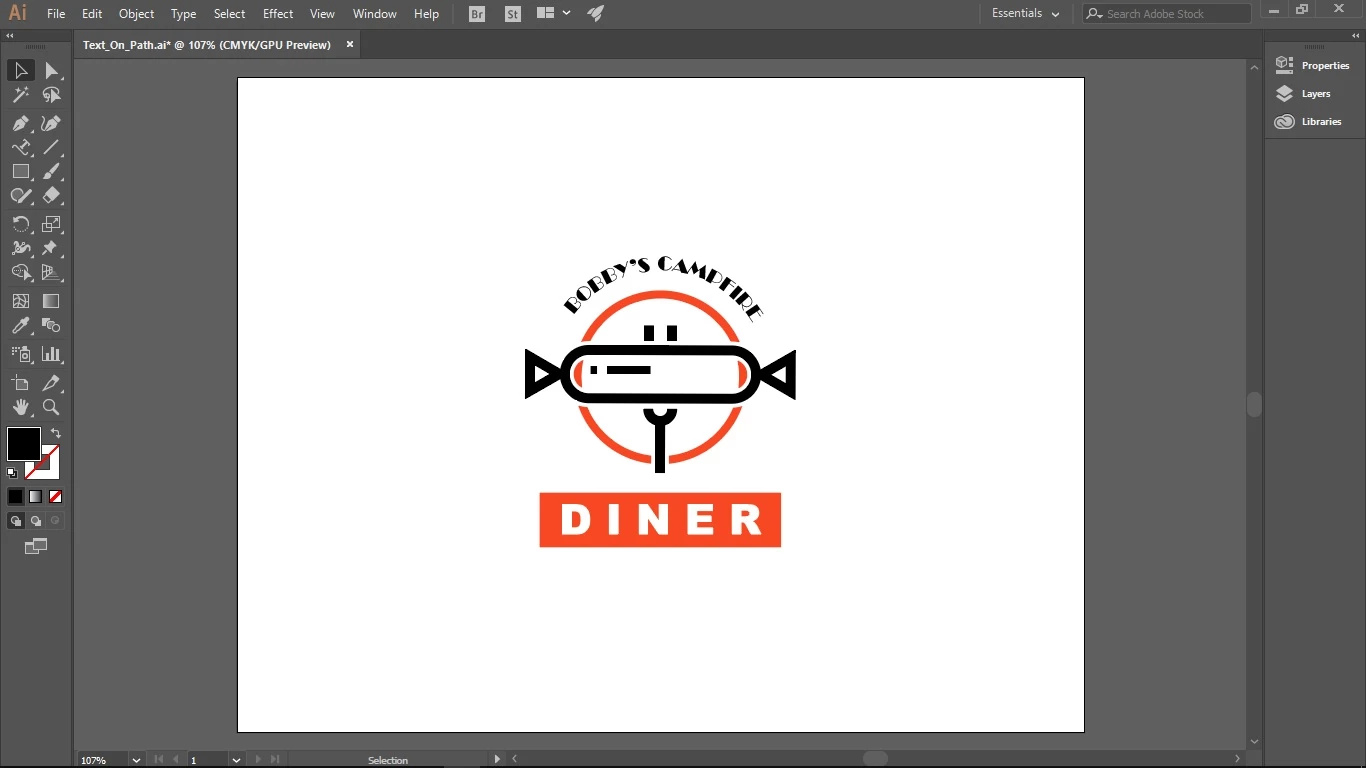
I the beginner of  the Illustrator, recently I follow a tutorial how to make the Text follows the path from Adobe Tutorial, however after the text succeed created I loosen the circle shape with yellow color as per screen shot attached.

Please advice how to prevent I lost again a shape during create the text path.

Thanks & B/regards,

BEFORE ADD THE PATH TEXT
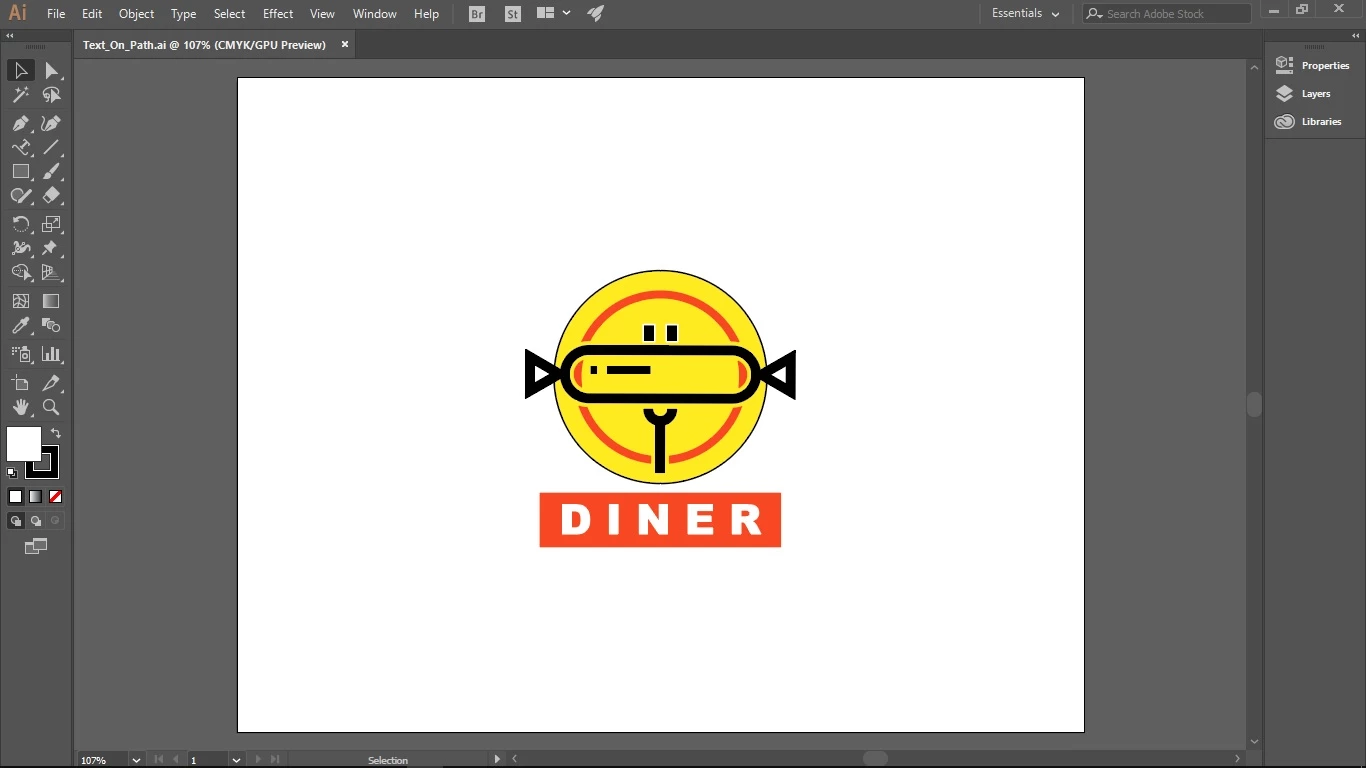
AFTER ADD THE PATH TEXT, I MISSING THE YELLOW CIRCLE
This topic has been closed for replies.
Correct answer Omar.Fathy

In Illustrator it is not like Photoshop. When you make something on a path like Brush or Text on a Path, it will remove your shape but your path will still exist and you can't add more things to the same path like brush and text for example.

So like tromboniator​ said , You can copy the shape first.

4 replies

Known Participant
May 7, 2018

Dear all,

Thanks for your advise, I will do as per suggestion.

Ton Frederiks
Community Expert
May 5, 2018

Or, without making a copy:

Click outside the text path object to deselect it.

Use the Direct Selection tool to select the path that has disappeared.

Give it a fill and stroke.

Omar.Fathy
Omar.FathyCorrect answer
Community Expert
May 5, 2018

In Illustrator it is not like Photoshop. When you make something on a path like Brush or Text on a Path, it will remove your shape but your path will still exist and you can't add more things to the same path like brush and text for example.

So like tromboniator​ said , You can copy the shape first.

tromboniator
Community Expert
May 5, 2018

Copy the yellow circle and paste in front, then add the type to the copy,