


New Participant
December 9, 2017
Answered

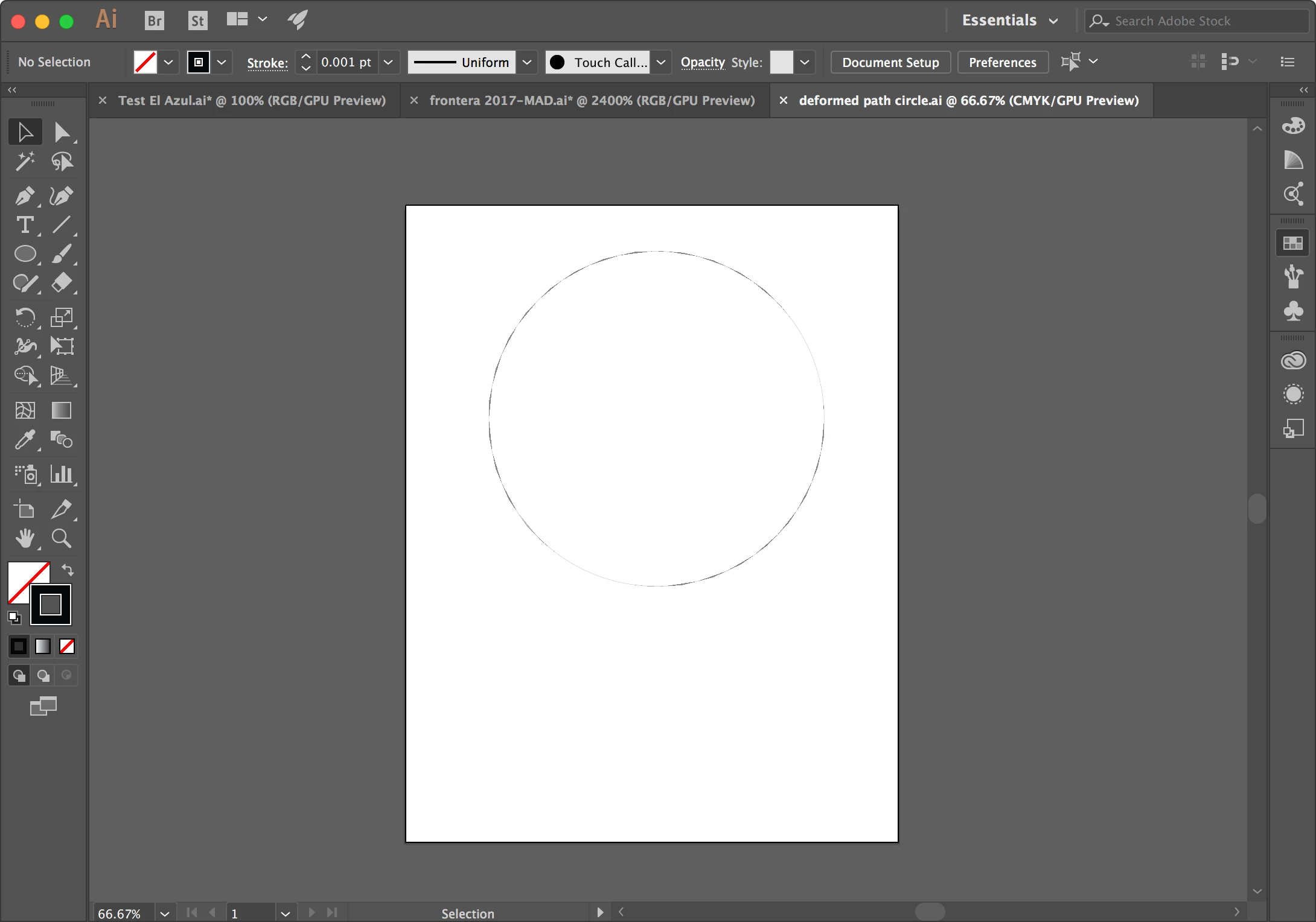
Path of Shape Distorted when Stroke Width Reduced to .001

  • December 9, 2017
  • 2 replies
  • 1328 views

I am making vector drawings for the laser engraver. When I use the shape tool and make a circle or oval - and reduce the stroke weight to .001 (what the laser reads) it changes the shape of the path - making it look faceted. The laser cannot properly read the deformed path.

Help!
This topic has been closed for replies.
Correct answer Ton Frederiks

Can you check if it may be a problem with your videocard?

Try switching between CPU and GPU (Cmd E) or click the Rocket icon at the top.

2 replies

Ton Frederiks
Ton FrederiksCorrect answer
Adobe Expert
December 9, 2017

Can you check if it may be a problem with your videocard?

Try switching between CPU and GPU (Cmd E) or click the Rocket icon at the top.

New Participant
December 9, 2017

That worked! (At least on my machine)

In the past when I sent the file to the computer that drives the laser engraver the problem went with it.

I am hoping it fixes it everywhere.

THANK YOU!

Ton Frederiks
Adobe Expert
December 9, 2017

Glad that helped. I checked it later on my Mac and got the same result.

It is a GPU rendering bug and you can report it here:

Adobe Illustrator Feedback

barbara_a7746676
Adobe Expert
December 9, 2017

My guess is that this may have to do with the resolution of your monitor and how accurately it can display a very thin line weight.

Try zooming in and see if the stoke still looks faceted. You could also try printing, although most printers are not capable of printing a stroke that thin without breaking up the line.

New Participant
December 9, 2017

Yes, stroke is still faceted when zoomed. The crazy thin line weight is the only line weight a laser cutter can read. Switching between GPU and CPU worked!