


Participating Frequently
August 30, 2016
Answered

Replace multiple objects in illustrator?
  • August 30, 2016
  • 4 replies
  • 39701 views

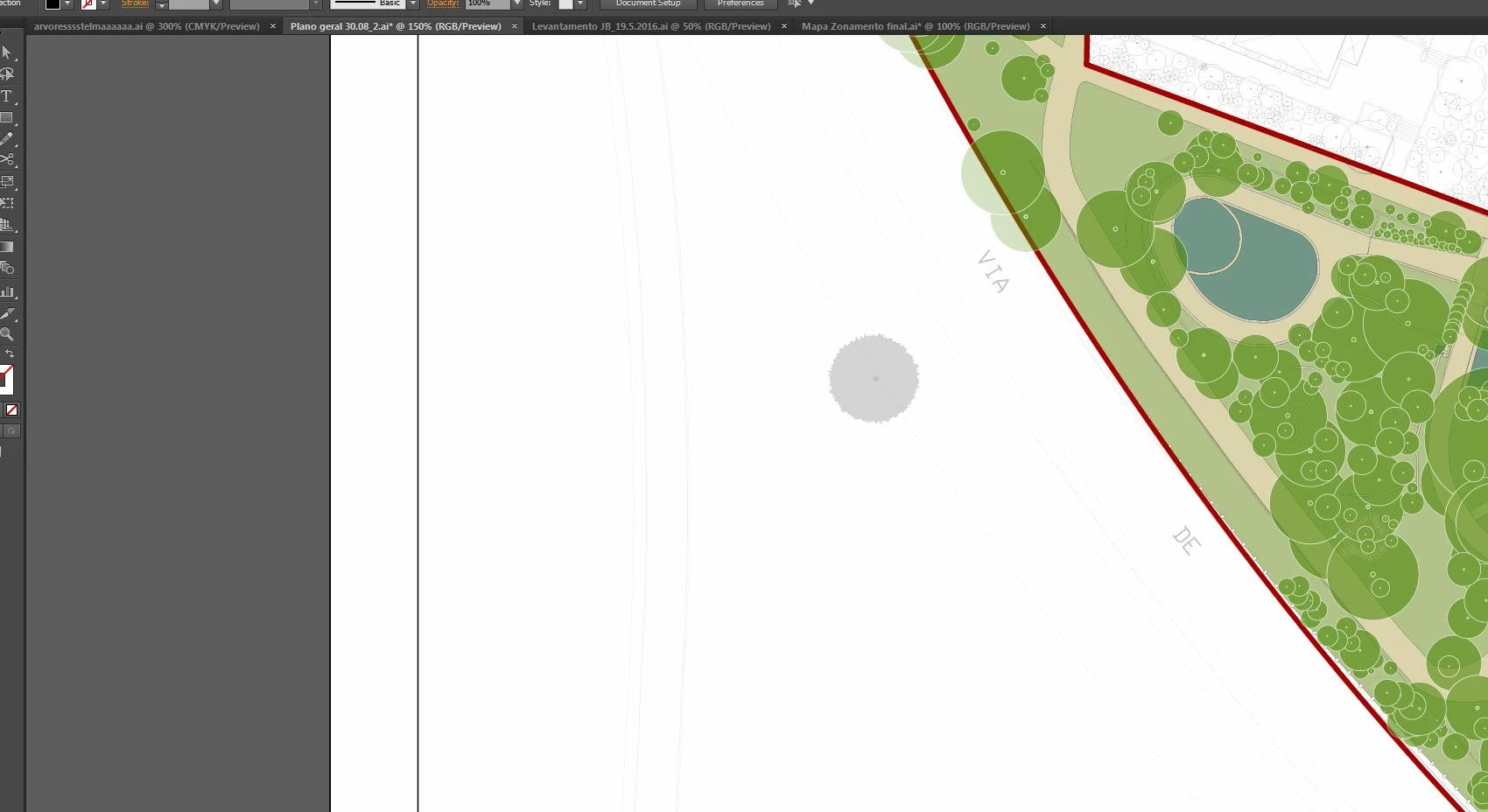
I have a plan with circles representing trees with differents sizes. So, I want to replace all of these circles by another shape (circle with peaks) while keeping the size of the originals circles. That it possible? help plz. Thanks
This topic has been closed for replies.
Correct answer Mike_Gondek10189183

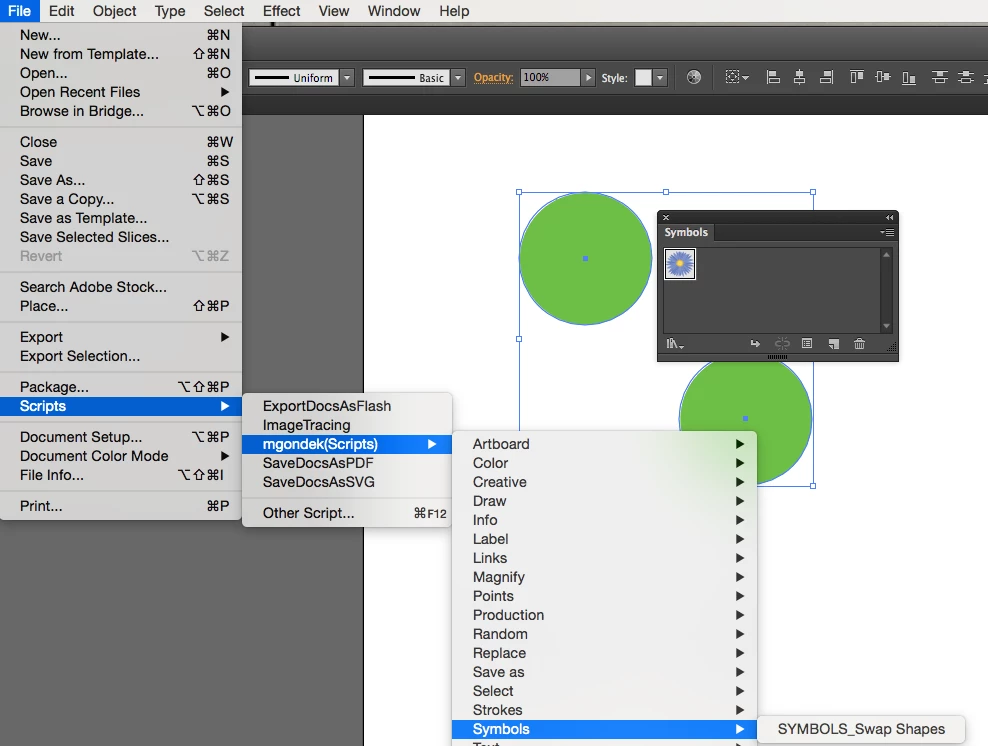
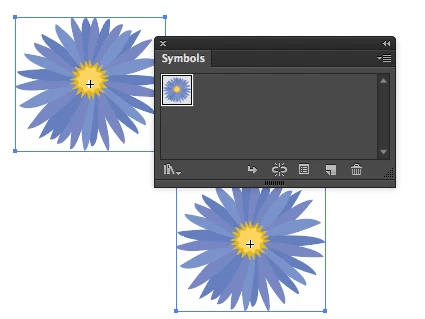
There is a script to change selected shapes to your selected symbol.

http://ftp.kaleidoscopechicago.com/_aJYjgsPJ1TfnCR

FILENAME:   SYMBOLS_Swap Shapes.jsx 

1000 Bytes

The URL will expire on Oct 29.

download and install here

Applications/Adobe Illustrator CC 2015.3/Presets.localized/en_US/Scripts/SYMBOLS_Swap Shapes.jsx

The script is really amazing as this will resize all you items. For maps you should be using symbols anyway, to make your file run faster.

4 replies

kdoersch
Participating Frequently
July 30, 2019

I realize this is an old thread, but I'm a landscape architecture student and ran into the same exact problem. I was able to select same appearance to grab them all (even though they're grouped!) and then apply the Roughen effect under Effect > Distort & Transform. It even makes them all slightly different, which is great for my conceptual plan.

Ton Frederiks
Community Expert
Community Expert
August 30, 2016

A script is the way to go.

I like this one:

This script replaces all objects with the topmost object of the current selection. The size of the object that replaces will be modified according to the size of the objects that are being replaced.

zamena_size [Illustrator Praxis]

Mike_Gondek10189183
Community Expert
Mike_Gondek10189183Community ExpertCorrect answer
Community Expert
August 30, 2016

There is a script to change selected shapes to your selected symbol.

http://ftp.kaleidoscopechicago.com/_aJYjgsPJ1TfnCR

FILENAME:   SYMBOLS_Swap Shapes.jsx 

1000 Bytes

The URL will expire on Oct 29.

download and install here

Applications/Adobe Illustrator CC 2015.3/Presets.localized/en_US/Scripts/SYMBOLS_Swap Shapes.jsx

The script is really amazing as this will resize all you items. For maps you should be using symbols anyway, to make your file run faster.

telma_abcAuthor
Participating Frequently
August 31, 2016

Thanks you all!

Mike, I've installed the script but when I will use, says to "enter the number of the symbol you want to replace each selected object". What does it mean? I saved the symbol but asks to put a name and not a number. Sorry I don't understand a lot of it.

Legend
August 31, 2016

Finnaly! Copy paste through a new document work!! Thank you all for your help. Resolved issue


Be sure to mark Mike's response as correct so future users searching the question will know that this one contains a correct solution to the issue.

kglad
Community Expert
Community Expert
August 30, 2016
Legend
August 30, 2016

Create a Graphic Style from your circle with peaks. Then select one of your round shapes, and Choose Select Same Appearance from the Menu. 

You can then apply the Graphic Style to all of your circle at once. 

This will work best if nothing else had the same combination of fill and stroke color, and stroke-size as your circle shapes.

telma_abcAuthor
Participating Frequently
August 30, 2016

Thanks SJRiegel. Almost worked!! I tried to crate a Graphic Style from my circle with peaks but only recorded fill and stoke and the peaks didn't appear there. So, the problem is to create a Graphic Style from my circle with peaks. Can you tell me the steps?