
Adobe downloaded font not 'activating'
Hello!
I was using InDesign on my Windows laptop and everything was working just fine two days ago. I turned my computer off (saved my InDesign file and closed the application).
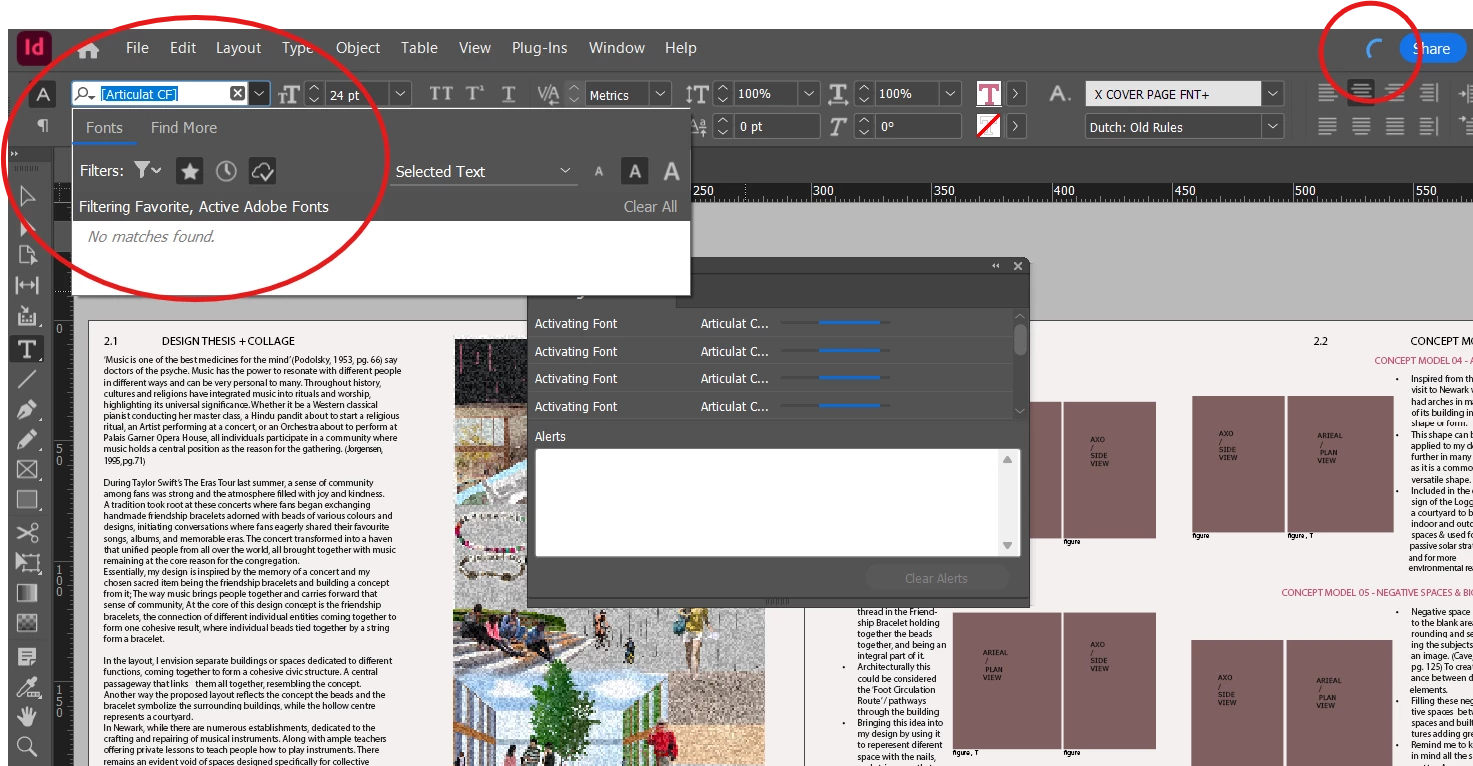
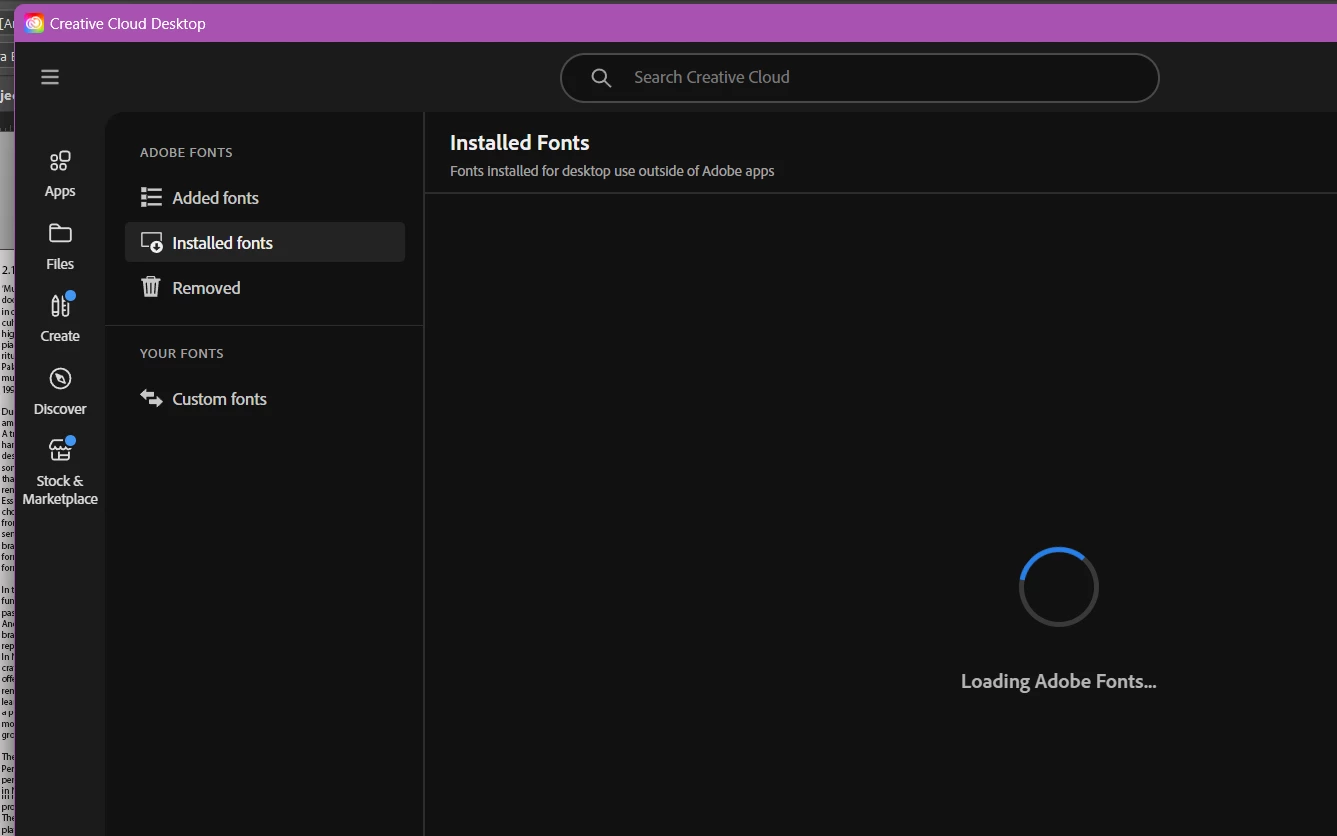
When I turned on my computer yesterday it said loading fonts so I gave it time but half an hour later it still showed the background tasks to be 'activating font' I tried to go on the Creative Cloud desktop app and the fonts page would just show the loading sign.
I tried to log out of my CC app and on the InDesign, multiple times now and tried to turn off the auto-activate fonts ( edit>< preferences > file handling)
But still, the same issue today, I am not sure what to do. Could someone please help me!!
I have attached some images to show you what I mean.
Should I maybe remove and re-add the font? But it still isn't loading on the cc desktop app so I'm not sure that will help.
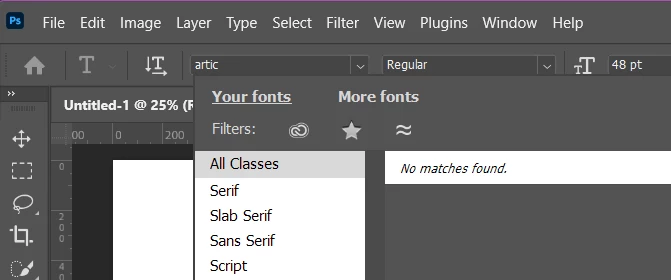
( PS - I tried to see if the font would work on Photoshop but when I search the font the font will not show up there either. )
 , I
, I
 AdChoices