
Combination of color and grayscale content
Hi,
I'm working on a project destined for print that includes both color and gray images. My workflow is RGB. There are no color and gray images placed on a same page. Can you tell me, please, what would be the best way to do this?
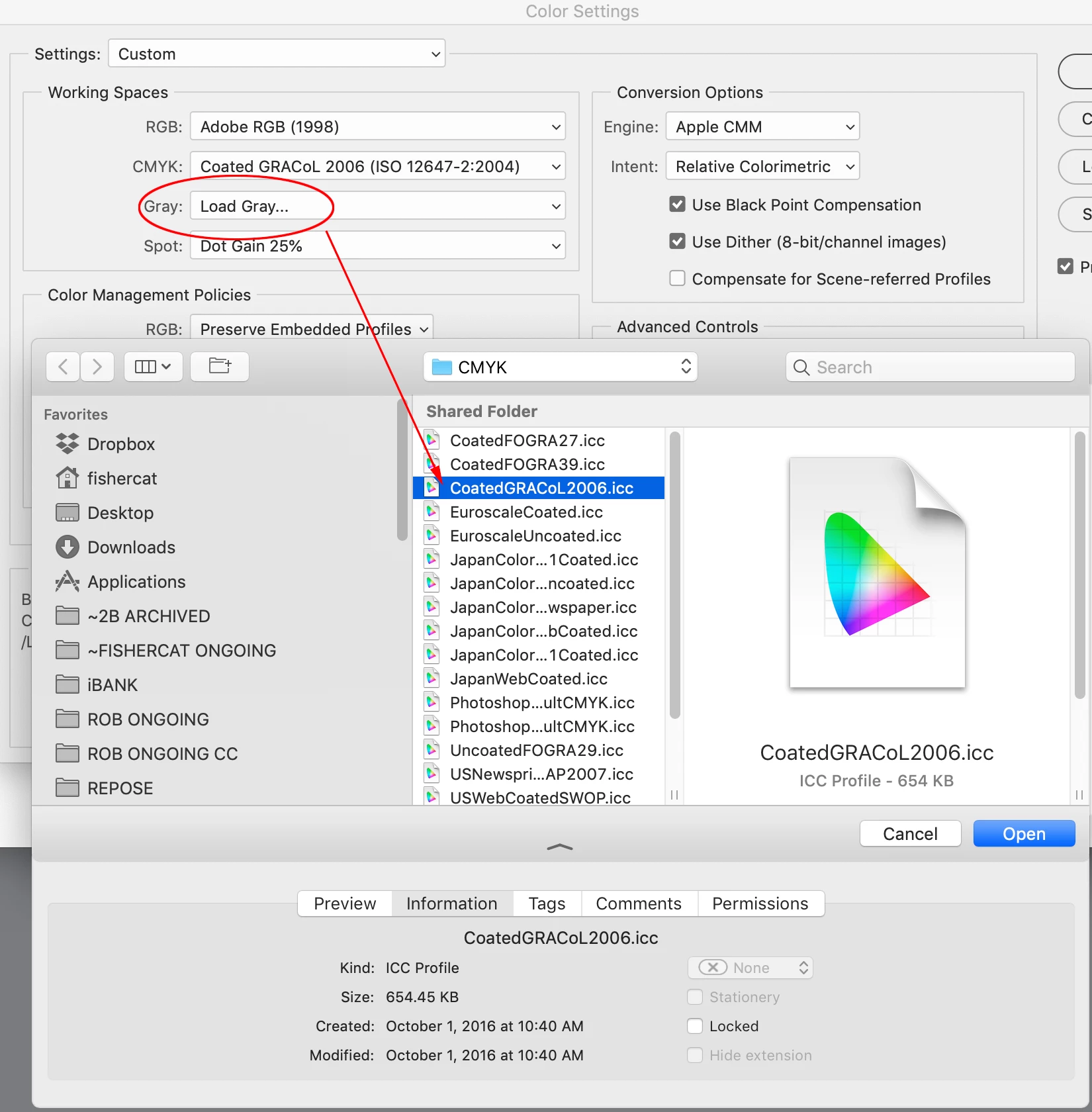
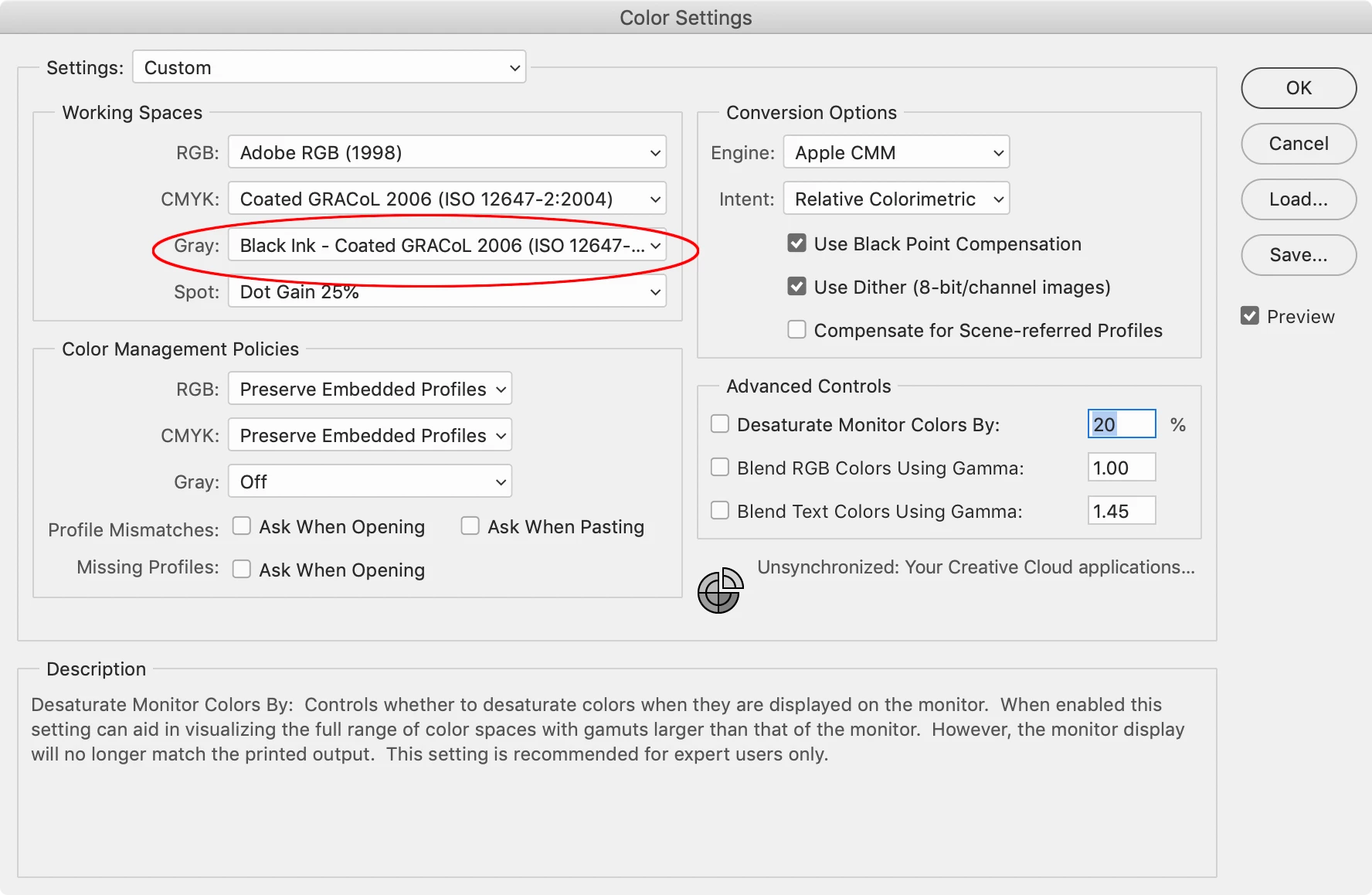
a) Exporting a PDF from Indesign without color conversion (the resulting PDF is RGB) and then using Adobe Acrobat to convert the color pages to CMYK and the pages that are supposed to be in grayscale to some gray profile. The problem here is that I don't know which grayscale profile to pick: Dot Gain %, sGray etc.
b) Exporting from Indesign without color conversion and then using the Acrobat plugin Quite a Box of Tricks to convert some pages to CMYK and some pages to grayscale. But in this case, I'm not sure which grayscale profile is used within this plugin. If you are not familiar with this plugin, is there a way that I can identify the profile by inspecting the resulting page in Acrobat?
c) Converting all the images to CMYK or grayscale in Photoshop and relinking them to Indesign. No color conversion at PDF export. But in this case, I still have to choose a grayscale profile in Photoshop and I don't know which (sGray, Dot Gain % etc.). I can simply use the one that is set as a "factory default" in Photoshop, but I don't know how smart is that.
And there are other things that confuse me:
- If, say, you export the PDF with color conversion (e.g. to FOGRA or US SWOP or smth), will this affect the grayscale images in the document in some way or they will be left alone?
- Some printshops required from me: PDF/X-3:2002, Acrobat 4 (PDF 1.3), I assume because they don't want live transparencies and maybe for other reasons. When exporting PDFs to this standard you must specify Output Intent Profile Name: [name of the CMYK standard], Output condition identifier: [name of the CMYK standard] and some other things. Now comes the same question, will this affect the grayscale images in some way?
Thank you
 AdChoices