Do you own Adobe Acrobat Pro? You can use File > Open to convert a file to a PDF on the fly—some of these conversions (like Powerpoint) need the application installed. I don't think you need InDesign installed, but I can't test it because I have it installed. I did test opening the .indd file in Acrobat Pro (see below) and it converted it.
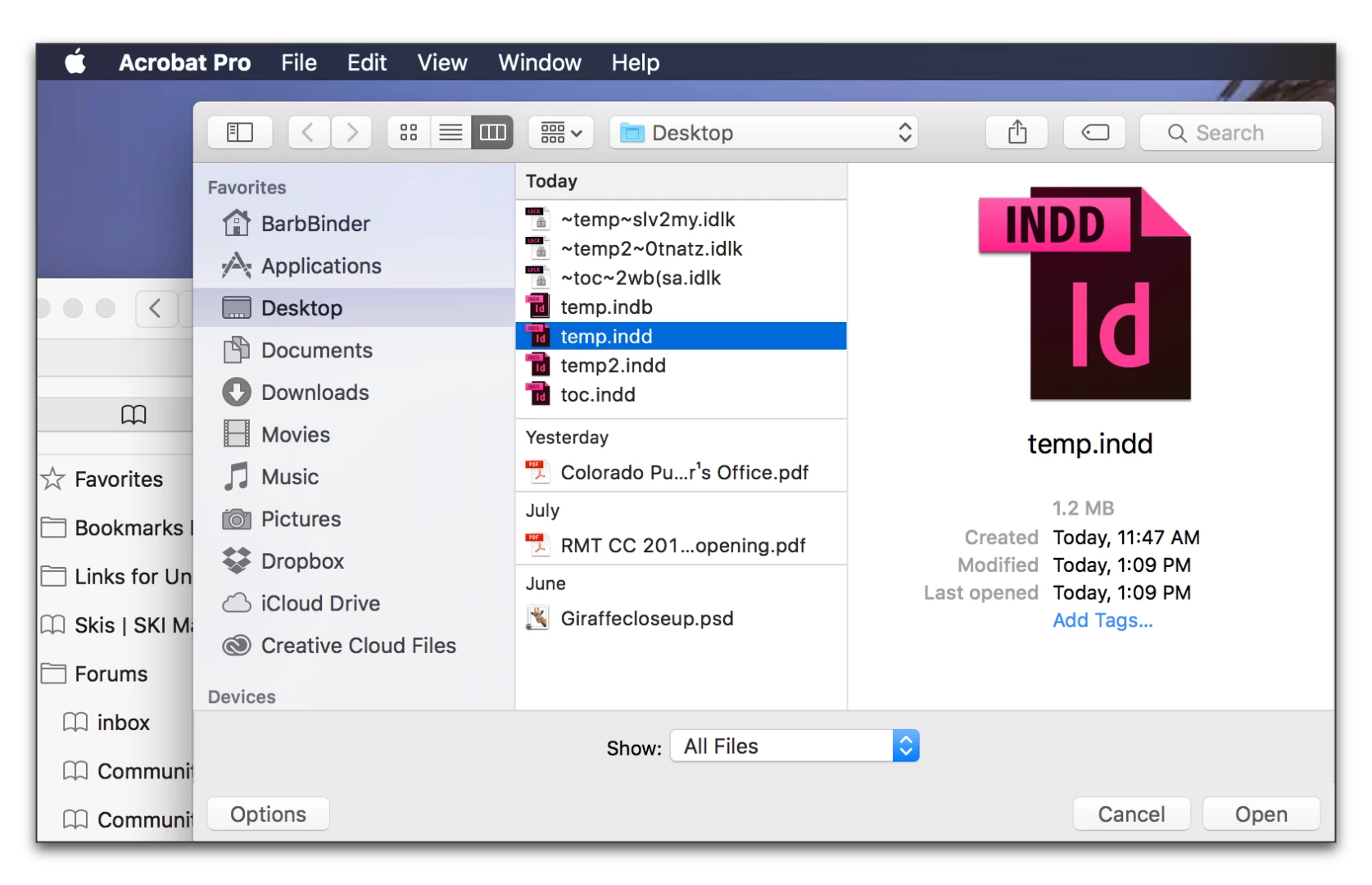
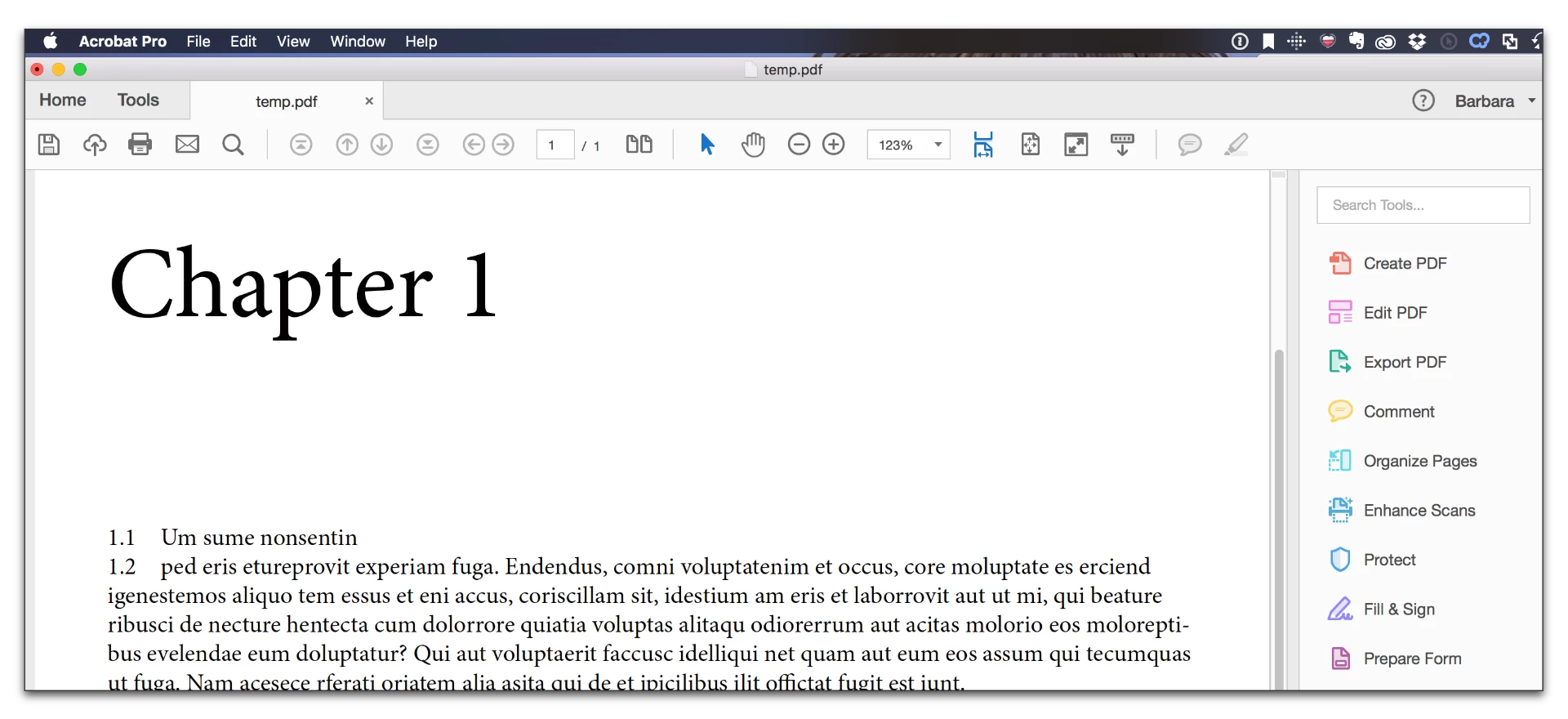
Note that I would absolutely not recommend the “cloud solution” available from within Acrobat in which InDesign documents are converted to PDF without InDesign being resident on your host computer.
Why?
(1) The “cloud solution” does not have access to the fonts used in your InDesign document unless they are in the Adobe Type Library or are fonts installed by Windows.
(2) The “cloud solution” does not have access to any graphic assets placed inside your InDesign document such as raster images, PDF, etc. unless they were embedded in the InDesign document. Otherwise, all that the conversion converts are the low resolution placeholders.
(3) You don't have a choice of joboptions to use in the conversion.
I would personally treat this as a non-option. To properly create PDF of your InDesign documents, you must have InDesign installed and export PDF from within InDesign with your document open.
- Dov

 AdChoices