


Convert Mag advert profile from FOGRA39 (working) to ISOcoated_v2_eci.icc via PDF
Hi everyone,
we have a few press adverts using various colour profiles. Our main image has been converted into FOG39L from RGB to start with and Adobe is using the FOG39L workspace (synced).
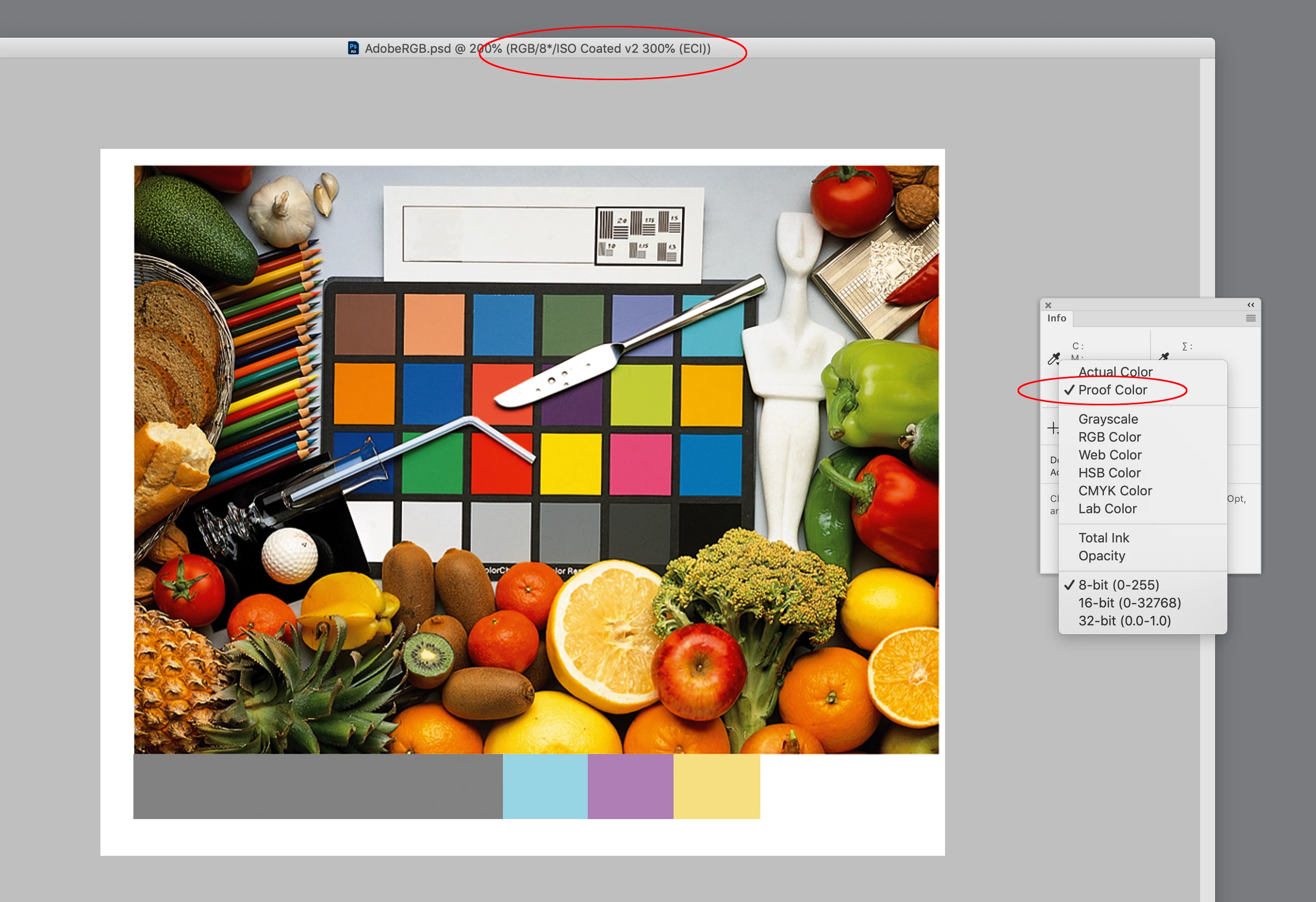
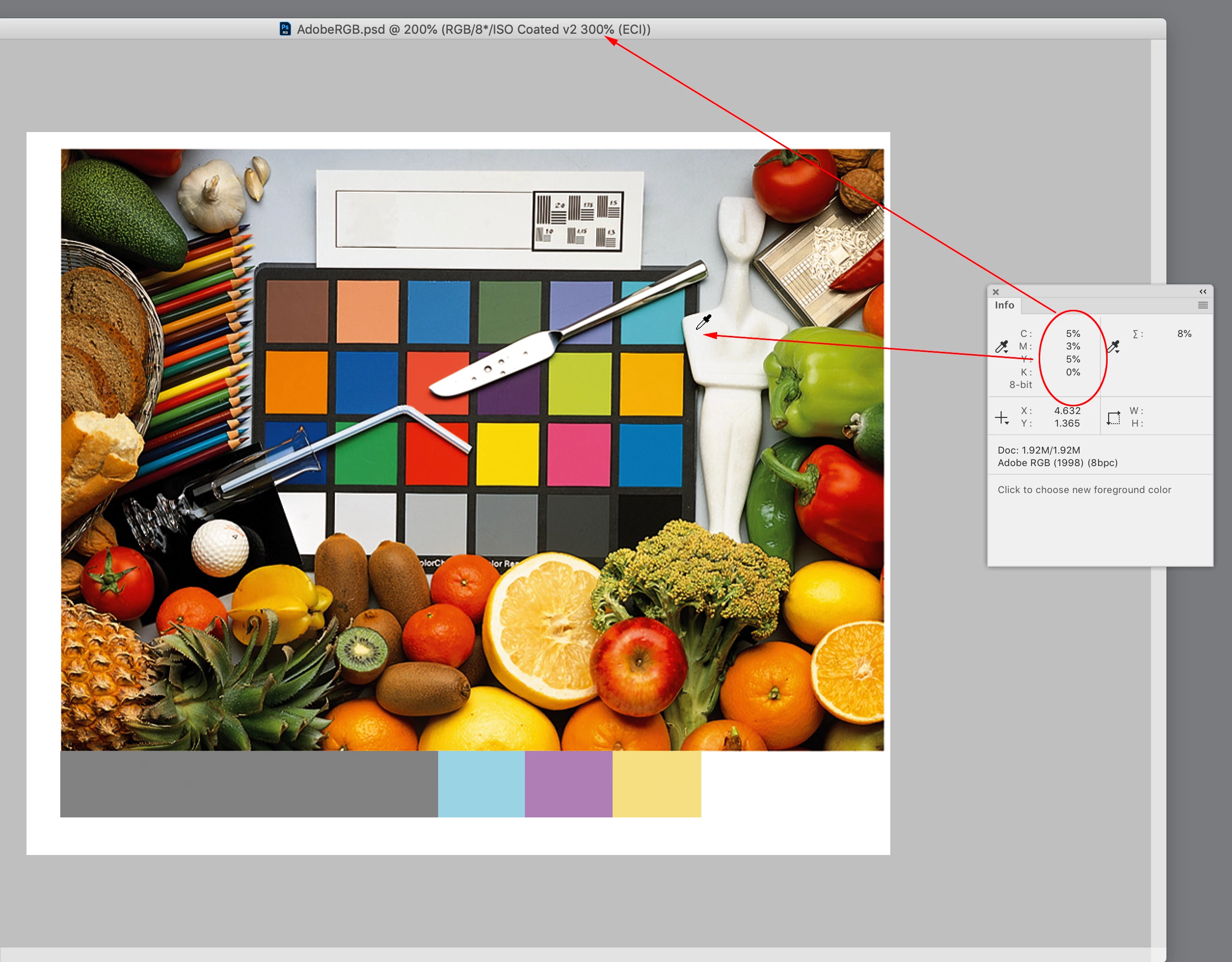
The publication requires 'ISOcoated_v2_300_eci.icc'. I was hoping I can place this profile into the library and in indesign allow the PDF to convert to the new profile above (using 'Convert to Destination (Preserve Numbers). For some reason when I pick this profile and make a PDF the Total ink is still above 300 (while checking Output Preview in Acrobat). Should I use 'Convert to Destination' instead? Knowing this will adjust the file?
Everywhere I look online, it recommends using 'Convert to Destination (Preserve Numbers)'?
Sort of followed this:
https://www.onlineprinters.co.uk/magazine/installing-icc-profiles-indesign-photoshop/
Can someone help please???
thanks
Lister
 AdChoices