



copyright page vanishes in epub
i am using ID CC, setting up epub of my book. When i exported to epub and view it in icecream epub viewer, the copyright page (in the last few iterations) has vanished. Like a phantom. I can make no sense of this.
What i was doing before this happened: the tiny symbol (c) at the top had a style applied to it, (so that i could get that page to start on a separate page, in other version) and i decided to get rid of the symbol graphic and just use some kind of text there. I applied the new style, which was the same as all my other chapter headings that break to the next page just fine, and since i did that, the copyright page does not show up AT ALL in the epub file. It's just gone. I did this again, checking all the settings, and the same thing happened. Anyone know how this could happen? Below are the screenshots of my settings.
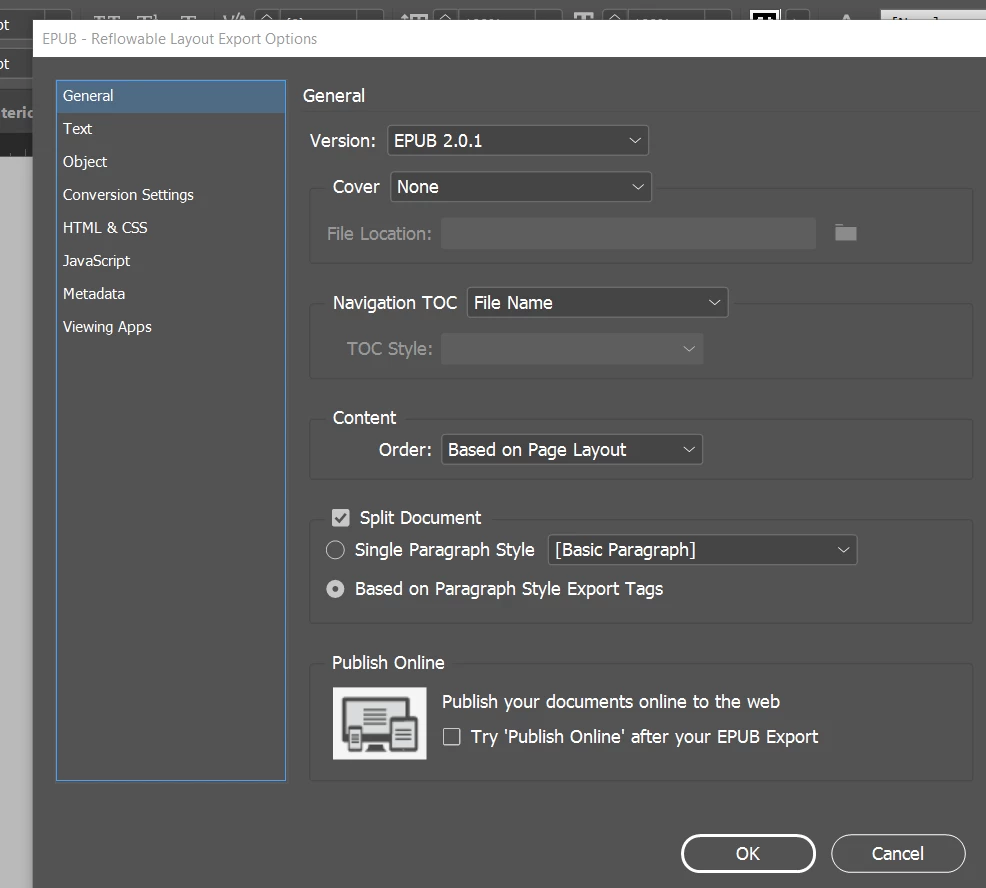
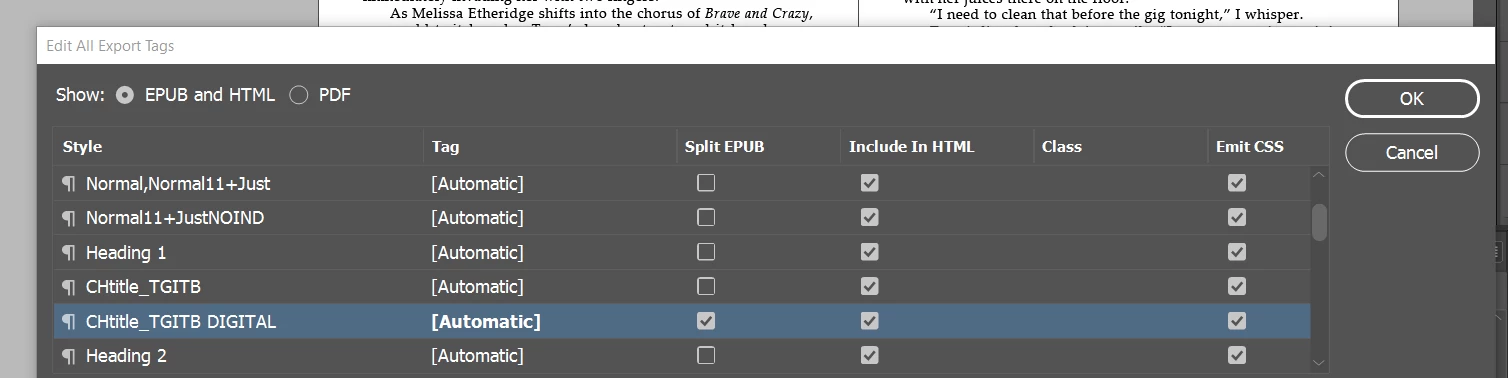
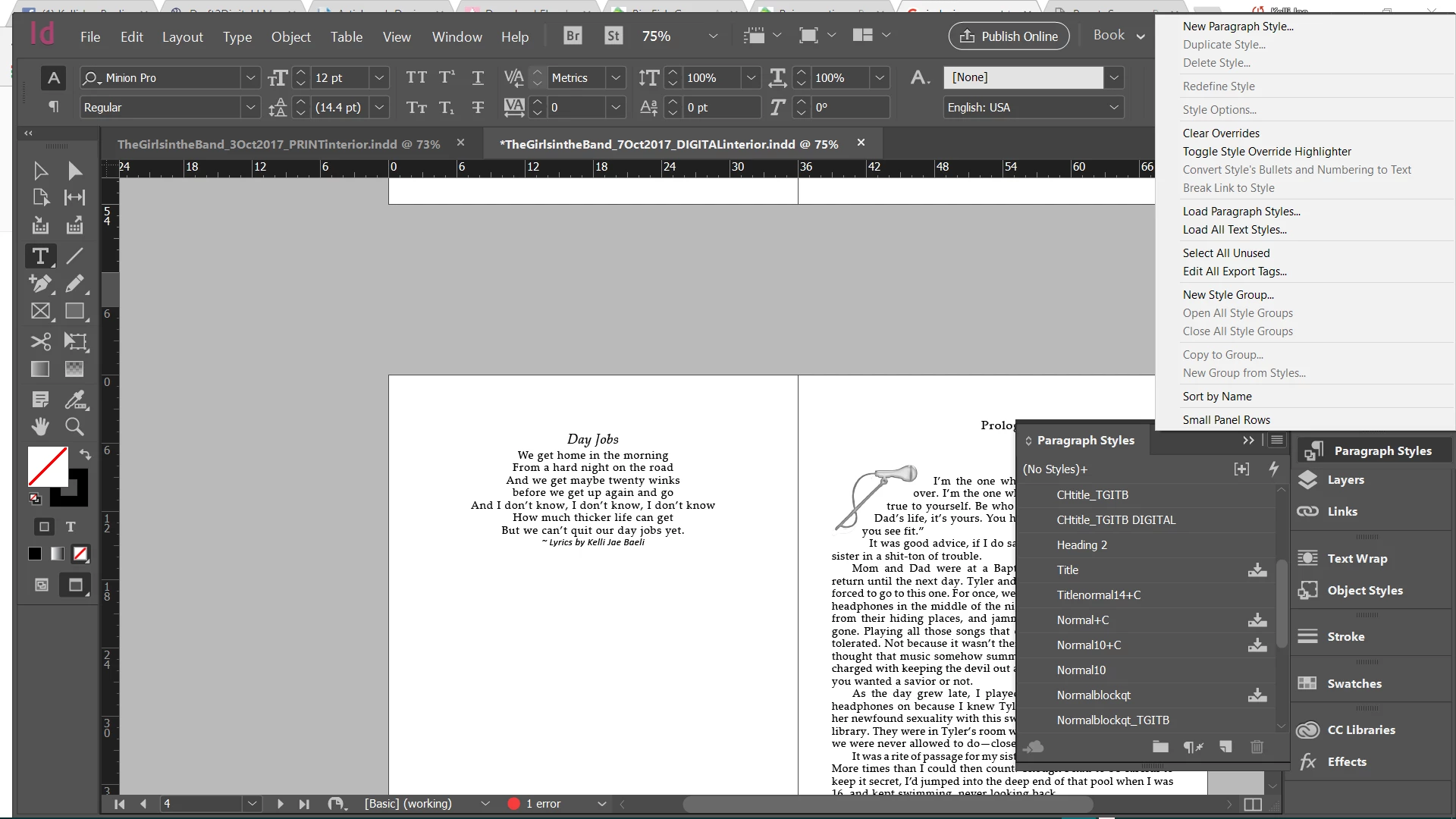
ADDENDUM: i also noticed the Before Words (author's note) is also gone. these are both pages that had headers with an applied style which i changed to match the style of the chapter headings, since i couldn't get the other styles to work. i wonder if that might be a clue somehow.
 AdChoices