Hi@sereniteai12061547 ,
the placed EPS contains complex vector graphics: Outlined Text.
If I distill the EPS to PDF the file size comes down from 31 MB to about 4 MB. You cannot reduce this without diminishing quality.
I'd suggest the following strategy:
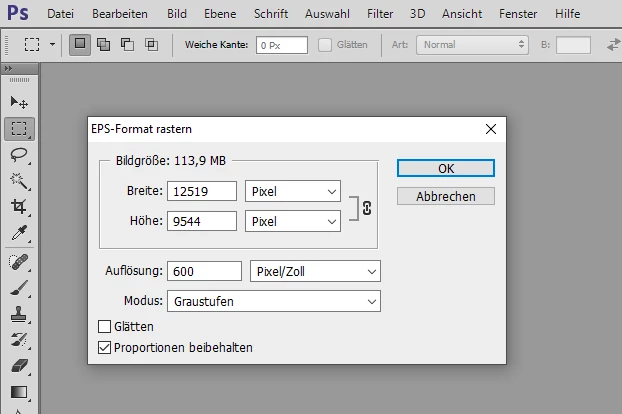
[1] Open the EPS in PhotoShop as 600 ppi Grayscale image.
This would convert the vector graphics to a pixel image.
From my old German InDesign PhotoShop CS6:
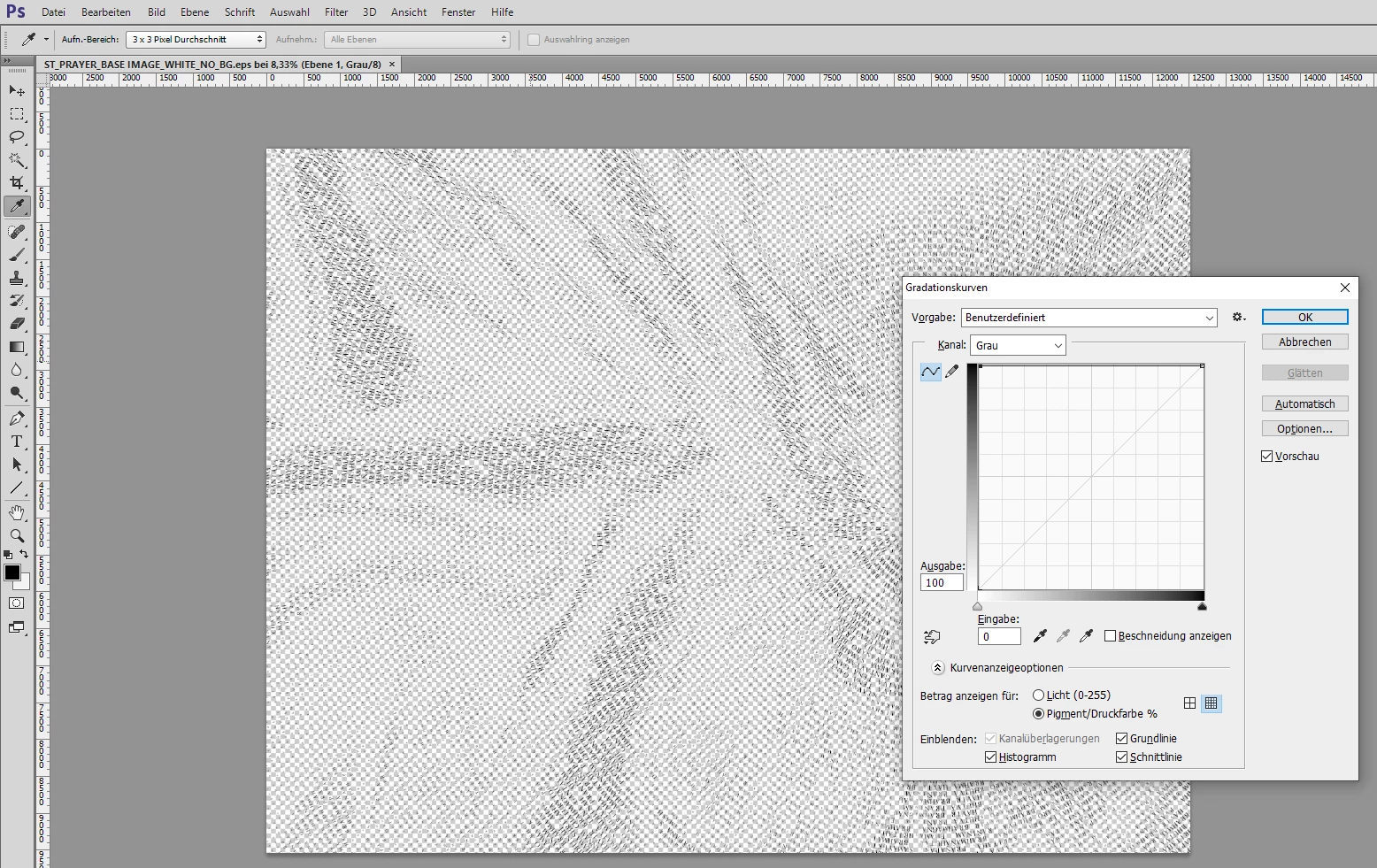
[2] Change the color of all pixels to Black.
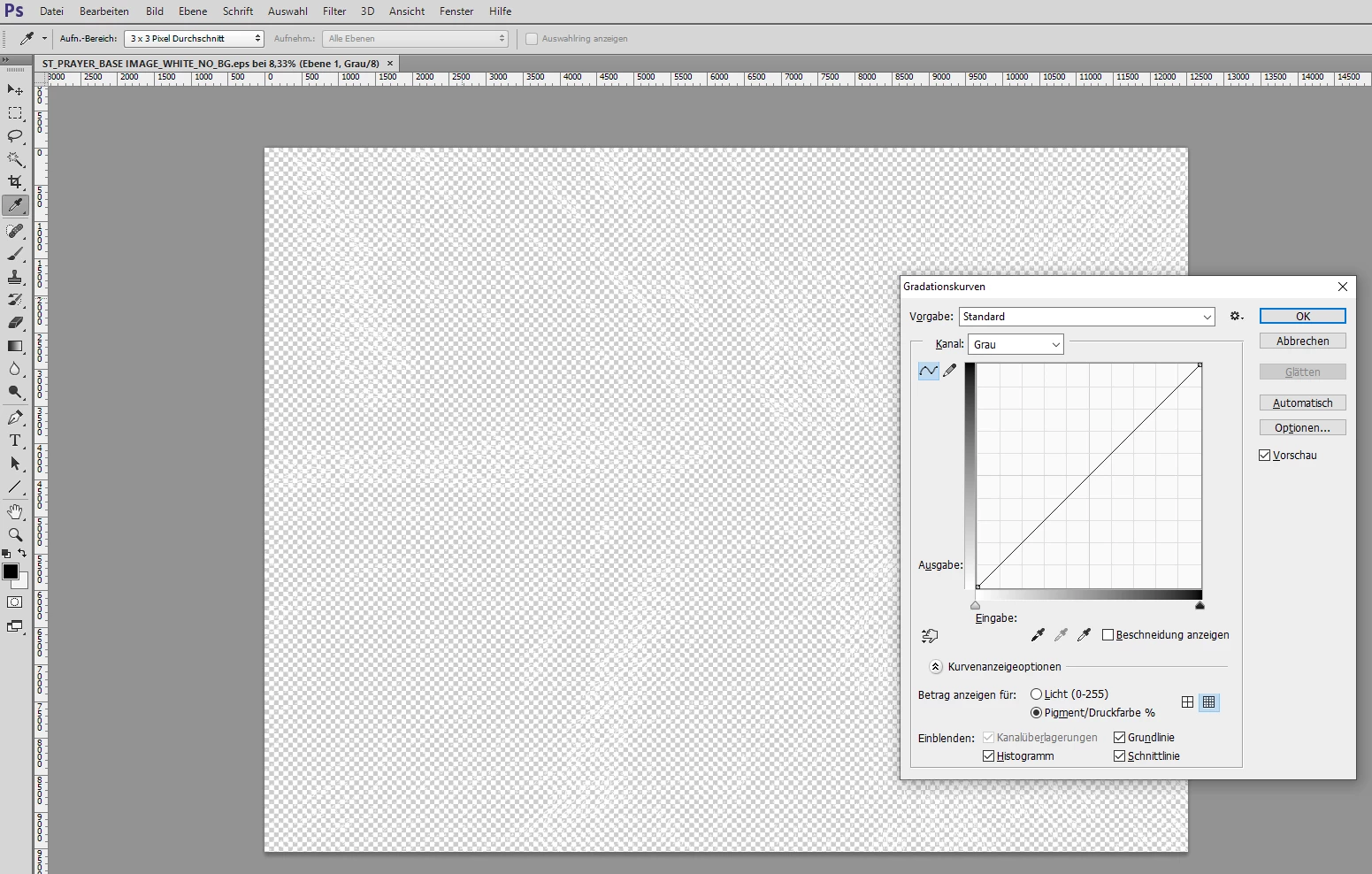
See the Output and Input values of the curve. Input: 0, Output: 100.
[3] Convert to Bitmap mode:
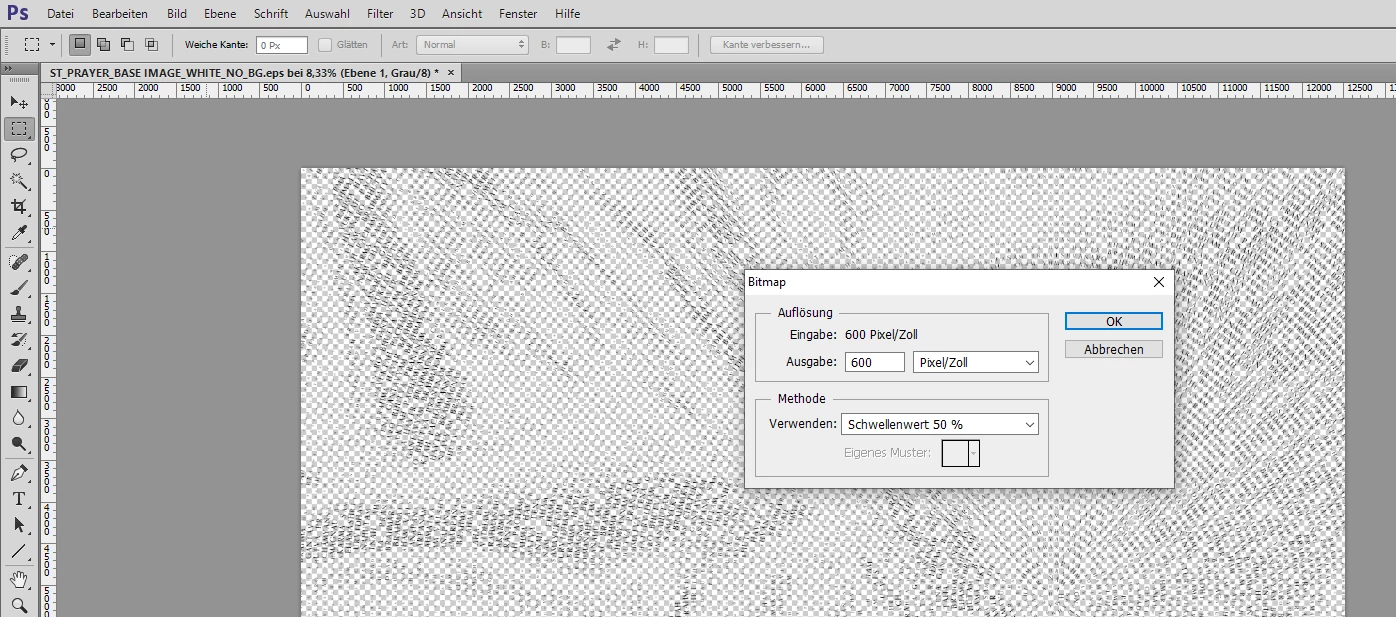
Save as TIFF image. That would bring down the file size to about 2.2 MB.
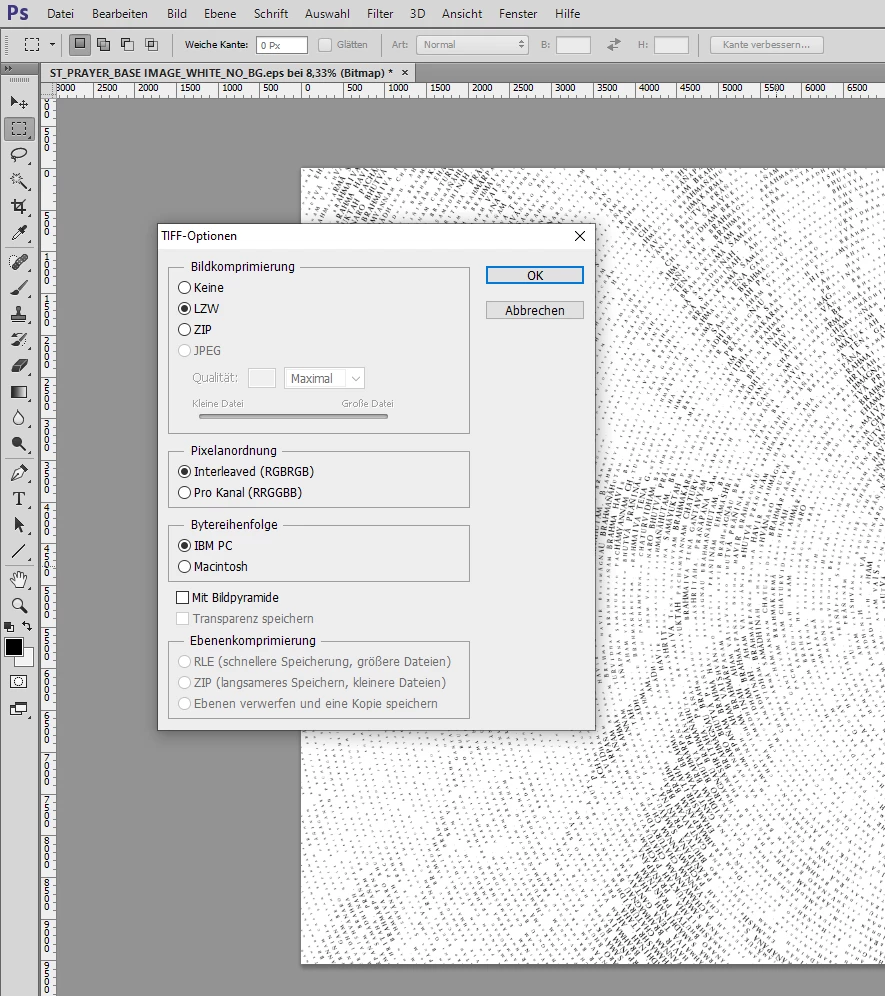
Exchange the placed EPS with the TIFF in InDesign and change the color of the placed TIFF to [Paper] in InDesign. To do that select the placed image inside its container frame. From my German InDesign 2022:
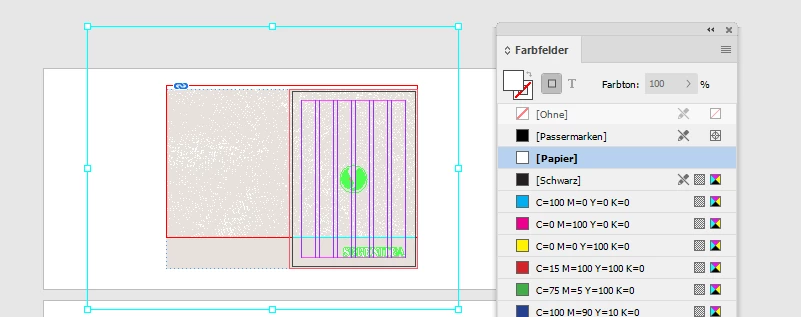
Now you can downsample the placed and linked graphic when you export to PDF Interactive. If you do this for your cover only by using Maximum JPEG quality with 144 ppi the resulting PDF file size of the cover page will shrink to 74 KB. With 288 ppi you'll get a PDF with file size 118 KB for that cover page.
Attached here that interactive PDF with 288 ppi:
SER001 Brochure A5_alt_V3_FA-EDITED-2-Interactive-p1-288ppi.pdf
Regards,
Uwe Laubender
( Adobe Community Professional )


 AdChoices