



How to Add Space Before Headings at the Start of a New Page in InDesign
- September 20, 2024
- 6 답변들
- 5331 조회
Hi,
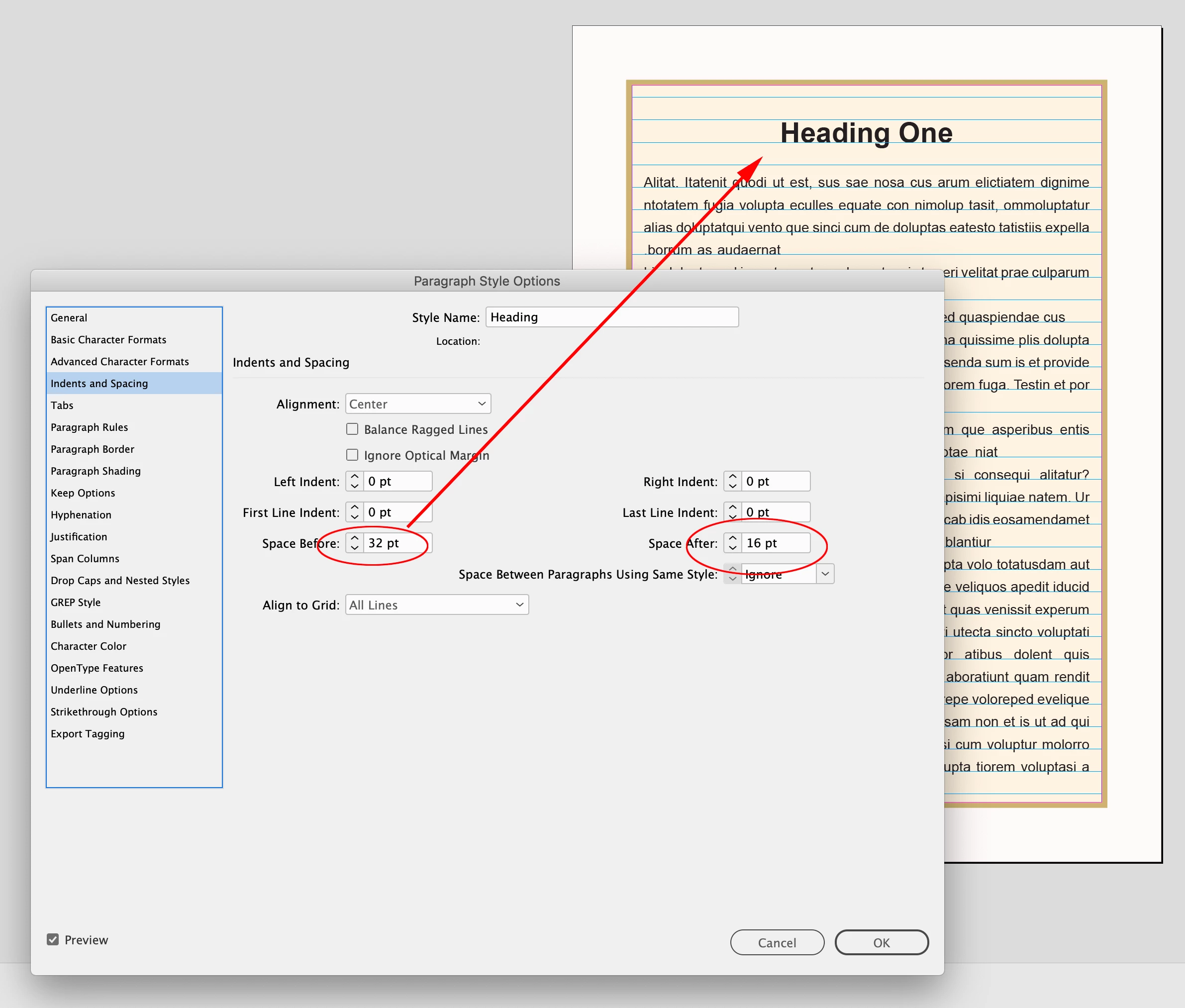
I have couple of headings starting from the new page.
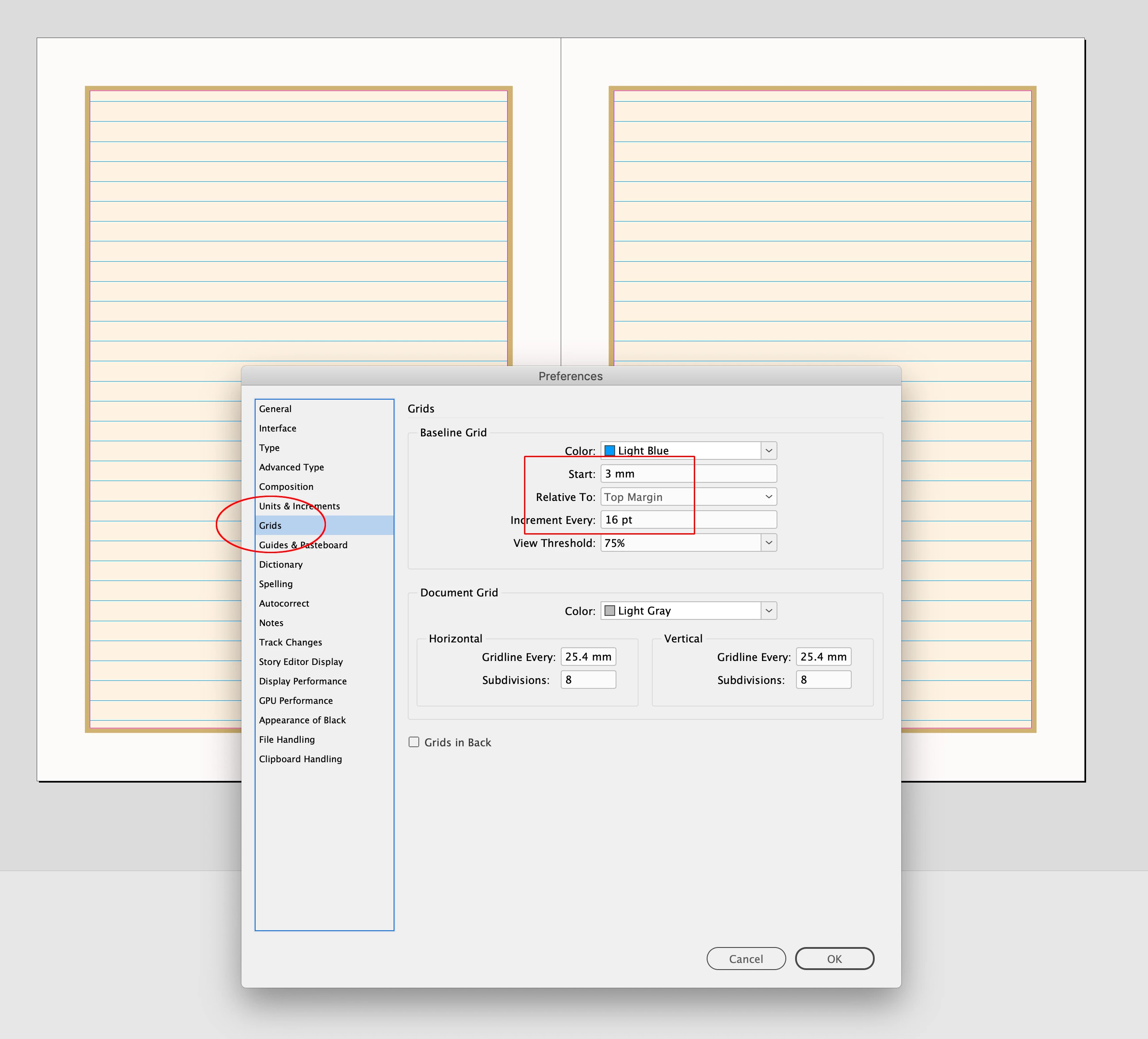
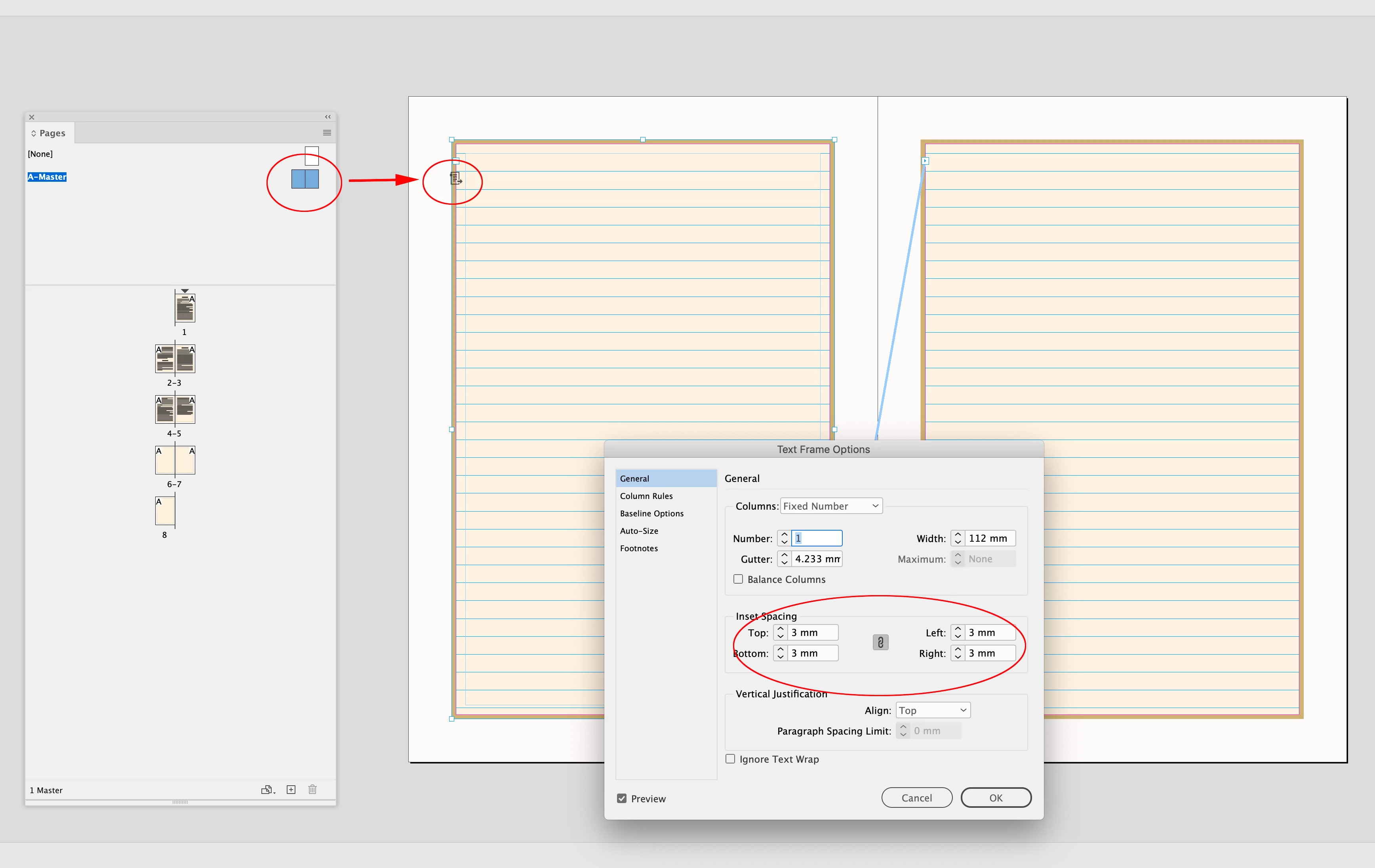
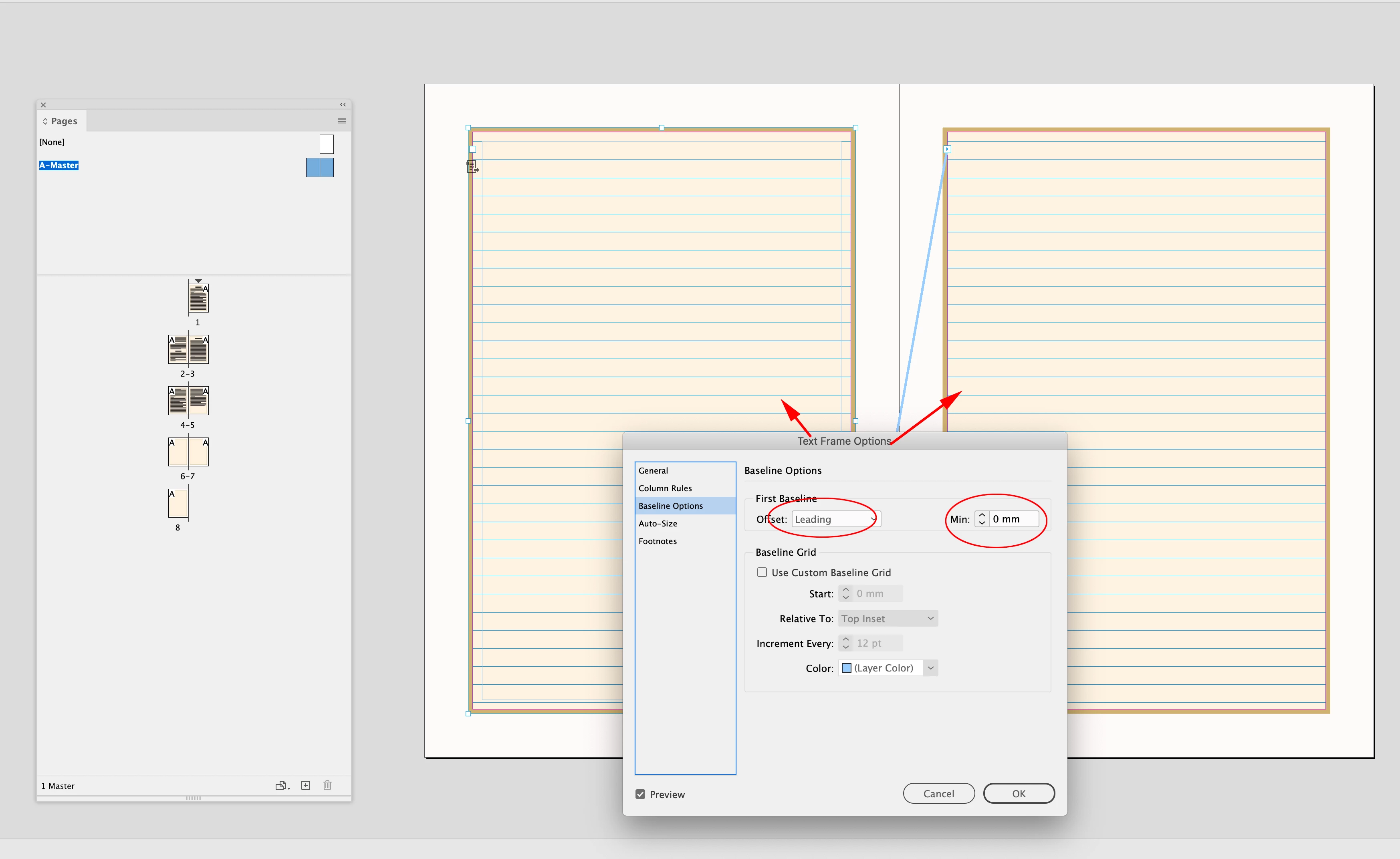
I have created a "Heading" style and given before space of 32 points and after space of 16 points. Heading point size is 20 points and leading is 16 points. Both Heading and text are aligned to custom baseline using object style. I have also used inset values in object style.
Now the issue is when the heading is between the text, it works fine but the moment it starts in a new page, "Before space" does not work. I know that "Before space" will not work here BUT I need a 32 point space before Heading One and Heading Three. How do I achieve that without using a new Parent Page.
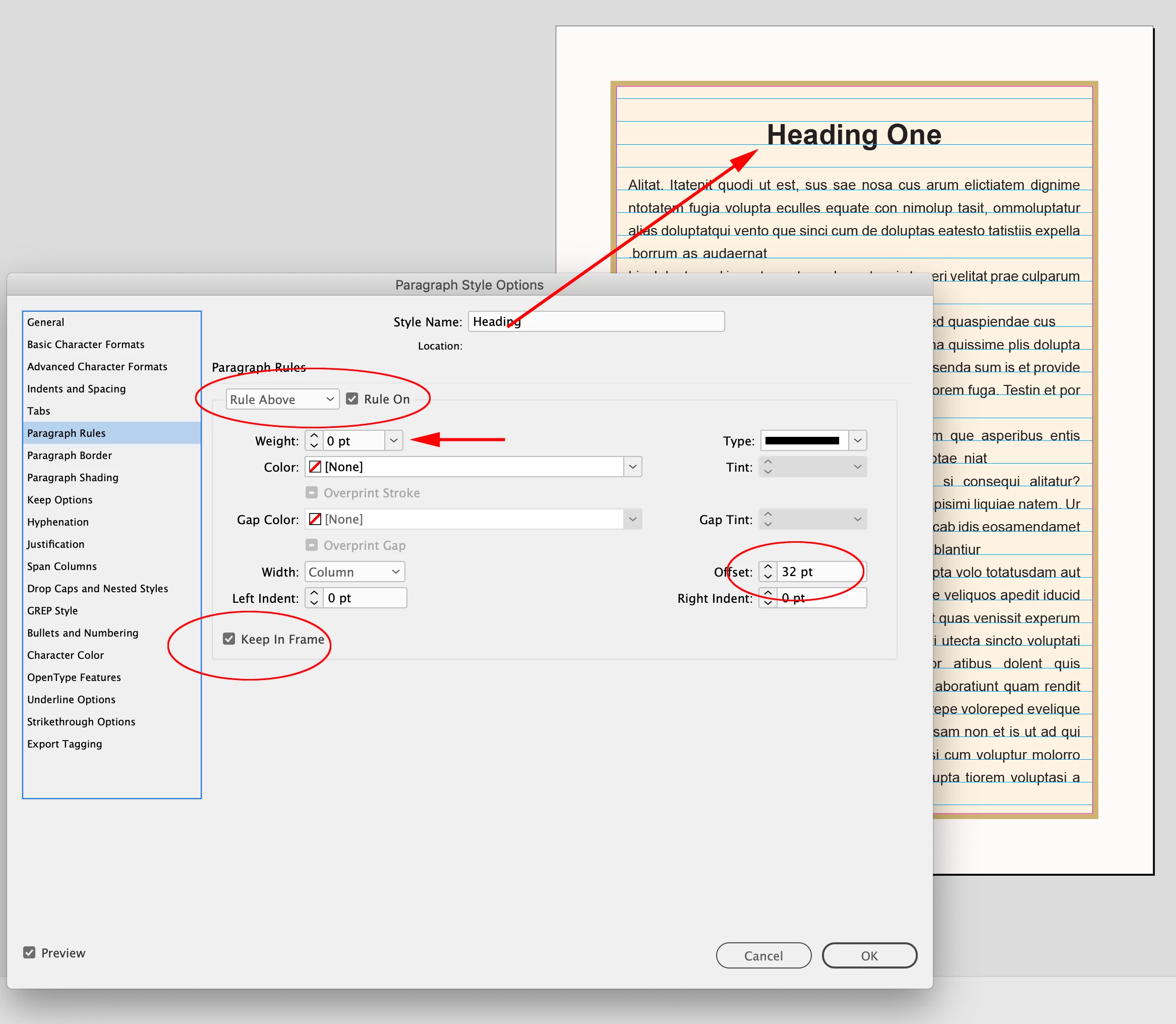
I have made an alternative heading method also with Rule Above ON and keeping it in frame with offset but that does not work here.
Any suggestions? I have attached screenshot and idml file.
Thanks
<Title renamed by MOD>
 AdChoices