
candacek75340052
Participant
September 24, 2015
Answered

How to export an InDesign file consisting of page spreads in to single pdf pages

  • September 24, 2015
  • 6 replies
  • 251841 views

Hello All...First time poster!


I have an InDesign Document that was set up as two pages in two spreads but now I am trying to export to a PDF as Single Pages (for email purposes) although even when ensuring the spreads option is not check, the output is still coming as a spread. Am I missing something or doing something wrong? Please help!
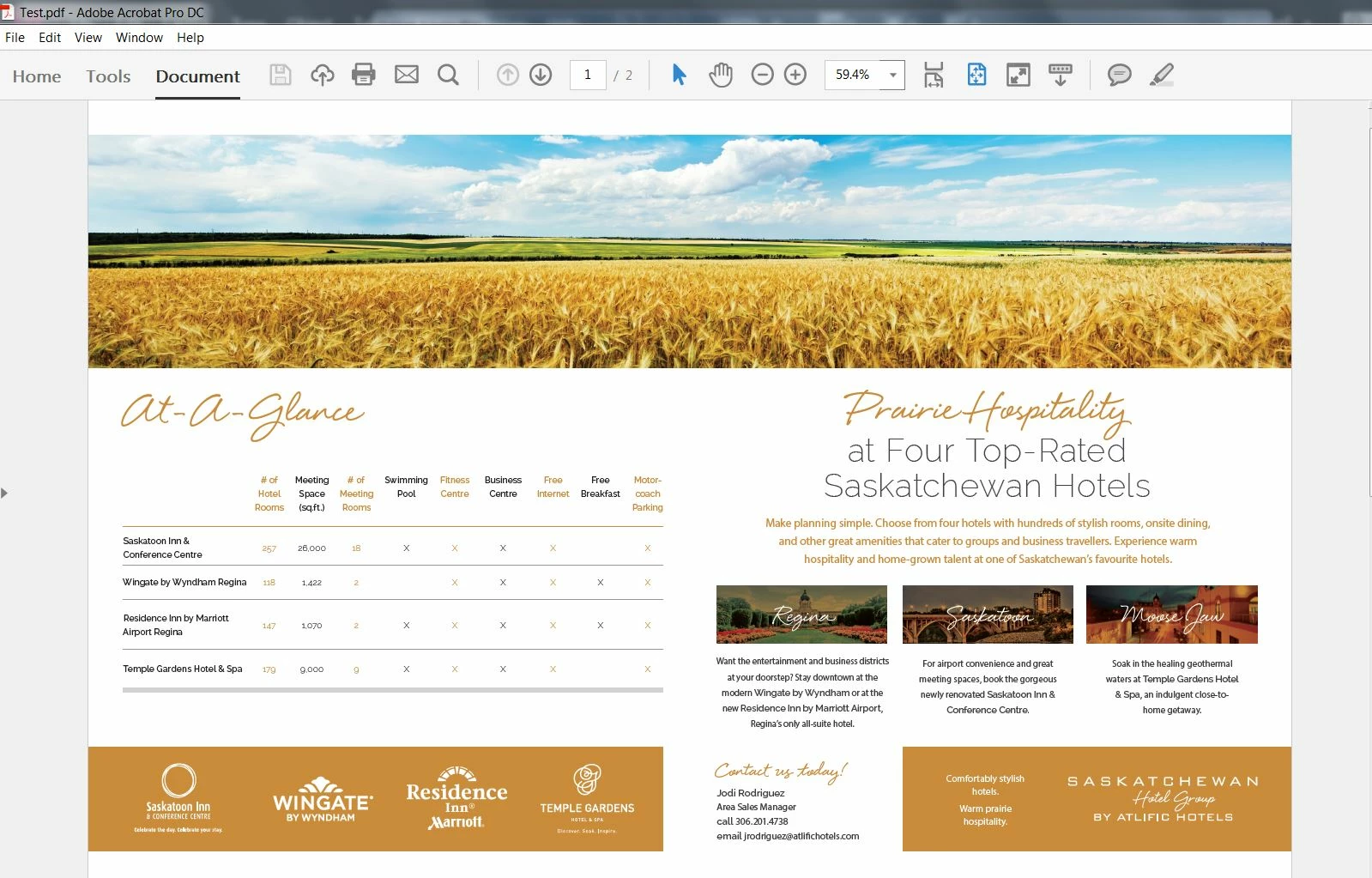
 

***** Title renamed by Moderator "VS" *****

This topic has been closed for replies.
Correct answer Srishti Bali

Hi all,


See  https://community.adobe.com/t5/indesign/find-answers-to-commonly-asked-questions-about-document-setup/td-p/11993765  for a consolidated list of solutions around document setup in InDesign. Try the solutions and let us know if you still need assistance.


Regards,

Srishti

6 replies

Srishti Bali
Community Manager
Srishti BaliCommunity ManagerCorrect answer
Community Manager
April 26, 2021

Hi all,


See  https://community.adobe.com/t5/indesign/find-answers-to-commonly-asked-questions-about-document-setup/td-p/11993765  for a consolidated list of solutions around document setup in InDesign. Try the solutions and let us know if you still need assistance.


Regards,

Srishti

sfsfsssdsx
Participant
April 18, 2017

To change to a pages view from a spread view in InDesign you can do this,

file >> document Setup >> (UNCHECK) facing pages

To change the order after exporting the file to a PDF.  Open the PDF in Acrobat and then press "F4".  Then rearrange as needed.

bettya29
Participating Frequently
January 8, 2021

Hi there,

I have a document set up as NOT facing pages. In my pages menu, they show are individual pages but when I go to add pages, it says "you can't have more than 10 pages in a spread." but I don't have spreads. In doc setup, facing pages is not checked. At the bottom of the pages dropdown, it says "67 pages in 67 spreads." This needs to be single pages and as complex as the document is, I can't start over. Do you have a clue how I can fix this or even how I caused it? I've never had this happen before. I'm not a new user. Just bizarre. I would appreciate any help I can get. Thanks! be.

Luke Jennings3
Community Expert
Community Expert
January 8, 2021

Turn on Allow Document Pages to Shuffle.

candacek75340052
Participant
September 24, 2015

I am okay now.

I did not set up the document, just received the working files. I copy & pasted as suggested to get the document I required.

Thank you for your help.

Candace

candacek75340052
Participant
September 24, 2015

Thanks! That is what I did.

Willi Adelberger
Community Expert
Community Expert
September 24, 2015

‌Your pages look too wide. Document setup has to have the size of a single cropped page, never the size of a spread.

Willi Adelberger
Community Expert
Community Expert
September 24, 2015

Your screenshots don't tell enough, as we do not see the pages.

I suppose the document setup was done wrong, instead of setting up the size in the size of xropped pages, the document was set up in spread's site. This would be terrible wrong,

Start again with a new facing page document and copy and paste from this to the new one.

Inspiring
September 24, 2015

Hi Candace,

It looks like the artwork is not set up as single pages. Those two spreads that you have contain two pages each. Check your document setup dialog (File>Document Setup...) and see whether facing pages is selected.

You may need to set up a new document with facing pages and copy and paste your elements into it.

Regards,

Malcolm