Inspiring
May 24, 2022
해결됨

I need help with data merge for name badges - 6-up on one page

  • May 24, 2022
  • 4 답변들
  • 8849 조회

I have watched turtorials and searched through these posts but haven't been able to figure out what i'm doing wrong, and I have to get these done in two days. Any help is appreciated.


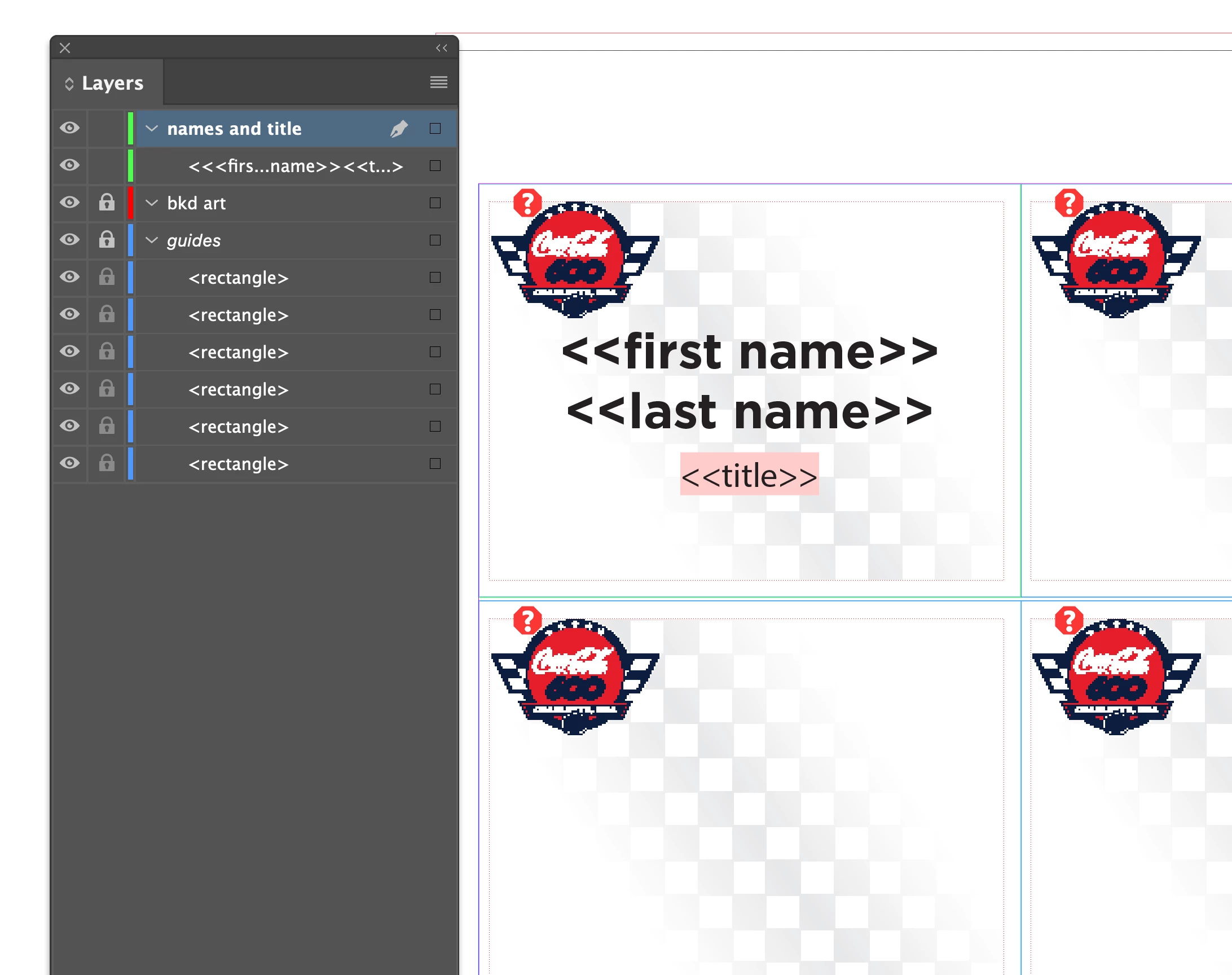
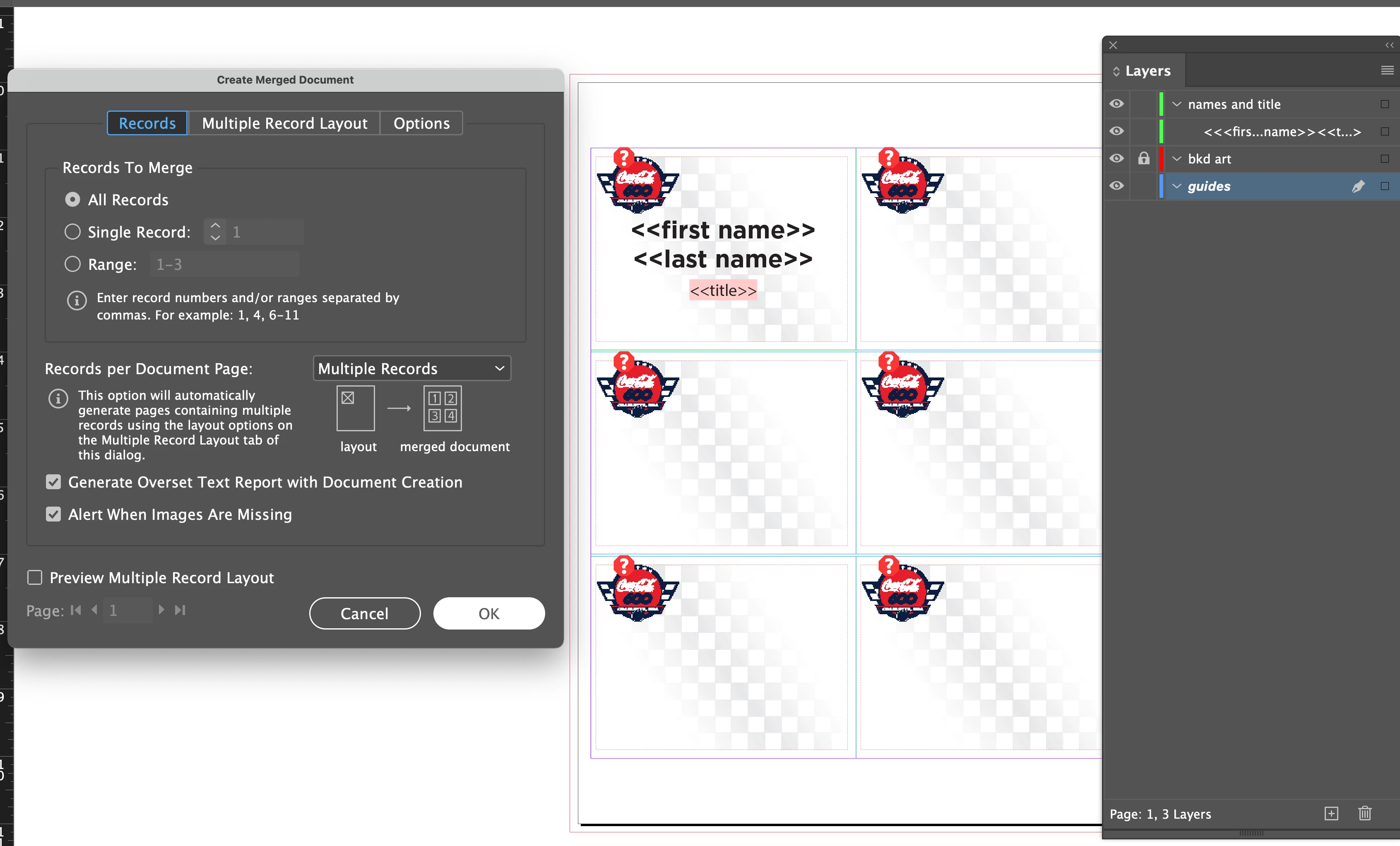
So I have set up some artwork that has background graphics and guidelines on a parent page, and I set up my first page with the text fields (one text frame with three lines and three paragraph styles) in the top left. Based on my name badge template, I have my margins set up correctly, and the space between rows set up correctly. From what I understand, when the data merge takes place, it should repeat the text frame 6 times on the page, because of the size of the text frame and the margins and spacing I set up. Right now I just have a test file from Excel that I saved as a .csv file. My test file only has a few names but eventually I will have about 200 names. The result after the data merge is just the first one filled in. It's not adding the others. I can't figure out why! I have tried a .txt file but InDesign won't let me use it as a source file. There were three types of csv options, too, but only one of them could be used as a source file. I am attaching some reference screen shots. I'm not sure if they will be in the right order or not. Thanks!
이 주제는 답변이 닫혔습니다.
최고의 답변: SJRiegel

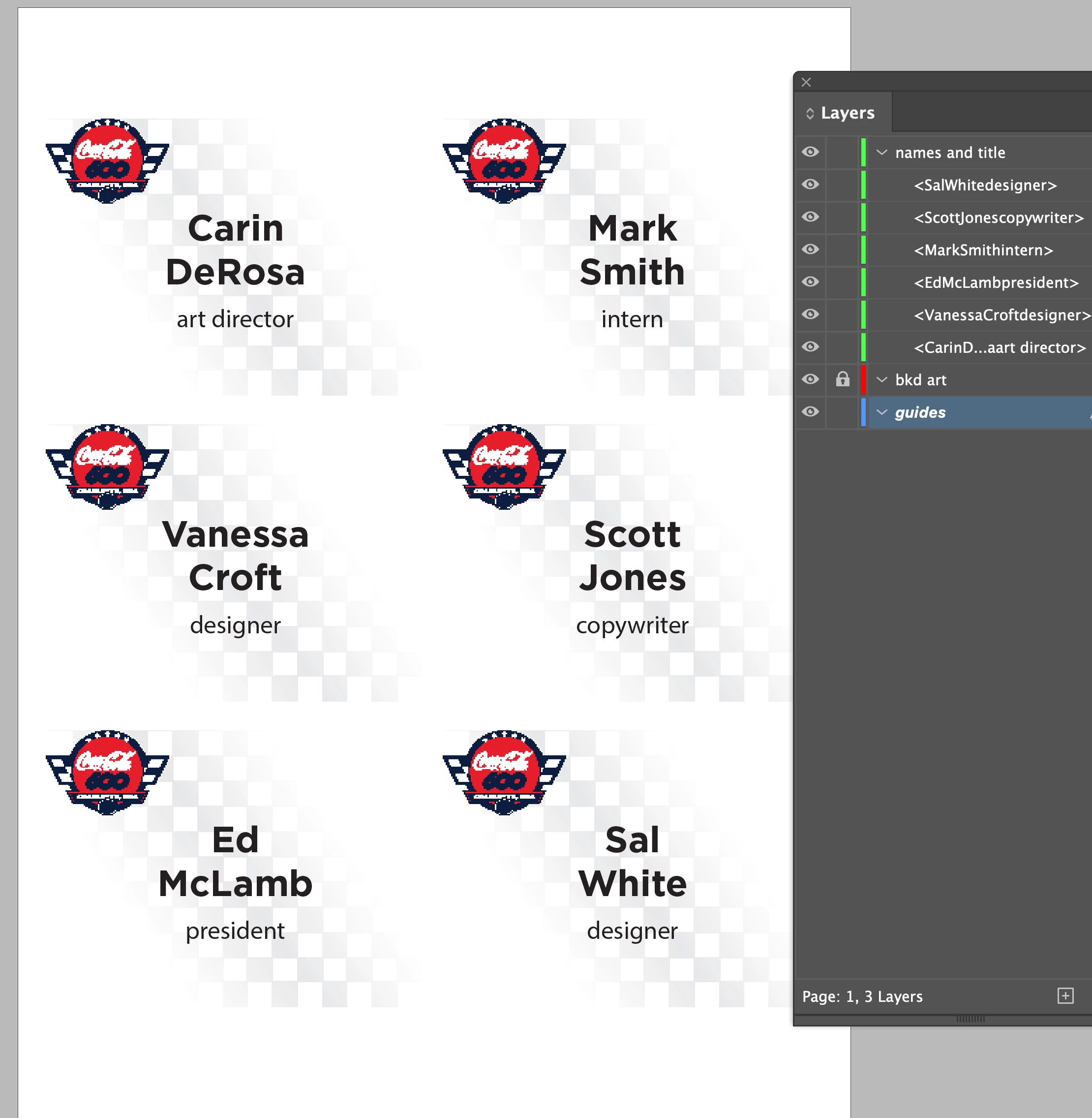
I found the source of your problem. Your text box is not the only item on the document page; there are also six rectangles in the Guides layer. Delete those, and everything should work as expected. It's fine to have your graphics on the Parent page, as long as the only thing on your docuemnt page is the text box. (I added some extra names to fill out the sheet)


4 답변

SJRiegel답변
Legend
May 25, 2022

I found the source of your problem. Your text box is not the only item on the document page; there are also six rectangles in the Guides layer. Delete those, and everything should work as expected. It's fine to have your graphics on the Parent page, as long as the only thing on your docuemnt page is the text box. (I added some extra names to fill out the sheet)


CarinTMCLG작성자
Inspiring
May 25, 2022

Ah! I actually did move the guides to the parent page but apparently forgot to delete them from the document page! Great catch. Thank you!  I am attaching pics of an alternative that someone showed me, but obviously it would take some work on my part in excel, because my client plans to give me only three columns. I'd rather not do the re-working in excel, and my stubborn self wants to know how to do it the "normal" way. Thanks again. Going to give it a try myself now.

Peter Spier
Community Expert
Community Expert
May 25, 2022

Tou are already doing it correctly for the data set the client is supplying.

Peter Spier
Community Expert
Community Expert
May 24, 2022

Do your merge on a parent page that has nothing but your text fields on it, then apply the parent page with the graphics after the merge is complete.

CarinTMCLG작성자
Inspiring
May 25, 2022

The merge should be on a parent page? What about the fact that InDesign will need to add about 34 more pages during the merge? Do they get added as parent pages? All the videos I have seen do it on regular pages. 

Legend
May 25, 2022

The way you set up your merge will work fine - but you need to remove the extra rectangles from your docuemnt page. The only thing on that page should be the text box that will be merged. Anything that should not be duplicated needs to be deleted or moved to the Parent Page.

Community Expert
May 24, 2022

For a multiple record data merge, only create one instance of the bus card, not six. The page size can be set to the sheet that you will print, assuming 8.5 x11. Position the one instance in the upper left, allowing for top and left margin. The space between cards will come from between columns and rows setting. Also, a multiple record merge can only be performed with one side. You will not be able to merge 6up fronts along with 6up backs.

CarinTMCLG작성자
Inspiring
May 25, 2022

I did all of that, with all of the settings correct as far as margins and spacing. You can see my one text box in the top left. Maybe I need to make it fill the space but the data merge should still show more than just the first name. I'm not doing anything on the backs. I don't know - i'm at a loss! Thx.

Legend
May 24, 2022

Can you share your InDesign file, along with a small csv with dummy data? It's hard to see what might be happening from just your screen shots. 

CarinTMCLG작성자
Inspiring
May 25, 2022

Sure.  I found one of my vendors that's going to try to help me but i'd still like feedback here in case she can't figure it out. Thanks!

BTW I am giving the dummy excel file in case I have been choosing the wrong csv option, although there seems to be only one that will import anyway.