
Indents not showing up in Control Panel
Hi all,
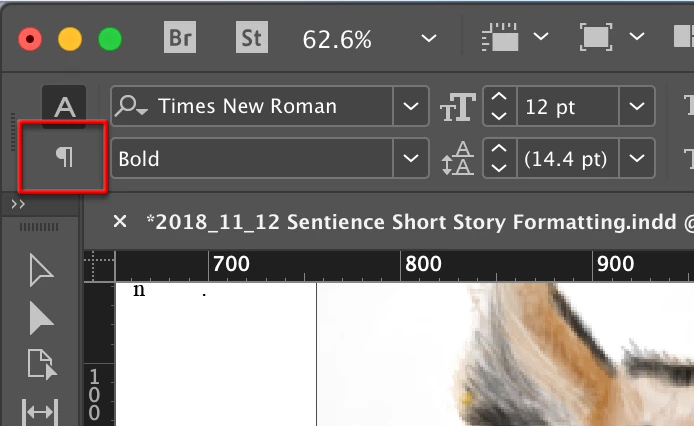
I've recently upgraded from InDesign CS6 to InDesign CC 2019. However, indent formatting options aren't showing up on my control panel (despite being selected that they should be visible - screenshot below). Instead, to the right of basic text formatting settings (justified, centered, etc.) there's a blank space.
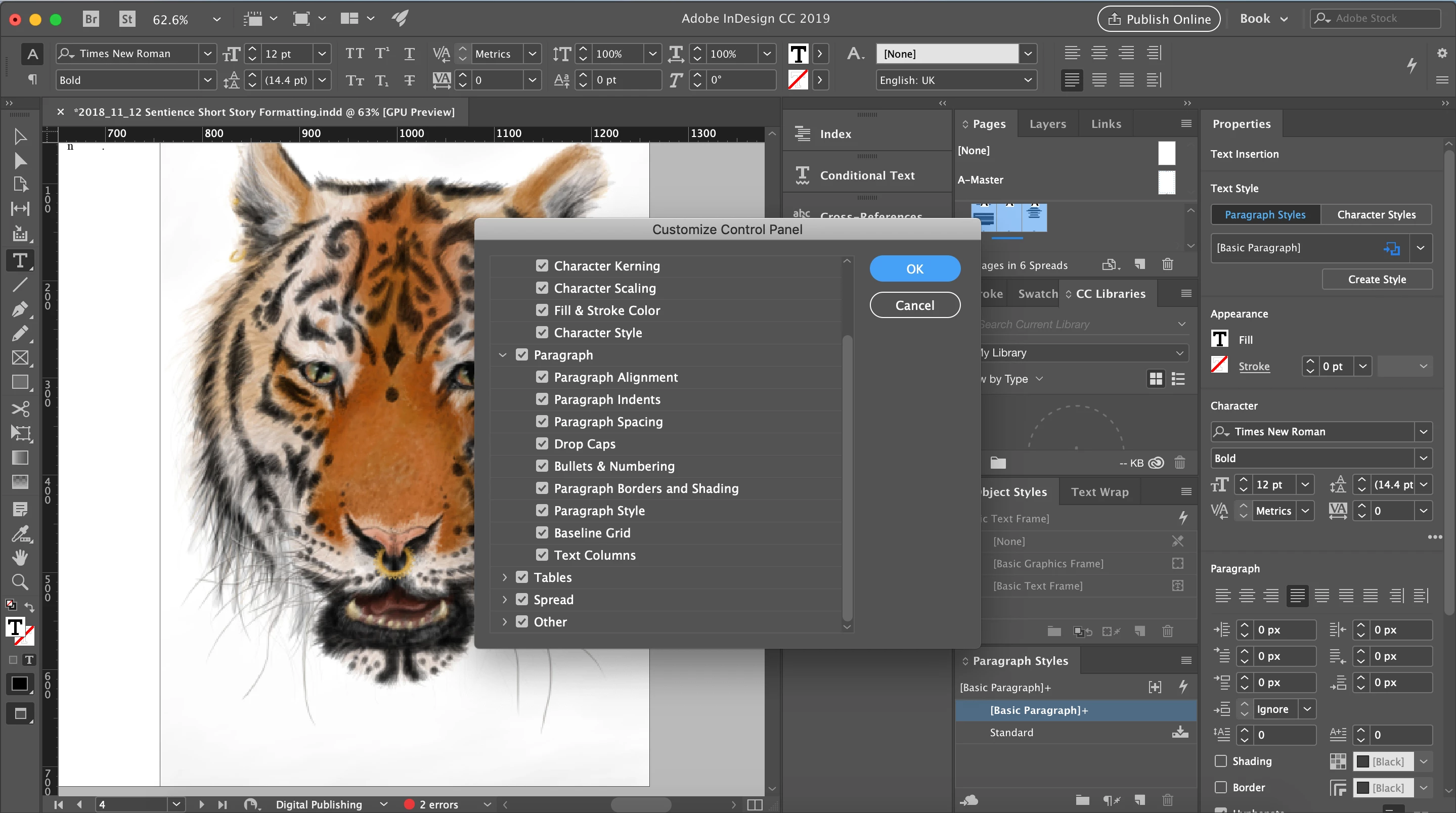
So far I've only managed to find and access the indent settings through opening the properties tab, but I need to find a solution for this as it won't let me drag the Paragraph box under index or pages - it's stuck connected to the long properties column, which takes up way too much space for it to be open while I'm formatting books.
My instinct is there's something obvious I'm missing, so if anyone could help me make indentation settings visible on the control panel that would be amazing.
Thanks,
Rianna

 AdChoices