Participating Frequently
October 18, 2018
Answered

InDesign 2019 doesn't recognize installed fonts

  • October 18, 2018
  • 18 replies
  • 58929 views

Hi Adobe,

Can we please fix this? InDesign CC 2019 is a slow mess. The font handling is now a nightmare.

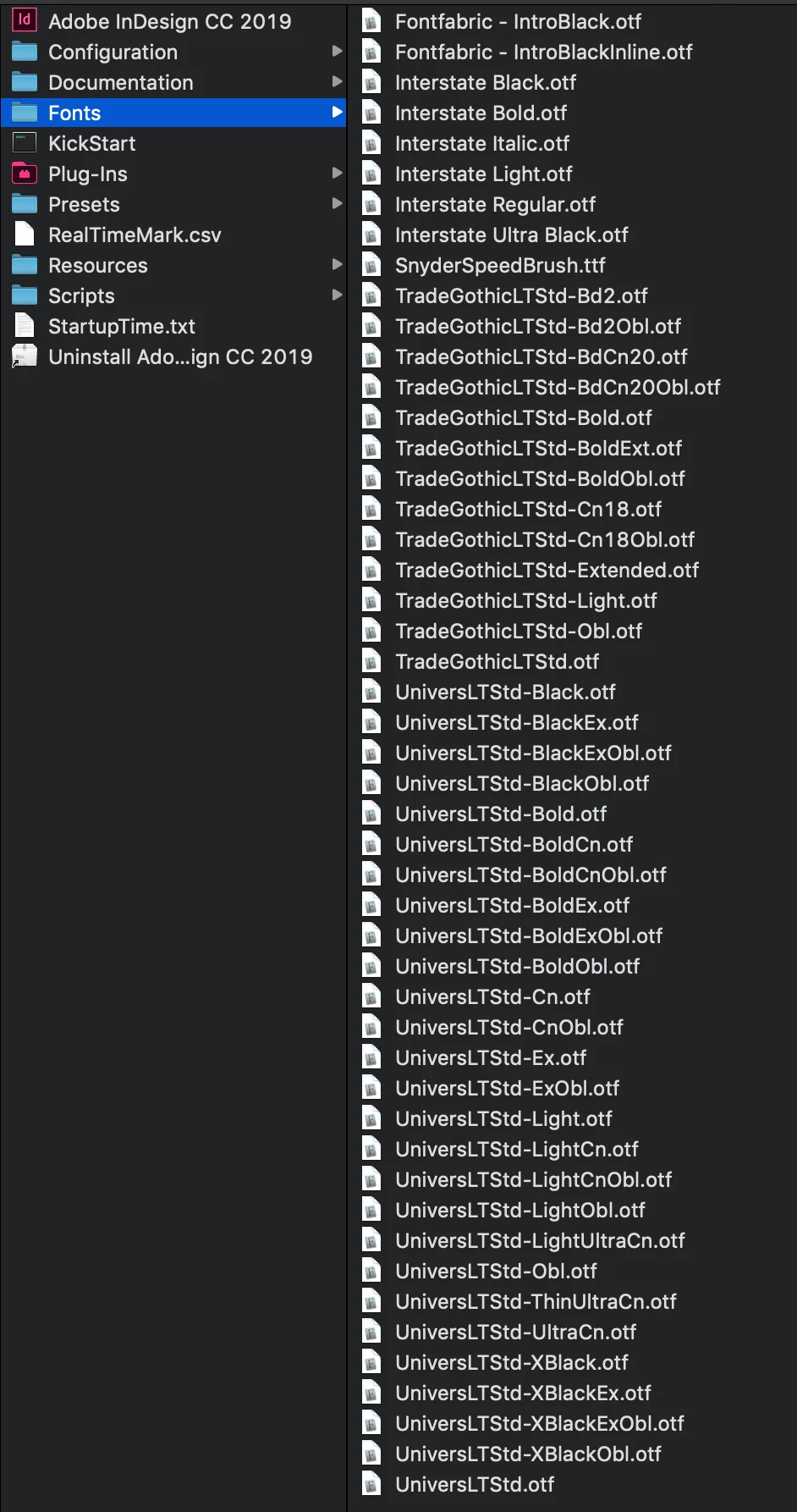
Example: all morning I have been working on a brand book. The file was working just fine. Fonts all working fine. I get to working on a style guide and try to change the leading and it crashed the whole program. When it restarted, it no longer can see that the fonts - brand fonts because I'm working on a brand book - are no longer available on the system. Even though they are installed on the system.

So, I restart the app and delete the preferences. No change.

So, I then restart my computer AND delete the preferences yet again. No change.

I make sure the fonts are installed in both the system AND inDesign's font folder (what is the reasoning behind this treat here?). No change.

If I knew ahead of time that working with InDesign 2019 was going to be such a headache, I never would have downloaded the buggy software. InDesign is the program where designers need the best control over type. I literally NEVER have this issue in Illustrator or Photoshop. Are you rushing to put software out?
Correct answer HARSHIKA_VERMA

Hi All,


We appreciate your patience. The issue is fixed with the latest InDesign version (17.2.1). Please update InDesign to the latest version and see if that helps. 


If you still experience the issue on the 17.2.1 version, then please try resetting the preferences. It will fix the issue.


Let us know if you need further assistance. We'd be happy to help.


Thanks,

Harshika

18 replies

Participant
September 13, 2019

This just started happening with me as well.  wtf Adobe... why are the new versions of Illustrator, InDesign and Photoshop continually breaking things that the professional users rely on all the time? Please advise.

toniov82054553
Participant
October 17, 2019
Just spent three hours with some very nice bloke at the help desk, but it took me an hour just to expain the problem to him. He kept insisting that it was because I used 'third party' fonts (e.g. not Adobe). I explained to him that some of those fonts I've used for 15 years without any problem in Photoshop, Illustrator and InDesign, until a couple of weeks ago. And some of those fonts ARE Adobe fonts, be it of an older generation. It's not the fonts, it's the software, I tried to explain to him. I nearly lost my patience a couple of times. I let him reset my preferences, and now we'll see. But I don't get my hopes up high, and I'm starting to look for alternatives for Indesign. It's my f••king livelihood.
Participating Frequently
May 24, 2020
Redpops
Inspiring
August 18, 2019

This is not an answer, it's a work around.

Community Expert
August 19, 2019

Unrulyspirits  wrote

This is not an answer, it's a work around.

Hi Unrulyspirits ,

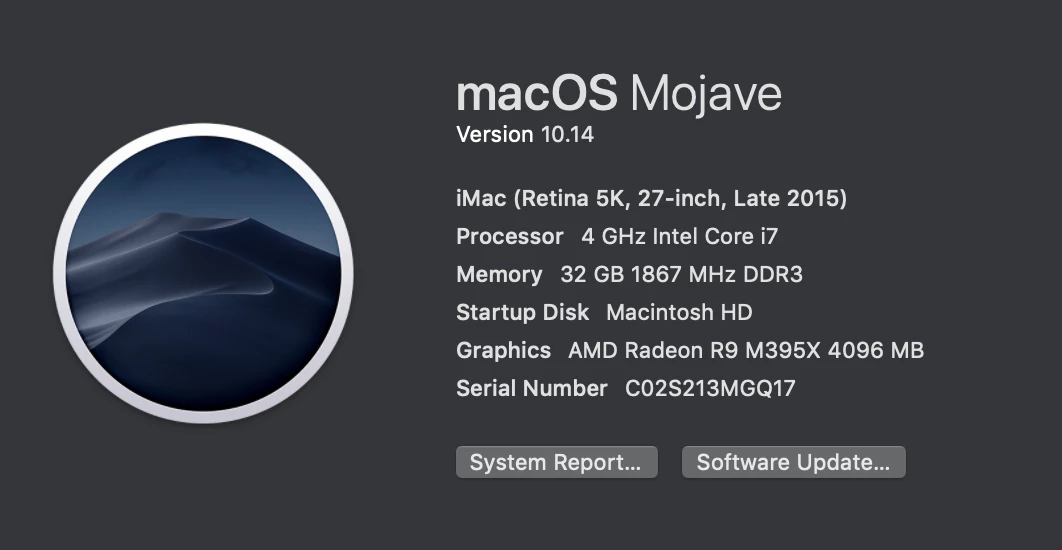
do you experience the same issue with InDesign CC 2019 on Mac OS X 10.14 ?

Does the workaround work for you?

I would report a bug over there if there isn't one done before about this issue:

Adobe InDesign Feedback

Please come back when done or found an appropriate report and post the link of the report so that everyone can vote for fixing the bug easily.

Regards,
Uwe

spyre
Known Participant
August 20, 2019

This is happening for me too. Indesign 14.02, Apple OS Mojave 10.14.6. I use Suitcase Fusion 20.0.6 to manage fonts. I've just opened a document and the fonts are active but it says they're missing. The 'workaround' works but is massively time consuming for those of us that are opening and closing jobs constantly all day. Illustrator for a long time hasn't handled fonts efficiently either.

InfoDevPro
Inspiring
February 15, 2019

I am working on a project with more than 24 documents, and I don't have time for this workaround. Are there any other global solutions to get InDesign to recognize the fonts that are installed for all users on my computer?

I'm on Windows 10 Pro, with a brand new installation of ID 2019 (installed in an attempt to fix all of the terrible issues I've been having with ID, including this one). So, prefs file is brand new.

Inspiring
May 8, 2019

A bit late but I've just experienced this. I had to ensure all fonts were installed for all users under Win10.

Srishti Bali
Community Manager
Community Manager
May 8, 2019

Hi Jon,

Thanks for reaching out. I understand that InDesign is giving missing fonts error even though the fonts are installed on the system. That's definitely shouldn't be happening.

To help you make this right we would need a few more details like:

  • Exact Version of InDesign
  • Is it happening with some specific font or font family?
  • How the font was installed initially?
  • Did you try the steps I shared in my last post? If not, please try the steps shared here Troubleshoot fonts in Adobe applications | Mac OS X and let us know if that helps.

Looking forward to your response.

Regards,

Srishti

Participating Frequently
January 7, 2019

I, too, am having the same issue. 2019 is just not recognizing some fonts --  

I have opened an old file that was collected last time -- and 2019 will not recognize some fonts -- but if I open in 2018 it recognizes the fonts are fine.   It is a def bug or 2018 wouldn't open it.

Some days CC is not the blessing I would like it to be.   I will wait patiently for someone to figure out why it is happening...

Participant
October 25, 2018

I am having a similar issue. I have a document using three variations of Montserrat and though they are installed, InDesign 2019 is insisting they're not. I am running Windows 10 on a Surface. Back to 2018 for now.

Steve Werner
Community Expert
Community Expert
October 25, 2018

Did you do the troubleshooting that Srishti suggested?

Participating Frequently
October 25, 2018

Hi Steve,

As with 2018, the suggestions did not work. I called Adobe customer support - who again confirmed everything was installed correctly and no files were corrupt - and was able to create a work around, which I have to do now with every single file I open in InDesign:

  1. create a new document
  2. make a text box and type out some letters and change the font from the default to the desired font
  3. copy the existing document into the new document

This obviously is not ideal. But, it works for the time being. In my original document - which the body copy was all in the font in issue - the first 20 pages, the font worked just fine. The remaining 20+ pages the same font didn't exist.

mandym20089139
Participant
October 19, 2018

Try clearing the filters in character panel. I was going crazy because I couldn't choose fonts that would literally be in other files. Turns out fonts weren't showing because a filter was on from who knows when. Not sure if this is exactly what's happening in your case but it seems similar.

jasminep99012906
Participant
December 6, 2018

This actually worked for me, TY. Almost too simple, lol!

Steve Werner
Community Expert
Community Expert
October 18, 2018

It's working fine for me with Mojave and InDesign CC 2019 but I'm not trying to work on a production job. It's probably working for most people. On a complex application like InDesign or Photoshop there are alway bugs to sort out after a major upgrade. But that's not always the best thing to do when you working in production on real, paying jobs.

I think you'd best download CC 2018.1 from the CC Desktop App (Click the menu beside the Open button > Manage > Other Versions) and wait until the first update is issued in a month or two. No real reason to break your workflow unless you have a separate computer to test on.

Participating Frequently
October 18, 2018

Called Adobe Customer Care, shared the screen and the solution was to copy to a new document. Which is not a real solution to this issue, Adobe. The support person did not want to help further, because moving to a new document "fixed" the issue and that they couldn't provide support for third party fonts. Even though the issue was not the fonts, it is the buggy software.

I didn't sign up to be a software beta tester. I downloaded the new software hoping and praying that Adobe had finally fixed the fonts issue which going through the forum has been around for several years. We shouldn't have to jump through hoops to make InDesign recognize when a typeface is installed.

It's wonderful to have new bells and whistles, but fix the basics.

Srishti Bali
Community Manager
Community Manager
October 23, 2018

Hi there,

Sorry to hear about this. I would also suggest trying these steps: Troubleshoot fonts in Adobe applications | Mac OS X and share results.

Regards,

Srishti

Kanikas
Community Manager
Community Manager
October 18, 2018

Moving to InDesign