
InDesign 2019 doesn't recognize installed fonts
Hi Adobe,
Can we please fix this? InDesign CC 2019 is a slow mess. The font handling is now a nightmare.
Example: all morning I have been working on a brand book. The file was working just fine. Fonts all working fine. I get to working on a style guide and try to change the leading and it crashed the whole program. When it restarted, it no longer can see that the fonts - brand fonts because I'm working on a brand book - are no longer available on the system. Even though they are installed on the system.
So, I restart the app and delete the preferences. No change.
So, I then restart my computer AND delete the preferences yet again. No change.
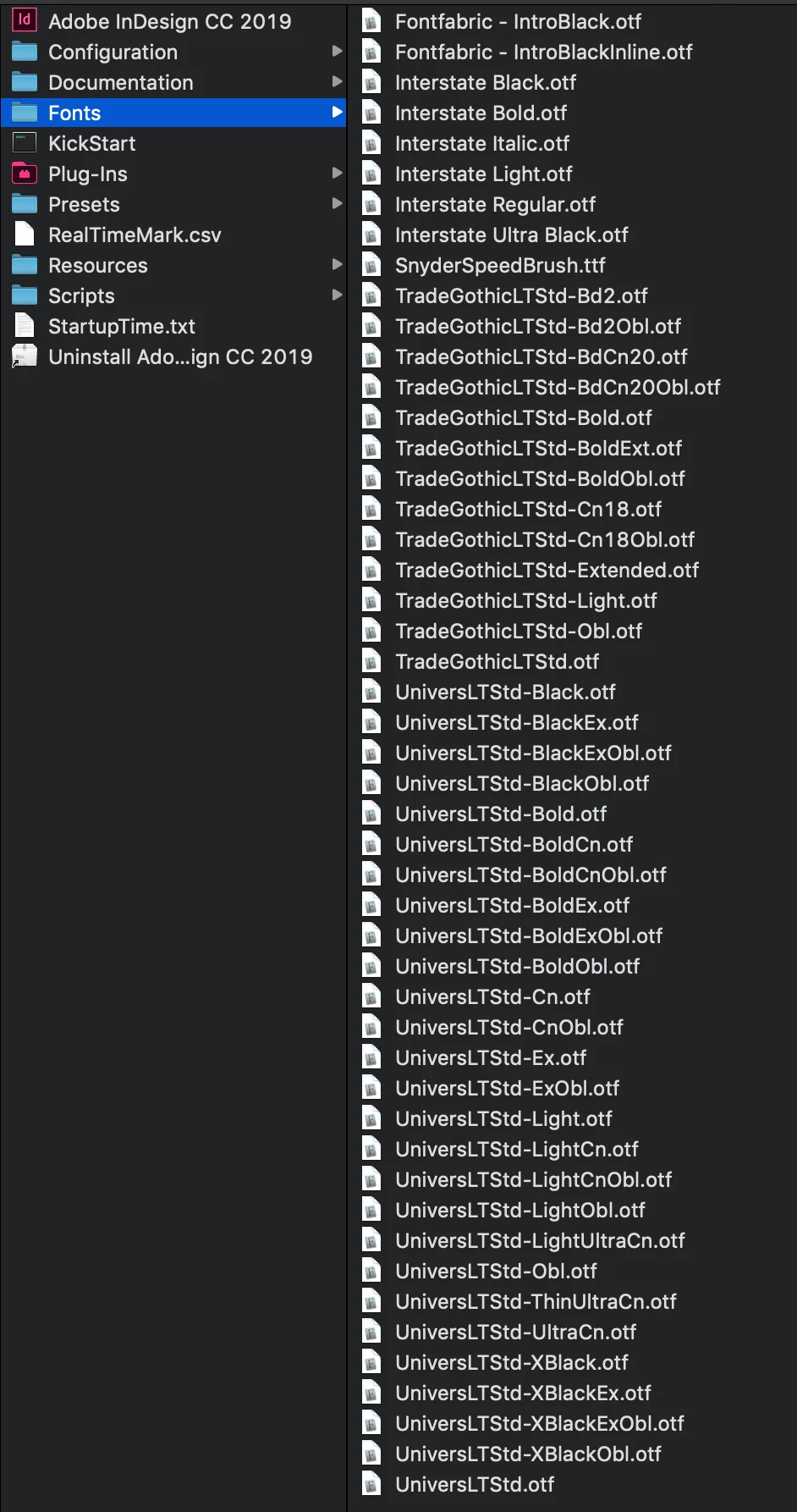
I make sure the fonts are installed in both the system AND inDesign's font folder (what is the reasoning behind this treat here?). No change.
If I knew ahead of time that working with InDesign 2019 was going to be such a headache, I never would have downloaded the buggy software. InDesign is the program where designers need the best control over type. I literally NEVER have this issue in Illustrator or Photoshop. Are you rushing to put software out?

 AdChoices