
InDesign Error Message on start (files required for colour management are missing)
Hello,
I am desperately trying to get my InDesign to start without throwing an error message at me.
The message that I am getting is:
"Some files required for colour management are missing. Please re-install the application to ensure proper functioning"
I have tried uninstalling and installing (InDesign and the whole Creative Cloud) again, I used the CC Cleaner Tool several times, I manually added some .csf files to this path "C:\Users\user\AppData\Roaming\Adobe\Color\Settings", but nothing seems to help. I have also downgraded the version and upgraded again, I enabled synced color management through Adobe Bridge, but I can not get Illustrator to work properly.
These are the posts I got the inspiration for my "solutions" for. However, none of them helped.
https://community.adobe.com/t5/indesign-discussions/colour-managment-files/m-p/11886175
Going into the color management it looks like this:
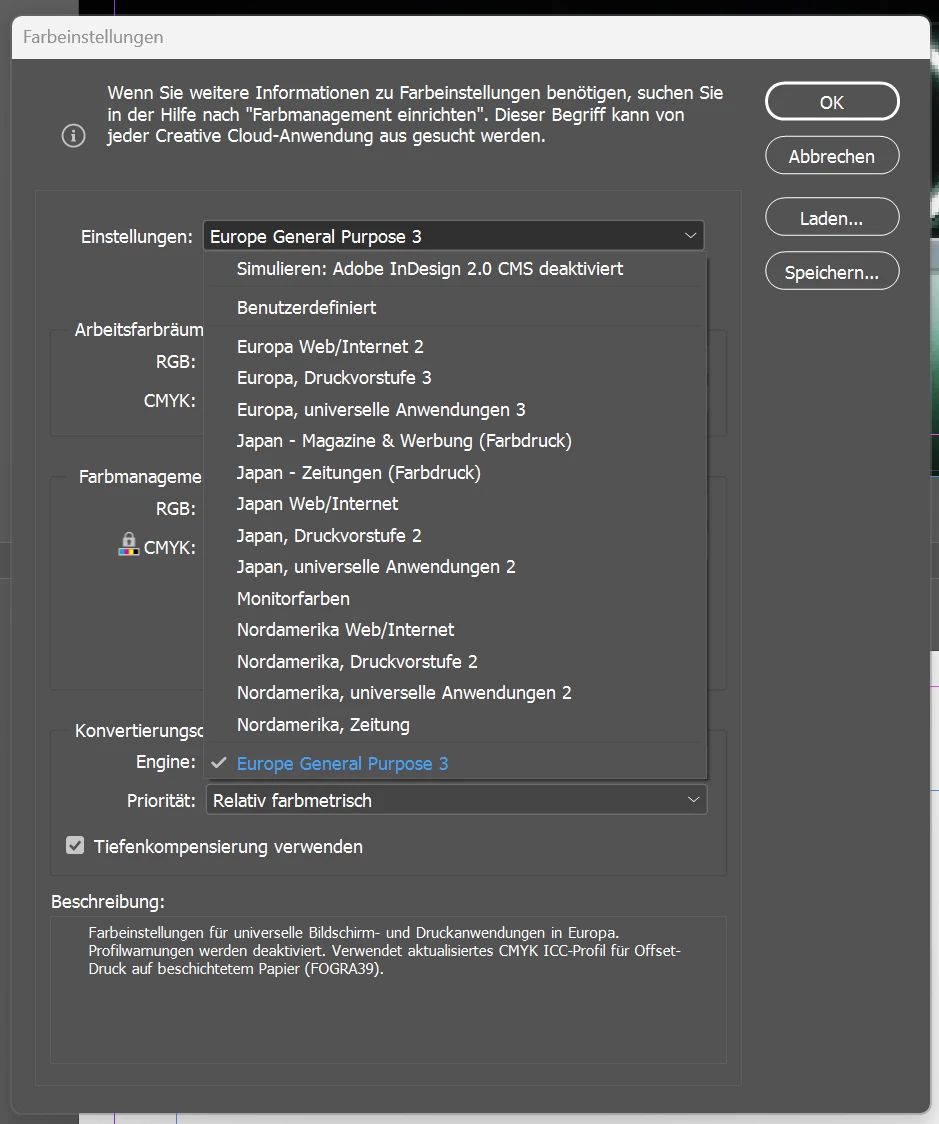
Currently I have InDesign 18 installed and it's running on Windows 11.
I do not know what to do anymore and I would really appreciate some help. Thank you in advance.
 AdChoices