



InDesign Newsletter - May 2023

Hi everyone,
We wish all of you a very happy Mother's Day!
When you think about the different parts of an InDesign file, the big things that probably pop into your head are text, fonts, images, and videos. But let's be real, working with all of that stuff can be a real pain sometimes. It takes a lot of know-how to get text styles, images, and videos just right, and it can take forever to get everything looking the way you want it to.
But fear not, because, Firefly! Firefly is Adobe's family of creative generative AI models, starting with image generation and text effects. It'll save you so much time and make your life a whole lot easier. In this edition, we'll show you some videos that give you a sneak peek of what Firefly can do. And if you haven't given it a try yet, procrastinate no longer! Try out the Firefly Beta version and see for yourself!
Also, we have a recap of the Behance live stream by Tony Harmer showcasing "How to make a Grunge Poster in InDesign."
To stay tuned to similar updates, please follow our Adobe InDesign Newsletter Home page to receive notifications for our newsletter on a monthly basis.
Adobe MAX 2023 Schedule
Announcement for the most awaited event of the year "Adobe MAX 2023" is live now, & the best part is that you can attend the MAX event in-person or virtually. For more info, and registration process for Adobe MAX 2023 click here .
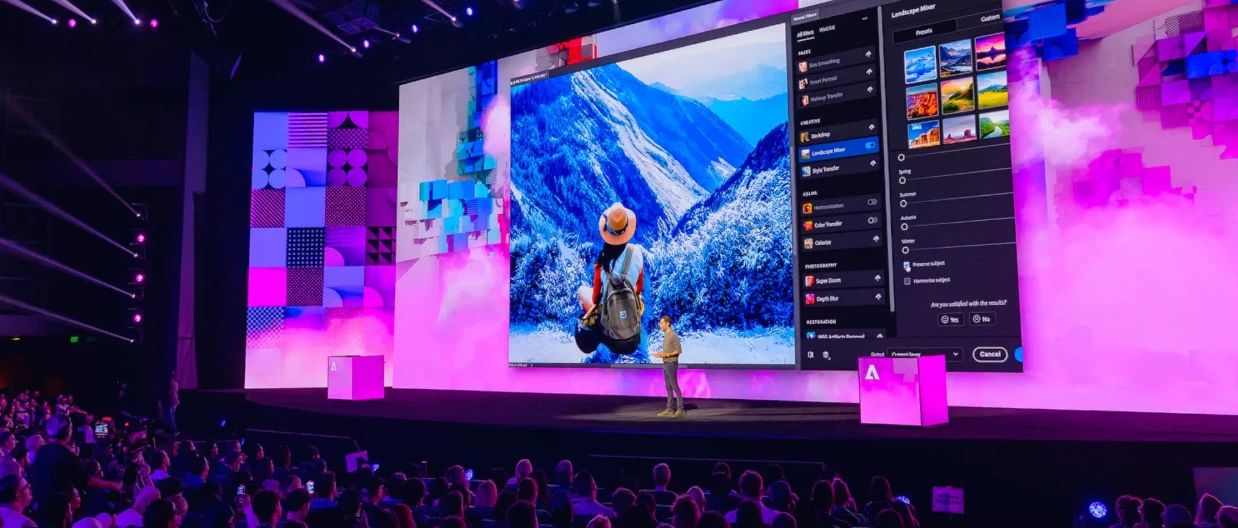
Meet Adobe Firefly
Adobe Firefly: Future Explorations
Future Vision: Adobe Firefly for @AdobeVideo
Behance stream flashback
Tips & Tricks-
- Create, Style, and Manage Hyperlinks
- Add and Style page numbers
- How to add and manage pages and spreads
- How to Find & Replace Fonts
- How to Find & Replace Text & Glyphs
- Search using GREP expressions
- How to work with Frames and Objects in InDesign and a bonus tip to fit an object to its frame
If you want us to create video on a specific topic then please add a comment & we will try to create it for you.
To launch InDesign, please click here .
If you haven't bought your InDesign subscription yet, please click here to get your subscription.
Helpful links
User guide | FAQ | Common troubleshooting steps | System requirements | Tutorials Hub
To receive notifications for our newsletters for other Apps, please follow these pages:-
Photoshop | Lightroom | Lightroom Classic | Illustrator | After Effects | Premiere Pro
Follow InDesign on Instagram | Facebook | YouTube | Twitter
 AdChoices