Participating Frequently
October 1, 2025
Answered

InDesign Share for Review links not working

  • October 1, 2025
  • 94 replies
  • 15658 views

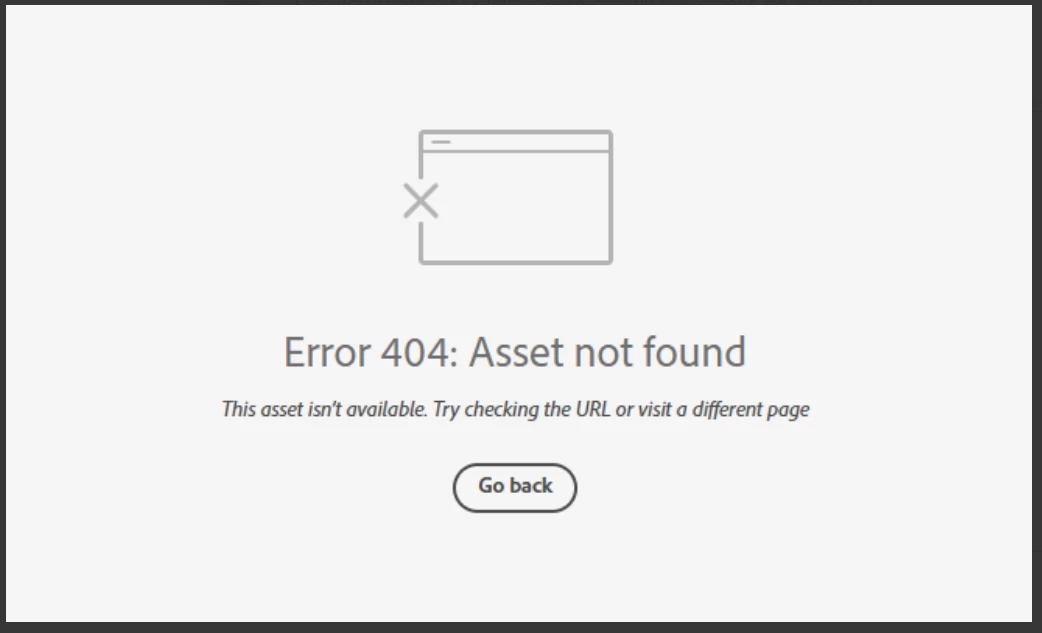
Anyone else having issue with InDesign review links not working today? I have sent out a few and reviewers are getting this message. Other programs seem to be working fine.

 

Correct answer Anubhav M

There is another thread about this specific issue:

https://community.adobe.com/t5/indesign-discussions/text-can-no-longer-be-highlighted-in-share-for-review/m-p/15532194#M637472


Hello everyone,

Thanks for your patience. The problem related to Share for Review links not working as well as the missing options for commenting have both been resolved. Kindly try re-opening your links and let us know if it helps.

Anubhav

94 replies

Participant
October 3, 2025

Anyone still having this issue today? My links are still not working today.. stopped working yesterday. Help!

Anubhav M
Community Manager
Community Manager
October 3, 2025

Hello @Louise32609256ivwm,

Could you try clearing your browser cache and then reloading the link to see if it helps?

Note: Clearing your browser cache may remove saved settings and require re-login on some sites.


Looking forward to hearing from you.

Anubhav

Participating Frequently
October 3, 2025

@Anubhav M the major issue today is the link tool bar not working in the share review, please see the thread above.

Participant
October 3, 2025

Still doesn't work!!!!

Log out and log in doesn't help!

Participant
October 3, 2025

This still hasn't been fixed.

Participant
October 2, 2025

We are still having issures. Tools in the review link are not showing up or mapping.


Participant
November 5, 2025

My share link is heading to a 404 page again!

Anubhav M
Community Manager
Community Manager
October 2, 2025

Hello everyone,

The team has resolved this issue in the back end, and the links should start working again within the next few hours.
Please don't hesitate to contact us if you have any further questions or require assistance. We'd be happy to help.


Anubhav

Inspiring
October 2, 2025

@Anubhav M , It's been three hours since you posted this reply, but I'm still getting a 404 error on all Share for Review links. How many hours should the fix take to get to everyone?

leo.r
Community Expert
Community Expert
October 2, 2025
quote

@Anubhav M , It's been three hours since you posted this reply, but I'm still getting a 404 error on all Share for Review links. How many hours should the fix take to get to everyone?


By @Sarah Bundy24253010otvx


If you still have the issue, try to clear your browser cache. Will it make a difference?

Participant
October 2, 2025

Hello,

I’m experiencing a persistent issue with Share for Review in InDesign.

Environment:

  • InDesign 20.5

  • macOS 15.7.1 (24G231)

  • Correct Adobe ID (verified – I only use one account)

Problem:

  • All my review links are visible under Adobe Home → Review links.

  • Thumbnails and metadata appear correctly. in Acrobat online

  • But when I click the links, many return the error:

    Error 404: Asset not found
  • This is for all my links - also for ones that used to work.


Troubleshooting already done:

  • Logged out/in of Creative Cloud and browser.

  • Updated to the latest InDesign (20.5).
  • Tried “Update link” in InDesign.

  • Created new review links (new ones sometimes work, but older ones remain broken).

  • Confirmed correct Adobe ID in both InDesign and web browser.

I suspect this is due to the latest update of Creative Cloud...

Kind regards.

Geir Henriksen

Anubhav M
Community Manager
Community Manager
October 2, 2025

Hello everyone,

The team has resolved this issue in the back end, and the links should start working again within the next few hours.
Please don't hesitate to contact us if you have any further questions or require assistance. We'd be happy to help.


Anubhav

Inspiring
October 2, 2025
Participant
October 2, 2025

Someone from Adobe should be getting on this. Im seeing this all over the place from varying designers I know now. Its not a good look with clients this going down so badly. 

Participating Frequently
October 2, 2025

Also having the same problem. InDesign v20.5. Mac OS 26.0.1

Participant
October 2, 2025

Same here! Mac OS 15.7, Indesign 20.5