

martin draax
Inspiring
May 18, 2022
Answered

Indesign stuck packaging

  • May 18, 2022
  • 4 replies
  • 2700 views

Hey all!

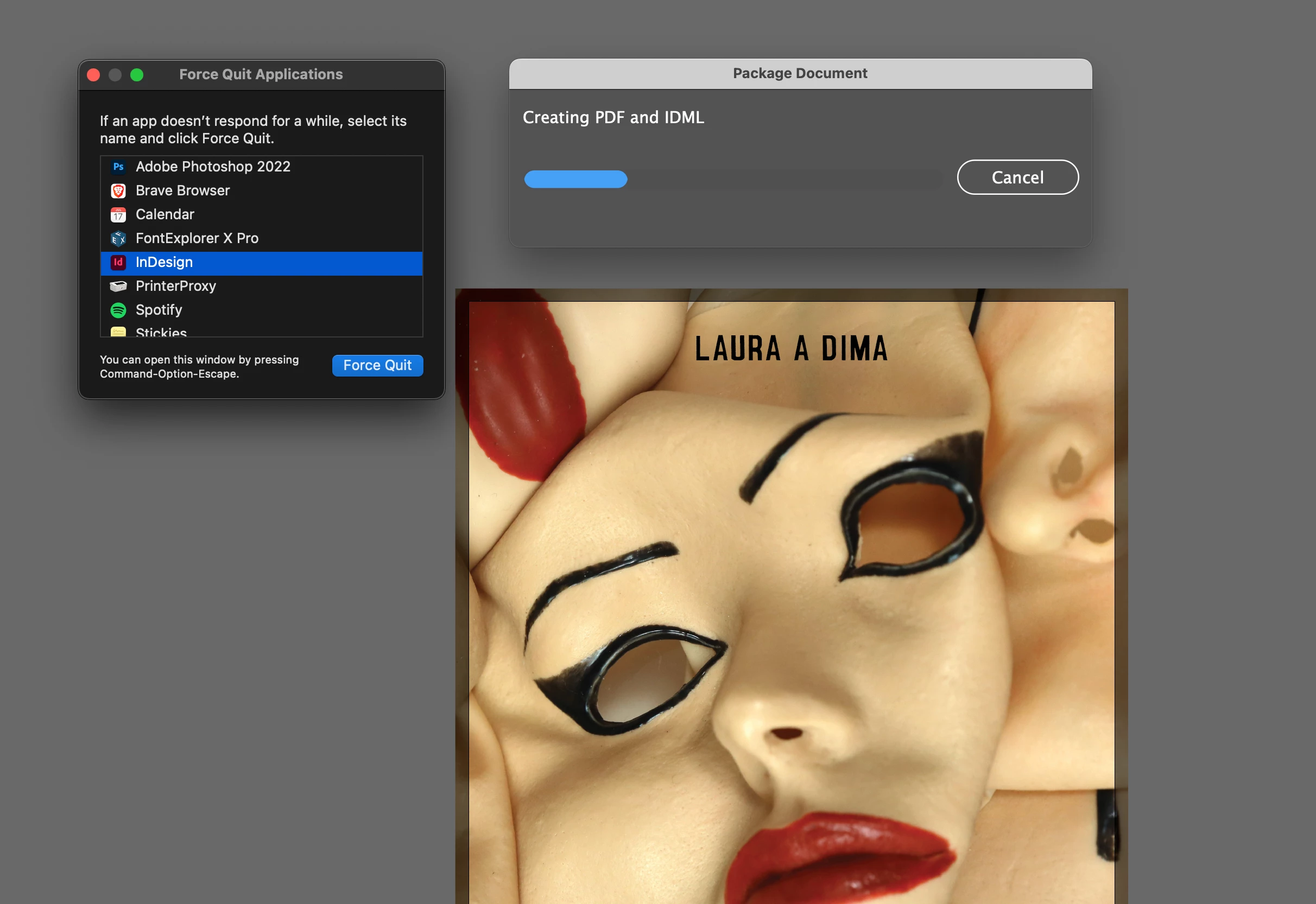
Apart from everything 'Adobe' being very slow and laggy on my new Mac Studio with 32 Gb ram, Indesign continues to get stuck on 'Creating PDF and IDML'. 


Strangely enough there is no indication that Indesign is stick: when i force quite it doesn't show Indesign as unresponsive. Does anyone had this problem too and found a solution?


thank you!
Correct answer lidm

I'm having the same issue. Mac Studio, M2 Max, 32g Ram... I installed all apps fresh from Adobe CC. InDesign is hanging on Creating PDF and IDML.


Solved. I had hanging background tasks associated with auto-activating fonts. I disabled auto-activation and restarted InDesign and packaging is working now.

4 replies

Rishabh_Tiwari
Community Manager
Community Manager
September 8, 2023

Hi @geoffreyt97874885 ,

Sorry to hear about the trouble. Would you mind confirming the version of InDesign and OS? Can you also ensure if this is happening with specific or multiple files? This information will help us understand the issue better and provide the troubleshooting steps. 


Thanks

Rishabh

Participant
September 6, 2023

Same issue on my end. Only started happening with the last few InDesign updates.

Willi Adelberger
Community Expert
Community Expert
May 18, 2022

You write you have a new computer. How did you install your applications? From the Adobe CC Desktop application or via transfer from the old computer or backup?

martin draax
Inspiring
May 20, 2022

Hey Willi!

I read your answer to my other question, and I will follow your suggestions. (Uninstal adobe, clean it up with Cleanup Program and reinstall). I think you must be right, new computer, should do a cean install.

Inspiring
September 11, 2024

I'm having the same issue. Mac Studio, M2 Max, 32g Ram... I installed all apps fresh from Adobe CC. InDesign is hanging on Creating PDF and IDML.

Geоrge
Legend
May 18, 2022

If you are wait really few hours already then https://community.adobe.com/t5/indesign/error-background-pdf/m-p/10674245 - see here my post about half-blade method. 


Remember, never say you can't do something in InDesign, it's always just a question of finding the right workaround to get the job done. © David Blatner