
Interactive pdf Checkboxes adding automatic fields in Acrobat
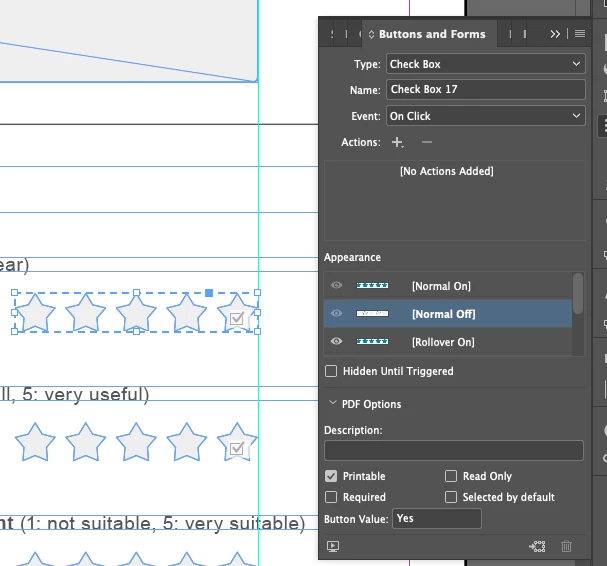
I am trying to create a survey as an interactive pdf in InDesign. I have set this up using the Button tool in InDesign, and using the Checkbox option. This automatically adds a checkmark on the active position, but I have deleted this and edited the active state instead to change the color of the object.
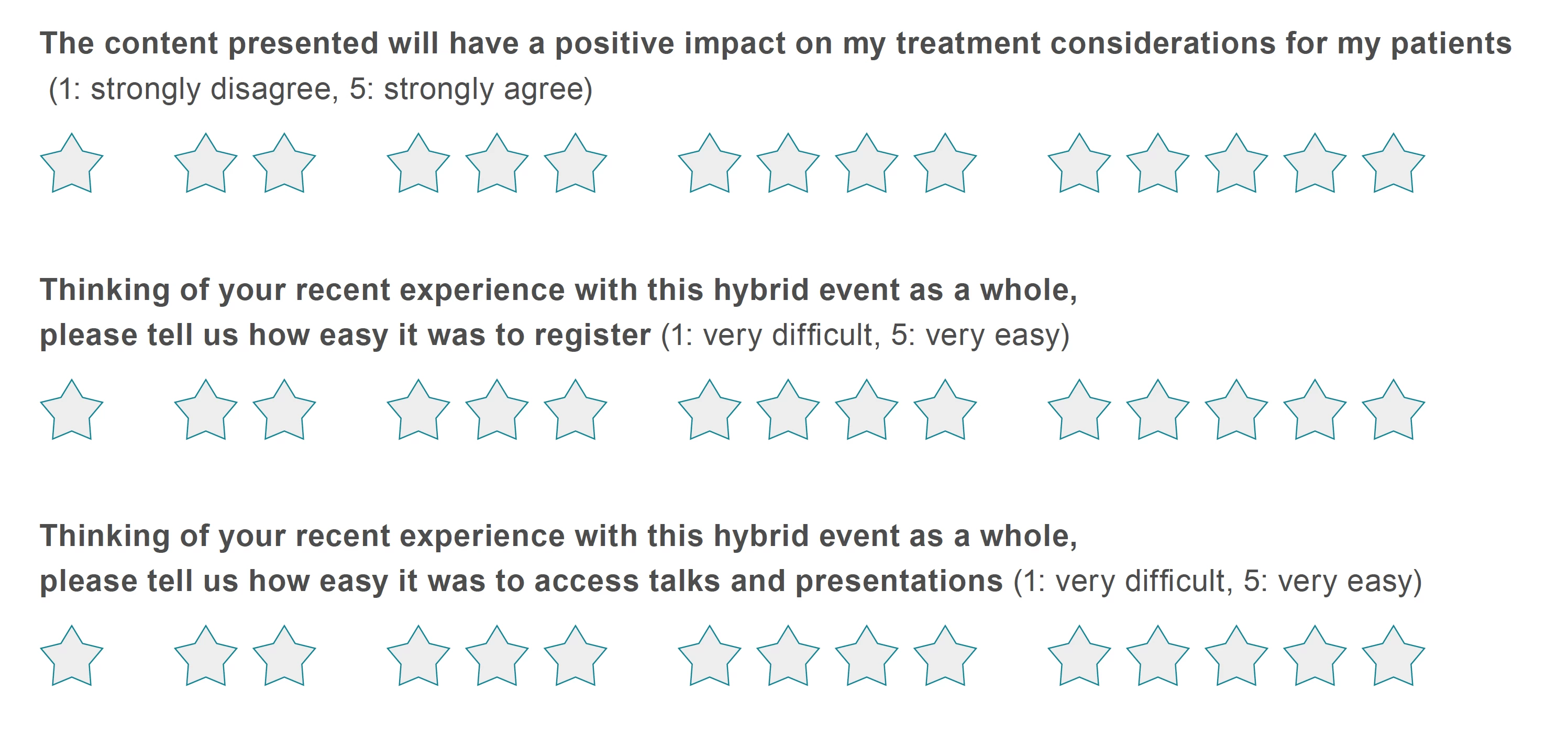
When I export this as an interactive pdf, it works exactly as planned on my computer in Acrobat.
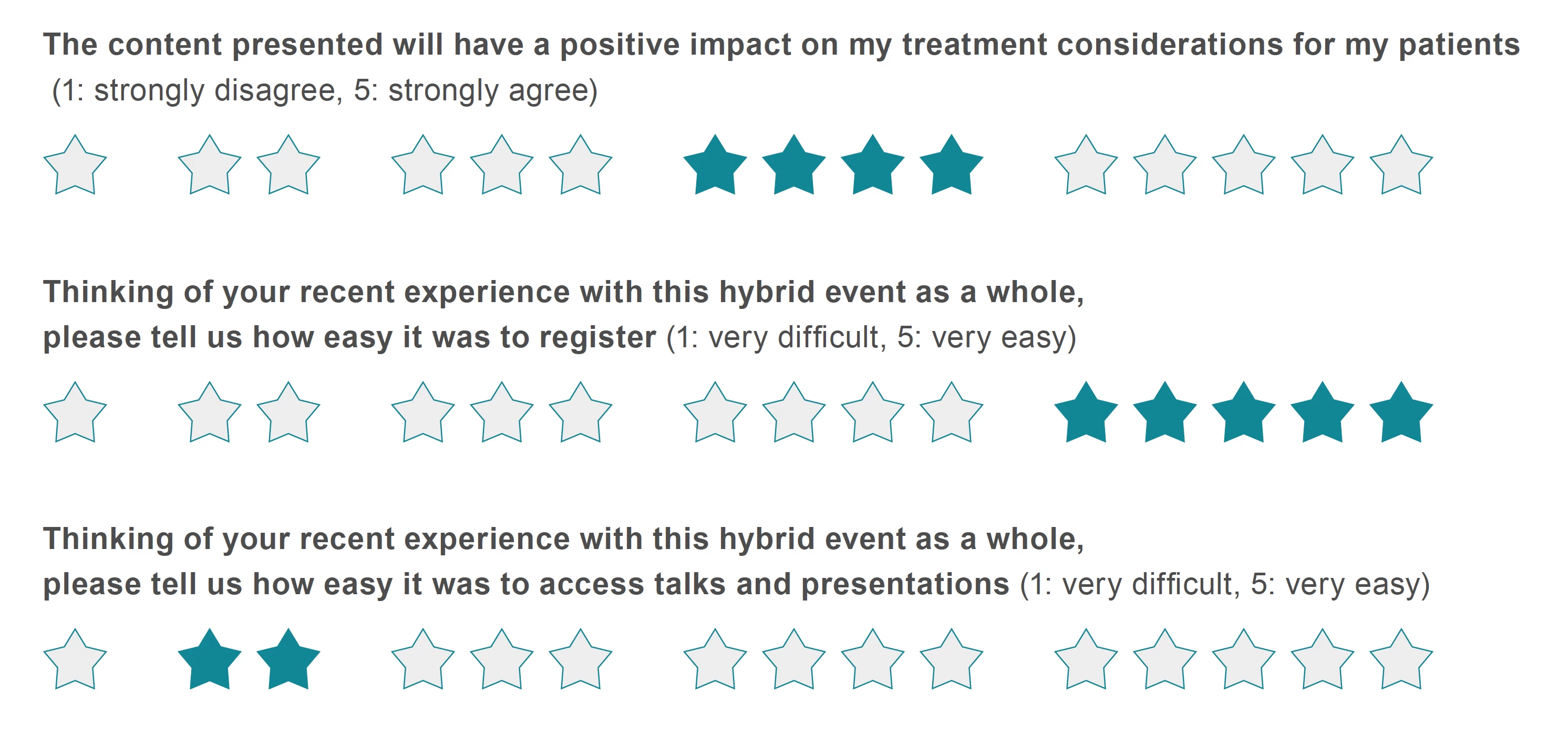
I am able to click on ('check off') the different star ratings, save it as a pdf with the star ratings applied. The design appears exactly as intended.
However, when sending this out to colleagues to test, Acrobat is automatically inserting default interactive fields on top of my design, and ignoring the different design states created in InDesign.
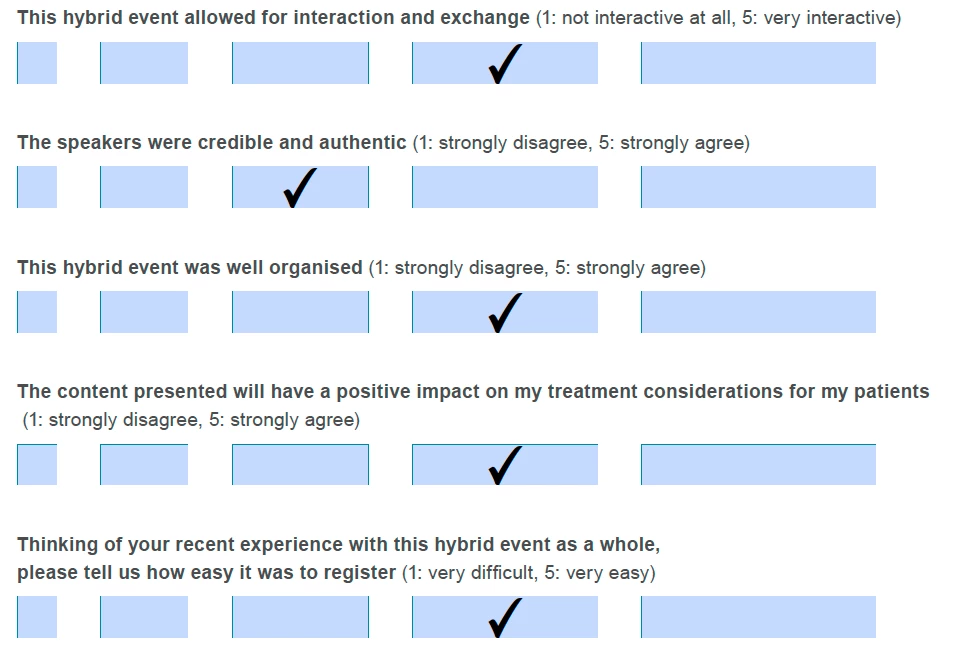
The design does not appear either before or after the buttons have been checked off. I cannot understand why the design is appearing as intended on my computer, but is appearing like this for several users, testing both in Adobe Acrobat and Adobe Reader.
I wonder if the difference has to do with local Adobe Acrobat settings in how interactive pdfs are viewed. Is there any way to solve this issue so the pdf can be downloaded by different users and be filled out?


 AdChoices