


Participant
June 7, 2025
해결됨

Paragraph syle problem. Typing letter "r" assigns paragraph style instead of showing letter "r".

  • June 7, 2025
  • 1 답변
  • 717 조회

Typing letter "r" applies a style sheet instead of actually showing letter "r". Can't type any "r" in the document. Can type uppercase "R" with shift key. But not with caps lock. I removed all innocent paragraph styles and attached a resulting InDesing file and a PDF. Thank you.

최고의 답변: jmlevy

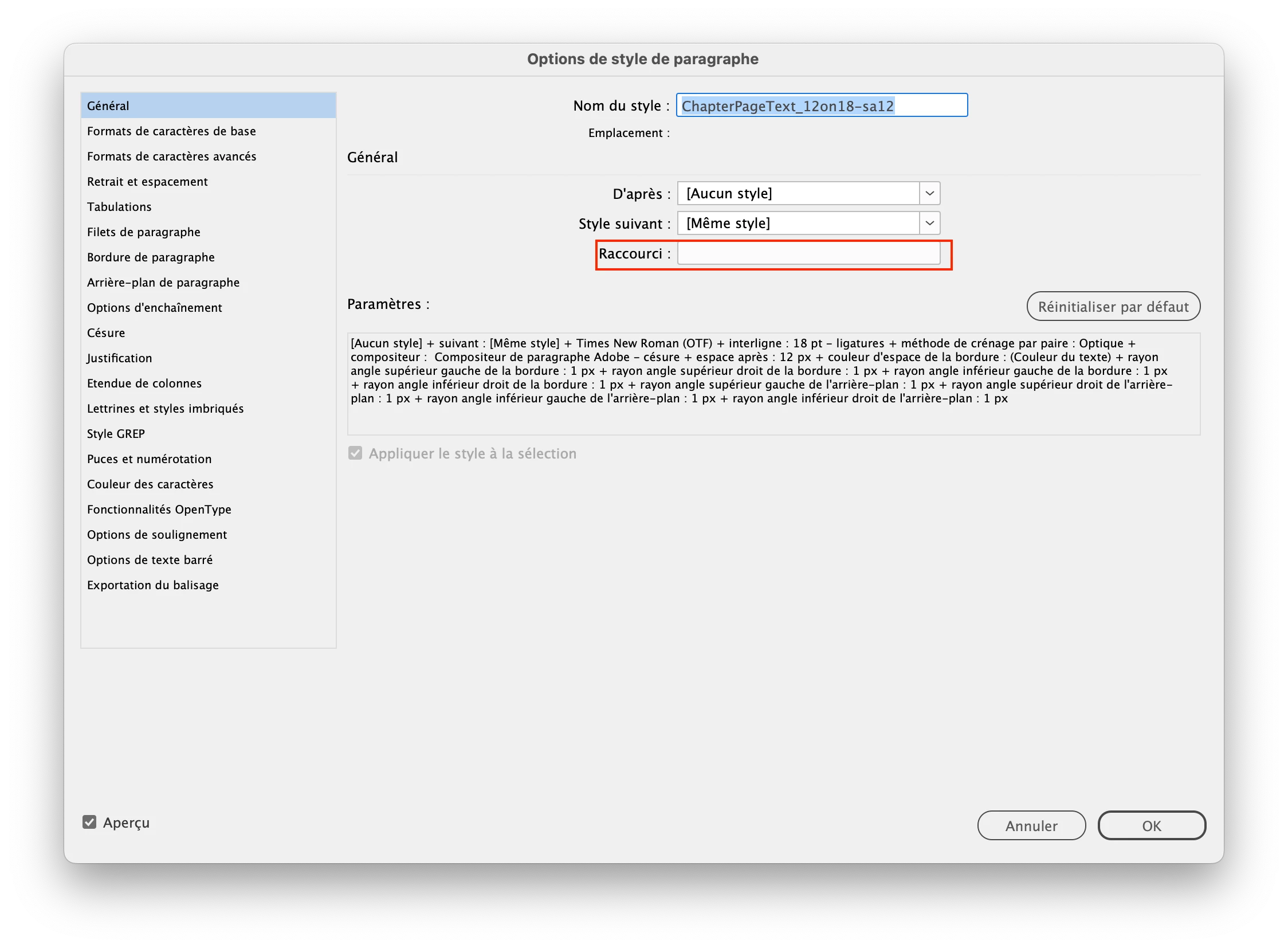
I don't know what happened but you have an invisible r in the shortcut field of the “ChapterPageText_12on18-sa12” style. You can fix the problem by assigning another shortcut (does not matter which one you choose) and the problem disappears. You can even delete the new shortcut if you want.

1 답변

jmlevy
Community Expert
jmlevyCommunity Expert답변
Community Expert
June 7, 2025

I don't know what happened but you have an invisible r in the shortcut field of the “ChapterPageText_12on18-sa12” style. You can fix the problem by assigning another shortcut (does not matter which one you choose) and the problem disappears. You can even delete the new shortcut if you want.

Dave Creamer of IDEAS
Community Expert
Community Expert
June 7, 2025

That's a great catch, @jmlevy . It doesn't even look like anything is entered in there. 


@ks1313 Generally, you can only enter a numeric keyboard number with a modifier key. The fact there was an unknown character there makes me concerned about document corruption. 

At very least, save your document as an IDML file, open the IDML file, and save back to an INDD file.


David Creamer: Community Expert (ACI and ACE 1995-2023)
ks1313작성자
Participant
June 7, 2025

I will do that to be on the safe side. Thank you for the suggestion. I'm sure I never entered anyting in that field. The problem just started to happen one day.