Answered
'Placeholder Text' in an InDesign JSX text field?
Is it possible to use 'Placeholder Text' in an InDesign JSX text field?
(which disappears when the user starts typing like in HTML forms)
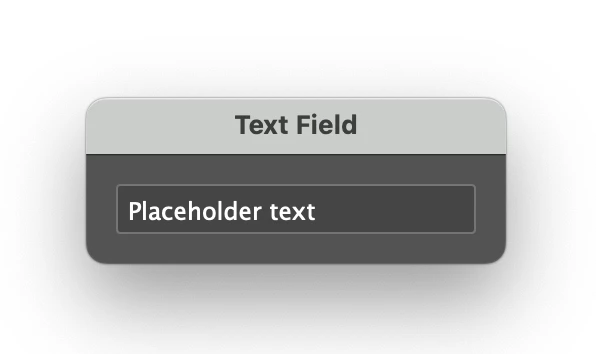
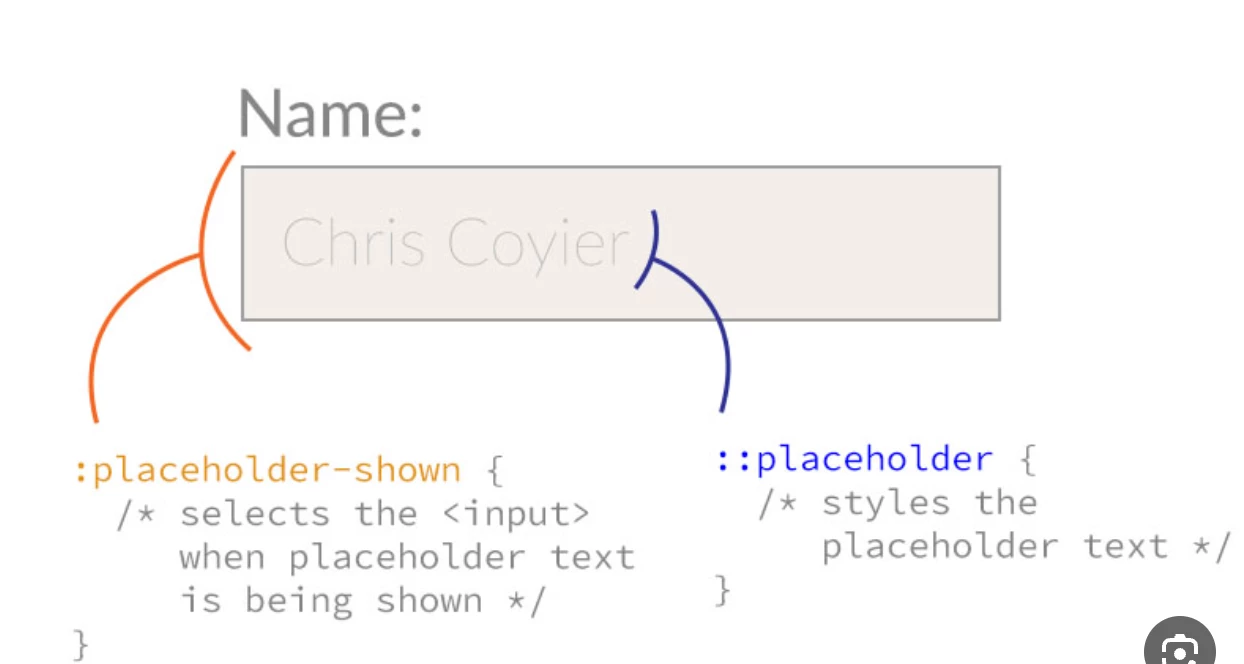

Is it possible to use 'Placeholder Text' in an InDesign JSX text field?
(which disappears when the user starts typing like in HTML forms)
I'm afraid there's no longer any working solution in ScriptUI for InDesign CC (and especially CC 2024), since ScriptUIGraphics.foregroundColor has been "disconnected" from all text-type widgets 😞
The original discussion you're probably referring to is here:
→ https://community.adobe.com/t5/indesign-discussions/js-scriptui-placeholder-madness/m-p/3964012
(I don't remember pursuing it in an indiscripts post…)
Best,
Marc
Already have an account? Login
Enter your E-mail address. We'll send you an e-mail with instructions to reset your password.
 AdChoices