
Inspiring
July 1, 2022
Resuelto

preloading images? published online doc loading slow

  • July 1, 2022
  • 4 respuestas
  • 906 visualizaciones

Hi yall -


I have a doc that i need to maintain the quality of the images for professional reasons-

https://indd.adobe.com/view/fab57978-89a9-4e0b-9884-88490abcde4f

I compressed the jpgs and animated gifs as best as i can without sacrificing quality but theyre still pretty large in some cases--

whoever is looking likely has good speeds so not major but is there anyway to preload the images so no one gets the spinning wheel?
Este tema ha sido cerrado para respuestas.
Mejor respuesta de rob day

so no one gets the spinning wheel


Hi @REELHERO , I think the images are effectively preloading—there has to be some kind of animation with any preload otherwise you would be looking at a blank screen or individual image place holders.


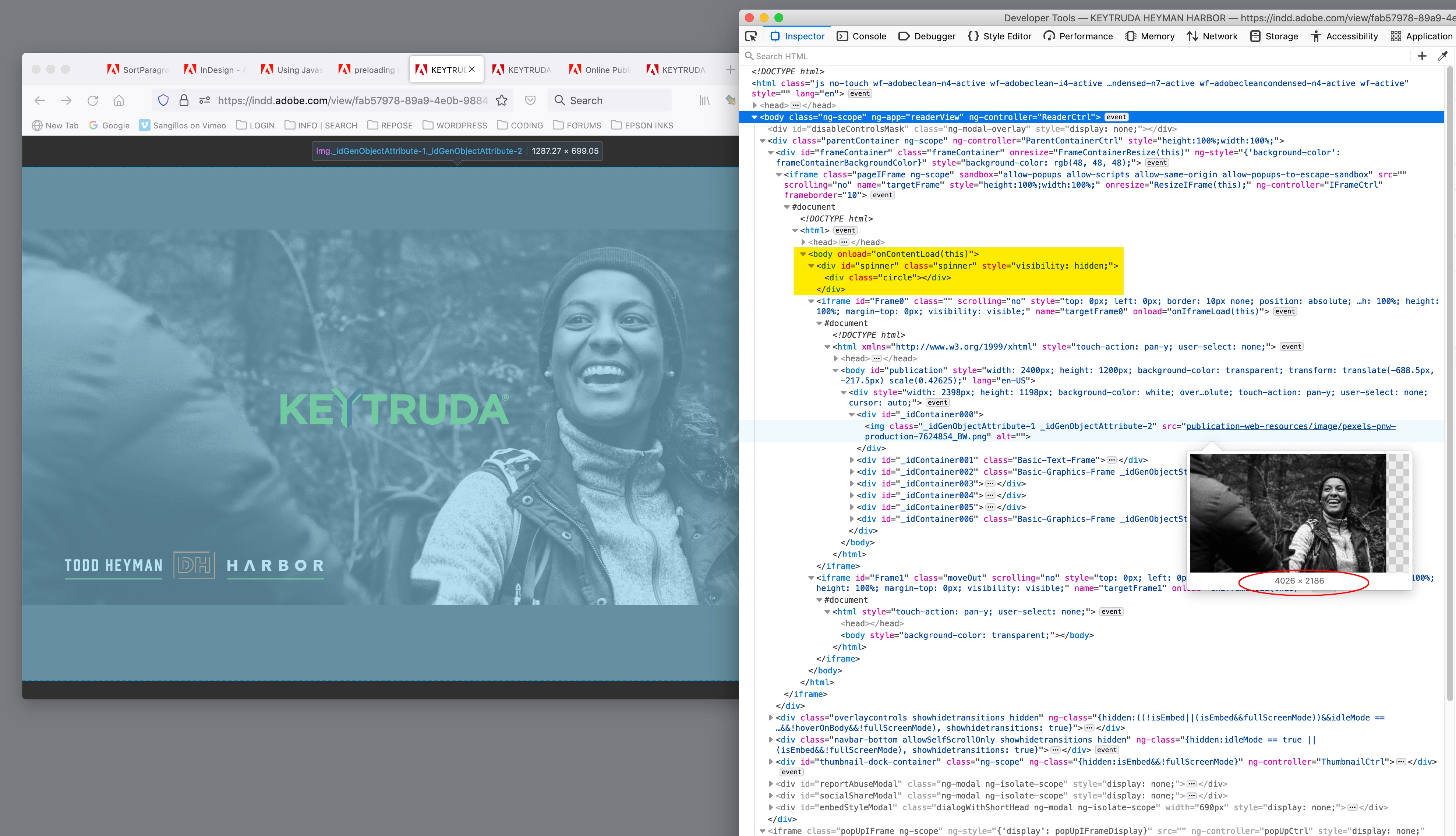
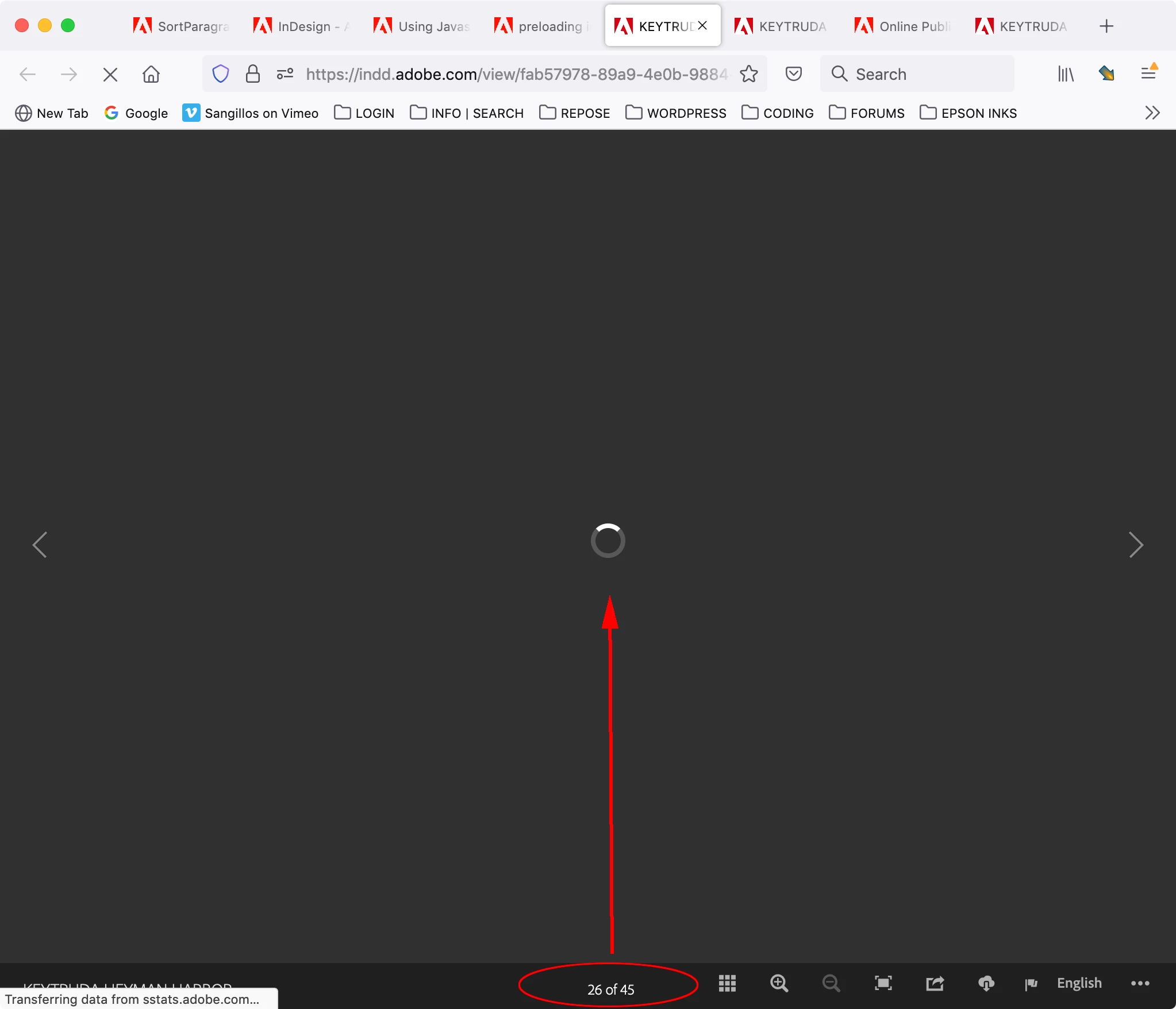
If I check the source code, there’s an onLoad function for the body tag with a spinner animation above the frame DIVs, which runs until the frame assets are available. I have an average cable internet connection and the page loads with no spinner until I get to frame 25.


4 respuestas

Community Expert
July 5, 2022

Hi @REELHERO ,

I wonder if progressive image display could make a difference.

With e.g. PhotoShop one could save JPEG files with option progressive

( File > Export > Save for Web (legacy) )


But InDesign will not pass through a placed progressive JPEG image to Publish Online as a progressive one.

Just tested this with the Progressive JPEG Tester here:

https://www.thewebmaster.com/develop/articles/how-progressive-jpegs-can-speed-up-your-website/


Hm.


Regards,
Uwe Laubender
( Adobe Community Professional )

rob day
Community Expert
Community Expert
July 5, 2022

Hi Uwe, I think when you export to Publish Online all of the document links get re-created at the specified resolution—the chosen Resolution multiplied by the image container dimensions in inches. So here my page is 11"x7" with a full bleed jpeg placed with an Effective PPI of 900. On export a new JPEG is created at 1584 x1008 (11x144=1584). To manipulate the exported pixel dimensions, you could adjust the page dimensions—I could get  2376 x 1512 pixels by working at 16.5 x 10.5


The pages are pretty complex with lots of layered iFrames and DIVs—Firefox Web Tools Inspector:


https://indd.adobe.com/view/cff4e8c0-be49-45db-8069-f6fc466d9ce9


Community Expert
July 6, 2022

Hi Rob,

thank you for this sample.

My point is that InDesign's Publish Online feature is not able to create progressive JPEG files.

I'm not sure, but this could be a feature to decrease visible loading times. It would increase the overall loading time a bit, but the visible loading times could benefit from this.


For my testing I saved a page of Publish Online with Firefox to my machine and tested for the progressive feature of the used JPEG files. With my own progressive files I had an OK with the Progressive JPEG Tester, not with the ones saved from Publish Online.


Regards,
Uwe Laubender
( Adobe Community Professional )

rob day
Community Expert
rob dayCommunity ExpertRespuesta
Community Expert
July 4, 2022

so no one gets the spinning wheel


Hi @REELHERO , I think the images are effectively preloading—there has to be some kind of animation with any preload otherwise you would be looking at a blank screen or individual image place holders.


If I check the source code, there’s an onLoad function for the body tag with a spinner animation above the frame DIVs, which runs until the frame assets are available. I have an average cable internet connection and the page loads with no spinner until I get to frame 25.


Diane Burns
Inspiring
July 4, 2022

To add to Rob's reply, I am on cable internet currently running 365mbps down/40 mbps up and I didn't get a spinning wheel until page 40, a very brief one at that. Mac/Safari. Lovely piece, btw.

Inspiring
July 5, 2022

Diane thank you ! I have 1G but i do have intermittent issues that could be causing my spinning--


and thank you for the kind words - if you read the pitch then you know how personal it is - send some positive vibes-- ! i really want this one 🙂

Inspiring
July 4, 2022

Hi Rishabh-

Ive optimized them as best I can though-

I saw that thread before its all just suggestions for optimization of the images


Id like to know if they can be preloaded so that by the time the user gets to that page its already loaded..


Is that possible?


{Personal Information Removed By MOD}

Rishabh_Tiwari
Community Manager
Community Manager
July 4, 2022

Hi @REELHERO ,


We're so sorry for the delay in response. I tested this on my end and it's only happening with some pages. It may be a file-specific issue however I looked for similar discussions in this community and here is a discussion https://community.adobe.com/t5/indesign-discussions/online-publishing-very-slow-loading-online/td-p/11174290 which you can refer to and try the suggestions. I am leaving this discussion open for experts' suggestions.


Regards

Rishabh